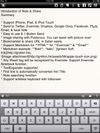
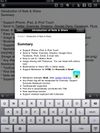
Write markdown documents with quickly accessible code snippets, mathematical equations and images and store them in the cloud to be accessed anywhere.
Cost / License
- Free
- Proprietary
Platforms
- Online
- Software as a Service (SaaS)
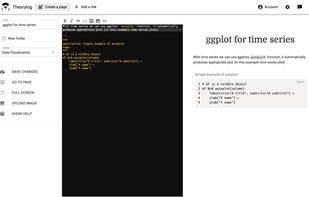

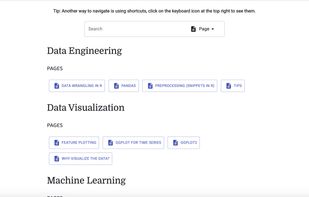


Markie has been discontinued. Similar apps include Typora. It's paid, but ghostwriter and MarkText are free. Other options are StackEdit, Hemingway Editor, Tenno and ReText. You're spoiled for choice with Text Editors like Markie: we list more than 50 alternatives for Mac, Windows, Linux, the web and iPad.
Write markdown documents with quickly accessible code snippets, mathematical equations and images and store them in the cloud to be accessed anywhere.

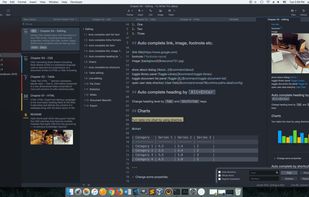


Monod was a secure and offline-first, React-based Markdown editor. Development has STOPPED and the app has been taken down.
 France
 EU
EU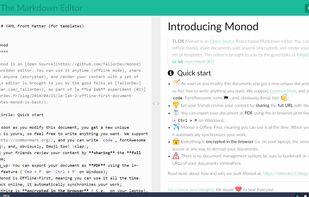


Epsilon Notes is a text editor for writing texts with Markdown-compatible CommonMark tags. Epsilon Notes can generate pdf and HTML code from your documents. CommonMark is an easy text formatting tool taking only a few minutes to learn, Runs on Android and Windows.


A clean & intuitive design focused on things that matter most - your notes! Write offers a well designed writing experience with beautiful inline markdown rendering and some gorgeous fonts. Add Folders from Anywhere.


Writage is a new add-in for Word, which enables to edit Markdown documents. Zero knowledge of Markdown is required in order to write structured documents. No need to remember markup for hyperlink or footnote, or how to format a table.

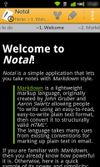
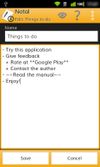
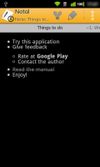
Notal is a simple application that lets you take notes with Markdown style! With Notal, you can type your notes with plain Markdown text and enjoy reading with a clean, simple style. If you aren't familiar with Markdown, we encourage you take a look at this new trend on writi.


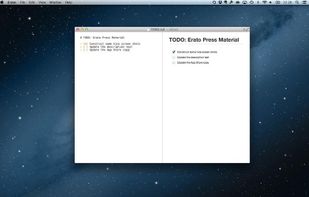
Erato is a beautiful and simple Markdown editor for your Mac. It is fast, extremely easy to use and gets out of your way.
 SwedenEU
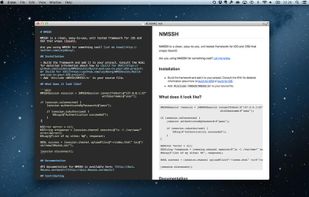


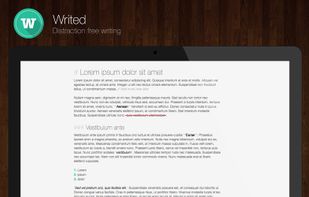
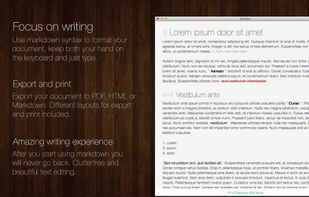
Writed is a distraction free text editor that will help you type more in less time. Writed uses markdown* syntax to format your document in real time, keep both your hand on the keyboard and just type.



MarkdownNote makes it really easy to create notes using John Gruber’s popular Markdown markup language in your iPad. Using live preview feature, you can preview your Markdown markup syntax to HTML on writing.
 United States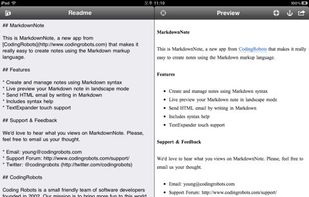
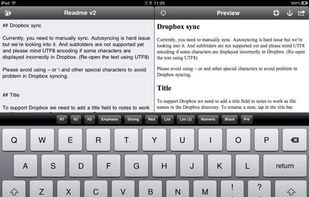
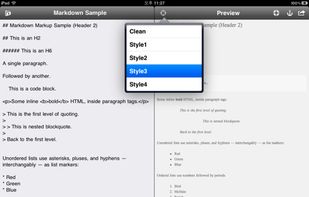


Save note and share them on Twitter, Evernote, Facebook, Dropbox, Google Docs, SMS, Email, Plurk and Clipboard with single tap!