

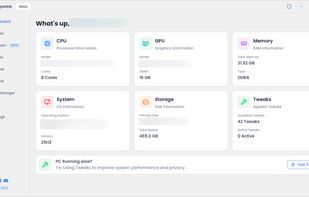
Open-Source tool to optimize Windows and boost gaming performance and enhance privacy.
Cost / License
- Free
- Open Source (GPL-3.0)
Application typeApplication types
Platforms
- Windows
 United States




+6



Apps similar to MacClean include BleachBit, which is free and open source. Other options are CCleaner, Glary Utilities, Sysinternals Suite and SD Maid SE. You're spoiled for choice with System Cleaners like MacClean: we list more than 100 alternatives for Windows, Mac, Linux, Android and iPad.
Open-Source tool to optimize Windows and boost gaming performance and enhance privacy.
United States
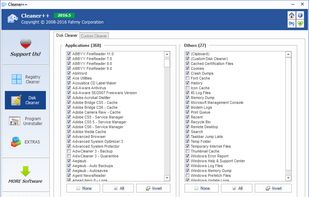
Cleaner++ is a handy and reliable application designed to perform a quick cleanup Unused registry entries, Junk Files, as well as to uninstall programs from the computer.
 Indonesia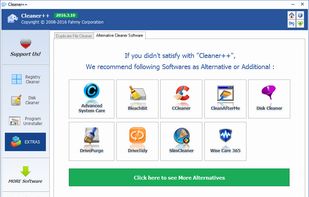


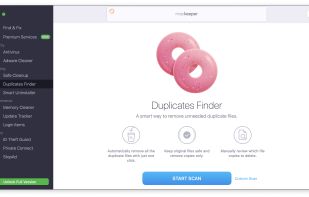
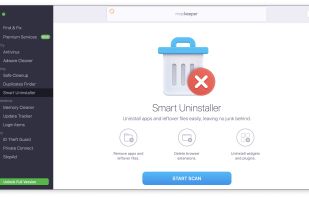
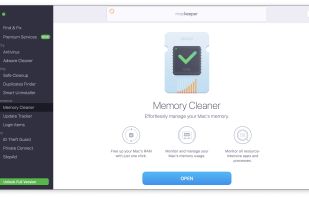
Mac utility featuring antivirus protection with 99.7% detection accuracy, adware removal, ID theft monitoring, duplicates finder, and smart uninstall tools. Enhances performance by managing startup items, freeing RAM, updating apps, and optimizing disk space. Offers real-time threat detection and tech support.
 United Arab Emirates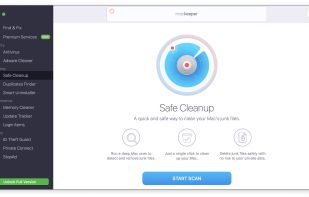


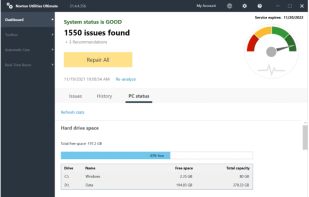
Norton Utilities is a software that improves PC performance and boot time by fixing common issues, freeing disk storage, and providing registry repair solutions. It works as a cleaner and optimizer for a smooth computer usage experience.
United States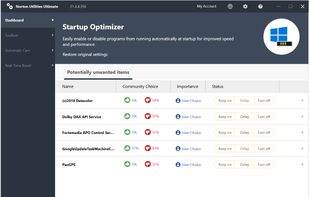


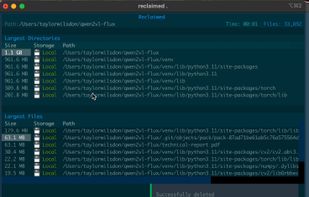
Reclaimed is a cross-platform, ultra-lightweight, and surprisingly powerful command-line tool for analyzing disk usage — with special handling for iCloud storage on macOS.
United States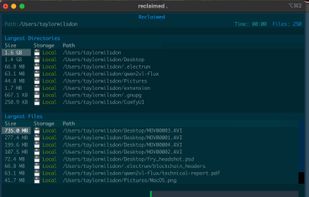



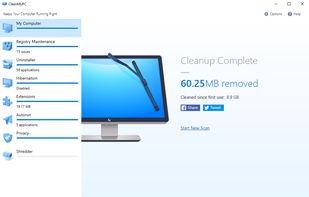
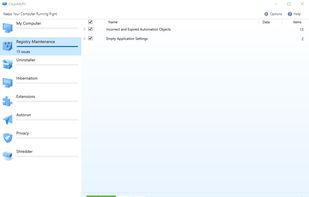
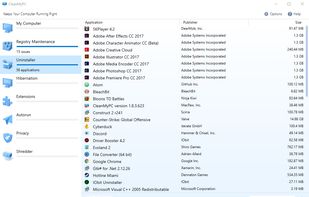
CleanMyPC is a dozen tools in one for a cleaner and safer PC. It scans your whole system to clean up junk files and speed up your computer. Uninstall apps the right way, remove annoying apps sitting in your Autorun, protect online privacy, and more.
 Ukraine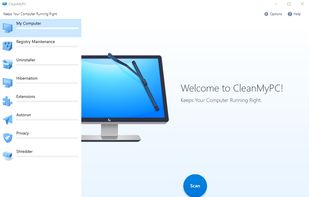


A native macOS disk cleaner that finds the clutter other cleaners miss — duplicates, developer caches, leftover app data, and large forgotten files.
United States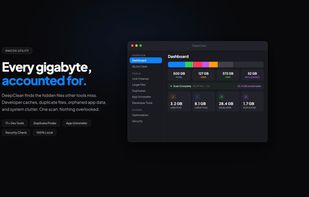


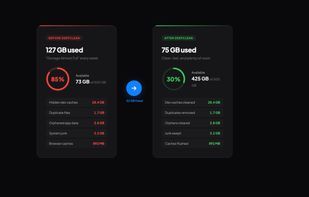


Provides malware and virus detection, deep Mac system cleanup, startup management, duplicate file removal, frees up disk space, optimizes SSDs, and safeguards Macs from spyware, adware, and other threats while improving overall performance.
 China
China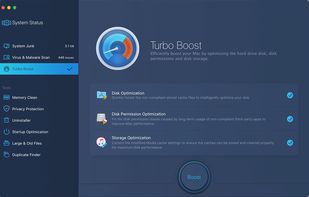
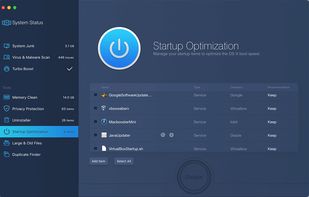
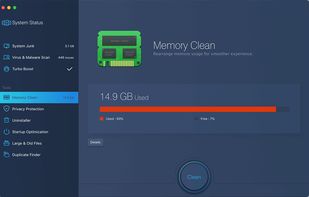


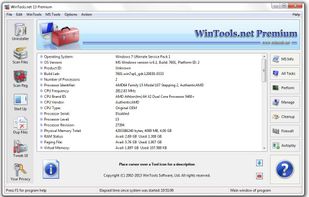
Is a suite of tools for increasing MS Windows operating system performance. WinTools.net cleanly removes unwanted software from disk drives and dead references from the Windows registry. WinTools.net puts you in control of the Windows start up process, memory monitoring and...


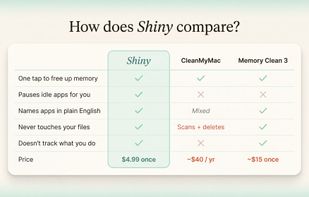
Shiny is a menu-bar app designed to make your Mac feel like the day you bought it. It does this by freeing up memory and calming the background apps that have been chewing through your RAM. A quiet indicator in the menu bar tells you when your Mac wants some relief with one...





SD Maid helps maintain a clean device by offering a variety of tools for managing apps and files. It can remove leftover files from uninstalled apps, manage installed apps, search for files, provide a detailed overview of storage, optimize databases, and remove expendable files.
 Germany
 EU
EU





Next generation tuneup and cleanup for your PC.
 CzechiaEU