

Lutris is not available for Windows but there are plenty of alternatives that run on Windows with similar functionality. The best Windows alternative is Steam, which is free. If that doesn't suit you, our users have ranked more than 50 alternatives to Lutris and many of them are available for Windows so hopefully you can find a suitable replacement. Other interesting Windows alternatives to Lutris are Playnite, Heroic Games Launcher, GOG GALAXY and Retrom.

Ludo is an Emulator Frontend able to run retro video games. Ludo does not emulate the consoles itself, but does it through emulator plugins called libretro cores. Libretro cores are well known emulators (like Snes9x or Genesis Plus GX or PCSX) stripped from their user interface.
 France
 EU



Pegasus is a graphical frontend for browsing your game library (especially retro games) and launching them from one place. It's focusing on customizability, cross platform support (including embedded devices) and high performance.
 HungaryEU
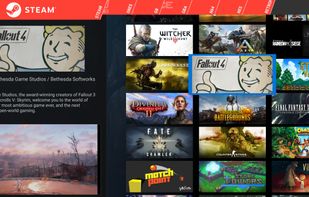
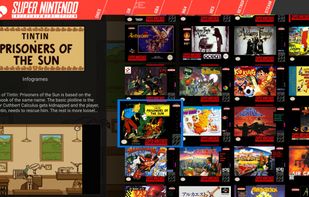
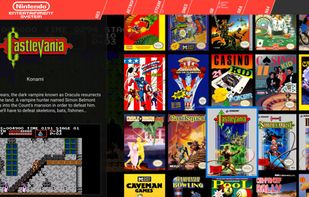


Gavilya is a user-friendly game launcher built using C# .NET 6 and WPF, designed to streamline the gaming experience by consolidating games from various sources into a single, accessible platform. With its intuitive interface and diverse set of features, Gavilya offers gamers a...
FranceEU



The Xbox App brings together your friends, games, and accomplishments across Xbox One and Windows 10 devices (iOS & Android included). Stay connected to the Xbox Live community, see what your friends are playing, share game clips and screenshots, and view achievements across...
 United States




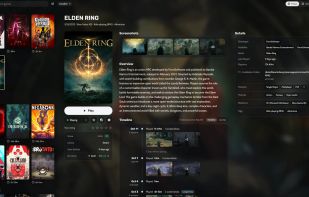
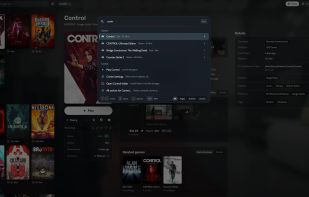
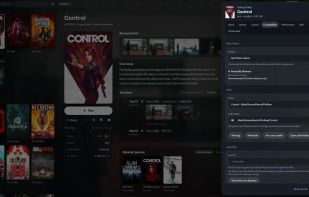
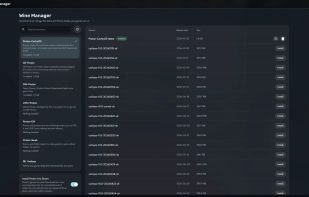
Heronite brings your games from Steam, Epic Games, GOG, Amazon Games, Battle.net, EA app, Ubisoft Connect, and Rockstar Games, plus emulated, native Linux, and Windows games, into one Collection. It launches them natively, through Wine/Proton on Linux, or through an emulator...
 Brazil


NinoGames is a free, open-source PC game downloader built with Electron. It lets you search, download, and manage free PC games from multiple sources — all from a clean desktop app.
United States


A front-end or user interface (UI) is the presentation and interaction layer of an app or website. Most modern emulator apps have basic game list UIs that you can interact with using a mouse/keyboard but not a game controller.
United States


Gamepile is a desktop app built with Electron and Vue 3 that helps you organize, launch, and back up your entire game collection. With rich metadata support, direct launching, and flexible backup tools, it’s your all-in-one hub for managing your games collection.
United States


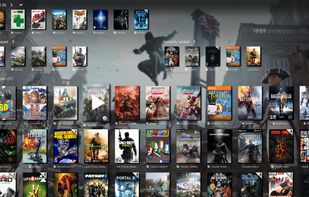
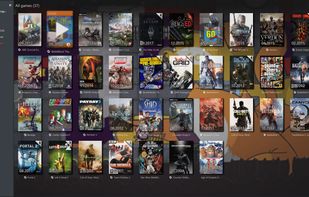
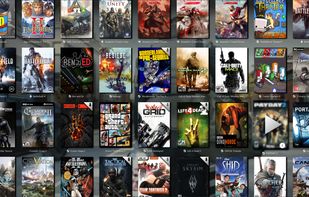
A slick Windows game manager, which automatically scans and scraps games from Steam (installed or not), Origin, Battle.net, GoG.com and UPlay. It also monitors your play time and allows some automatization like power management and custom commands.


Arc brings your favorite games, communities, media and entertainment together onto one easy-to-use platform.


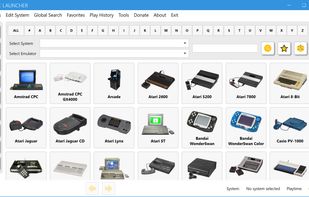
Simple Launcher is a powerful and flexible open-source frontend for emulators.
Brazil