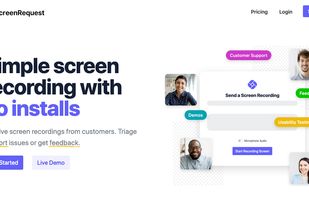
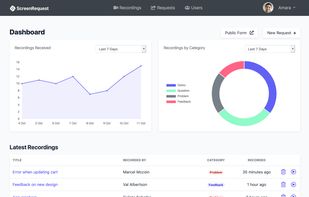
ScreenRequest is a simple screen recording tool that allows your customer to easily send you a screen recording. Triage support issues or get feedback.
Cost / License
- Paid
- Proprietary
Application type
Platforms
- Software as a Service (SaaS)



Apps similar to Loom include OBS Studio, which is free and open source. Other options are ShareX, OpenScreen, Recordly and GPU Screen Recorder. You're spoiled for choice with Screen Recorders like Loom: we list more than 100 alternatives for Windows, Mac, the web, Linux and Android.
ScreenRequest is a simple screen recording tool that allows your customer to easily send you a screen recording. Triage support issues or get feedback.

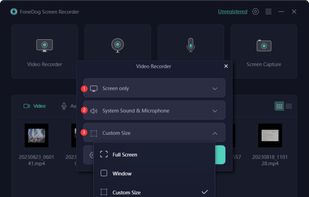
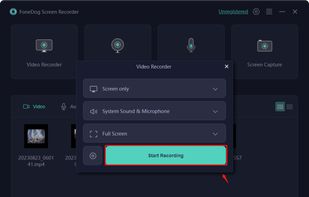
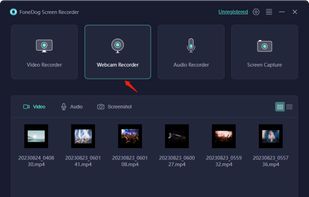
Record screen and webcam in HD videos with no watermark. Simultaneously or separately record from system sounds and microphone. Support recording editing and real-time annotation.
 Philippines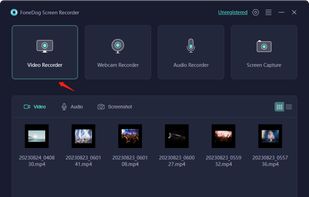


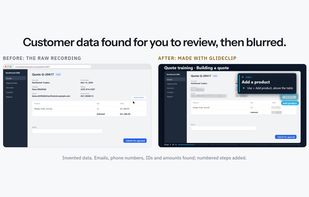
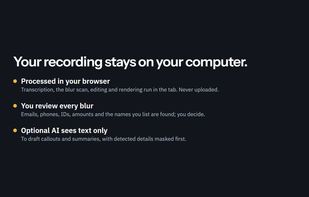
GlideClip is a browser-based tool for turning screen recordings into branded training videos and written step-by-step guides. It reads the screen locally and finds emails, phone numbers, ID numbers, money amounts and listed names for the user to review and blur.
 United States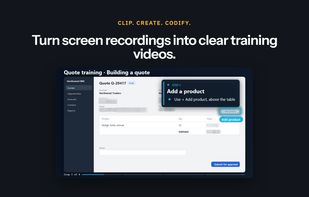


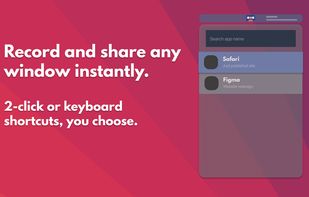

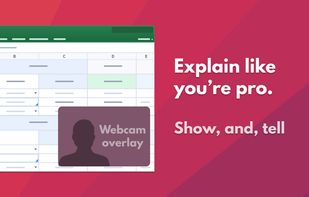
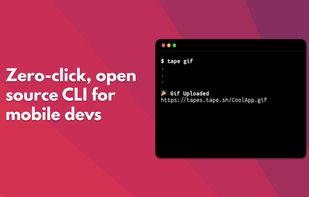


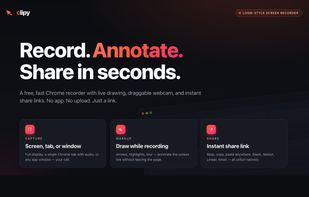
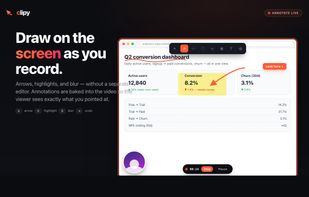
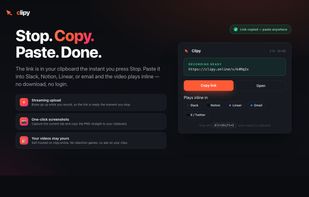
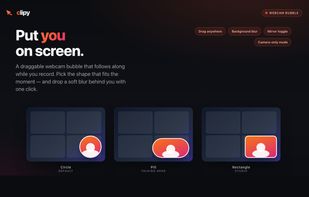
Clipy is a free online screen recorder with no watermark or signup. Record your screen with audio and share an instant link from Mac, Chrome, or web.


neetoRecord is a screen and webcam recording tool that helps you avoid unnecessary meetings. You can easily record your screen to create software demos, presentations, tutorials, feedback and more. This means you spend less time in meetings and more time getting work done...
 India
India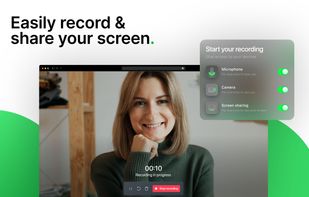
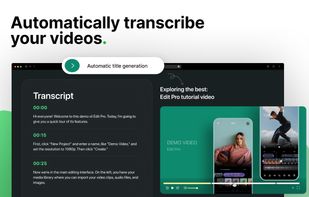
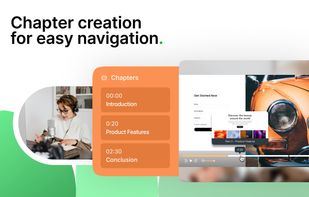
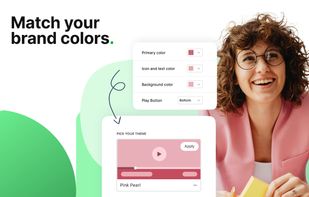


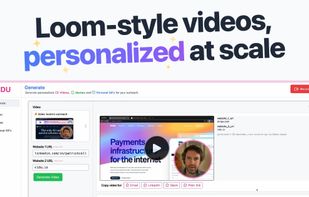
VIDU allows you to record a video once, then automatically generate many personalized videos for your sales outreach. Book more meetings with automatically generated, AI personalized videos for your sales team's outreach.




Free Screen Studio alternative for Mac that turns rough recordings into polished demos with smooth zooms, fluid cursors, captions, annotations, and voiceover.
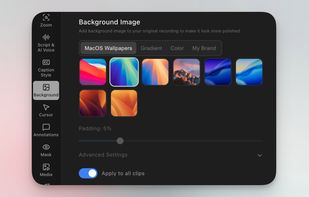
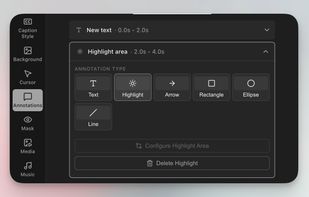
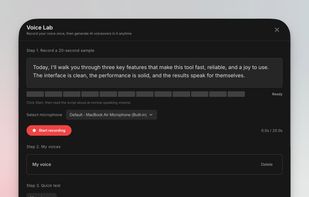
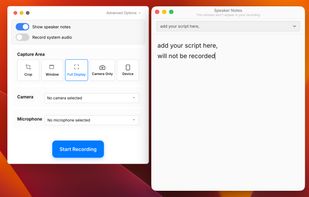


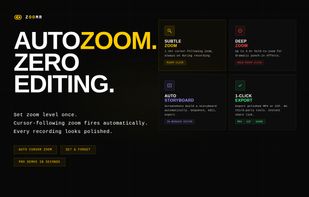
Lightweight Chrome screen recorder for SaaS demos. Zoom in live while recording, annotate on screen, export MP4 with no editing.
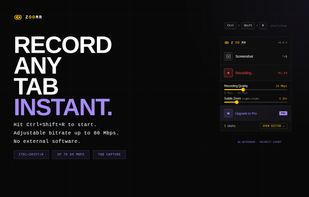
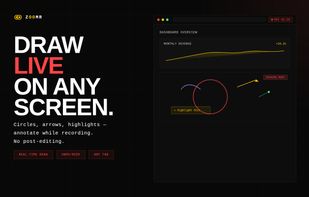



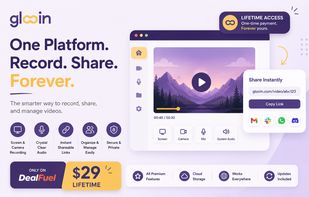
Chrome extension for recording screen, webcam, and audio. Capture screenshots, blur or highlight content, trim videos, add notes, auto-save to a dashboard, share via link, and organize files. Supports pause, resume, download, and is suitable for professional or personal use.
United States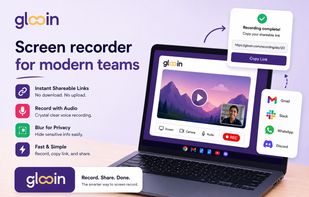



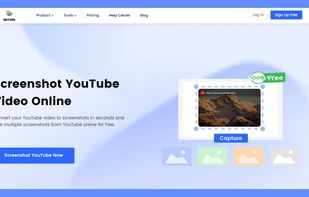
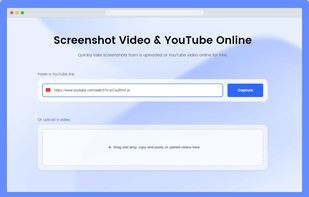
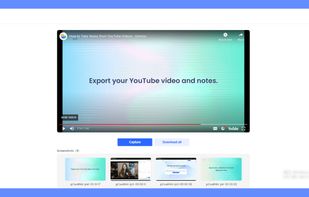
Gemoo's YouTube video screenshot converter is a valuable tool for content creators who want to improve the quality and visibility of their YouTube videos. It quickly generates high-quality screenshots from any YouTube video for free, and there is no need to register to get...
United States