


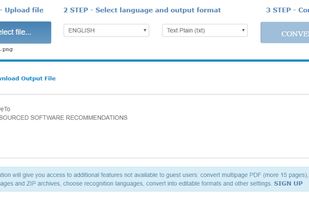
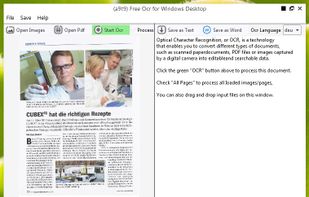
Free Online OCR is a software that allows you to convert scanned PDF and images into editable Word, Text, Excel output formats.
Cost / License
- Free
- Proprietary
Platforms
- Online


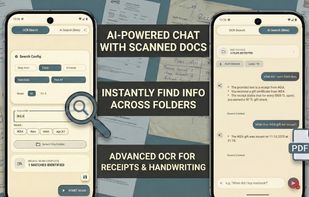
Lihenium is described as 'Offline-first PDF scanner, editor, and secure document vault for Android' and is an app in the office & productivity category. There are more than 50 alternatives to Lihenium for a variety of platforms, including iPhone, Android, Windows, iPad and Mac apps. The best Lihenium alternative is Foxit PDF Reader. It's not free, so if you're looking for a free alternative, you could try Foxit PDF Reader or FairScan. Other great apps like Lihenium are PDFgear, Adobe Acrobat Reader, Tesseract and Google Lens.
Free Online OCR is a software that allows you to convert scanned PDF and images into editable Word, Text, Excel output formats.

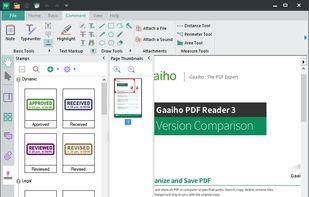
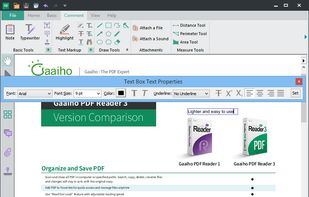
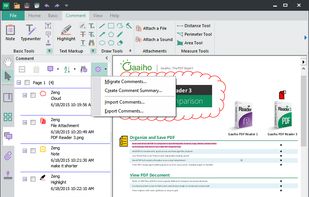
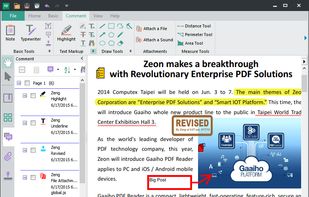
Besides exceptionally fast launching and displaying speed, Gaaiho Reader is reliable in printing, filling forms annotating documents and adding bookmarks.



Automated scanner document processor with AI-powered naming and WebDav integration. Receives scans via FTP, extracts text using Vision AI, generates intelligent filenames with Ollama AI, and uploads to your cloud storage.


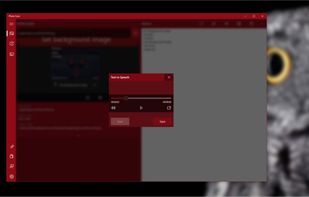



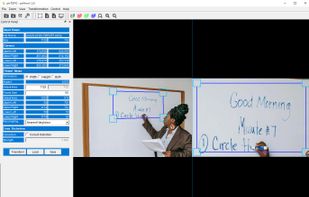
gscan2pdf can scan, clean the scan and do OCR on the scan or imported images (incl. existing PDFs, DjVus or other file types), and make PDF and DjVu-files with embedded OCR-text. It works together with tesseract, ocropus, cuneiform an...


Universal Copy is the fastest way to copy text on Android, even from the apps that won’t let you or inside images.


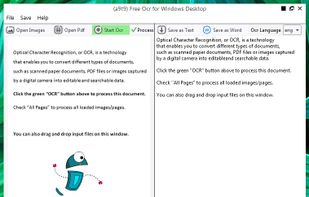
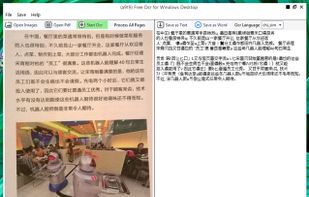
OCR software and web service to extract text from image files and PDF. The application is available as online OCR web app, OCR API, or simple to install Windows store application.


Main point of this app is to scan or select existing PDF documents simply using intent or chooser. Other apps require payment to access their api/sdk or simply don't have a possible way to do it. So they rely on switching between an app ,file chooser and a scanner.


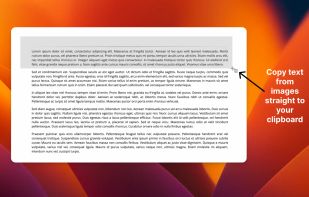
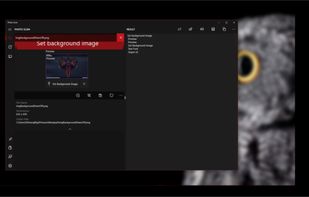
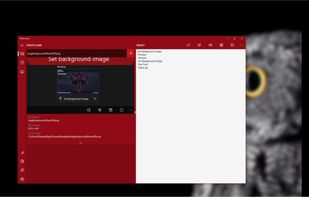
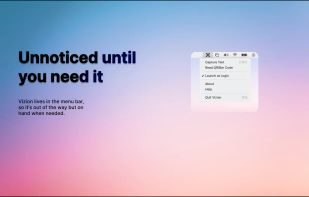
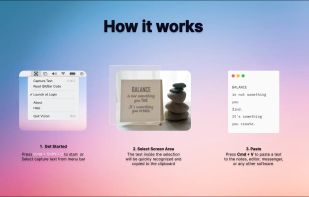
Never get annoyed by unselectable text on websites, PDFs, images or system user interfaces again. Just select the region of your screen in the same manner as you would take a screenshot and find all recognized text in your clipboard ready to get pasted anywhere.






 Taiwan


 Estonia
 EU
EU


 India
India


 United Kingdom


 Germany


 Türkiye

