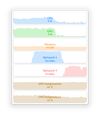
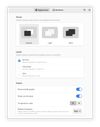
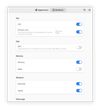
hwinfo/libhd are used to probe for the hardware present in the system. It can be used to generate a system overview log which can be later used for support.
 Germany
 EU
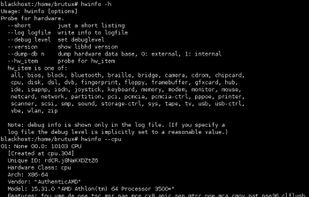


The best System Information alternative to Libre Hardware Monitor is HWiNFO (32/64), which is free for personal use. If that doesn't suit you, our users have ranked more than 50 alternatives to Libre Hardware Monitor and many of them are System Information Utilities so hopefully you can find a suitable replacement. Other interesting System Information Utility alternatives to Libre Hardware Monitor are Rainmeter, AIDA64, Open Hardware Monitor and Mission Center.
hwinfo/libhd are used to probe for the hardware present in the system. It can be used to generate a system overview log which can be later used for support.
GermanyEU
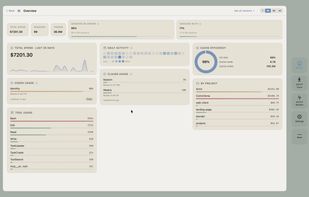
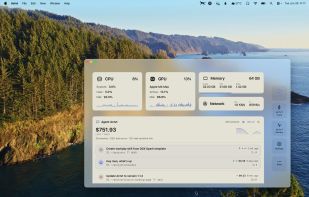
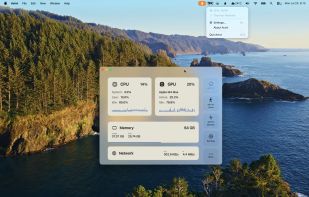
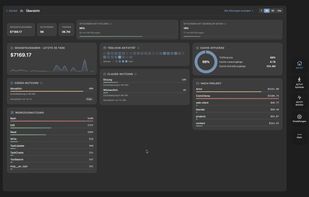
Native macOS app displays live CPU, GPU, memory, and network usage with history, manages and reclaims ports, tracks AI coding agent sessions in detail, enables local and remote monitoring, provides comprehensive notifications, and secures scanned data.
 FranceEU


Free hardware monitor and control center for Windows gaming PCs, with profiles that switch by themselves.
 SwedenEU
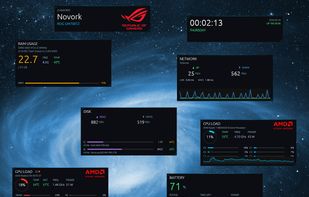
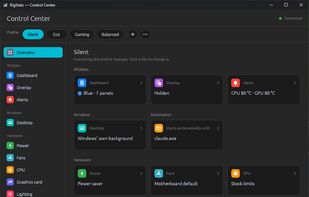
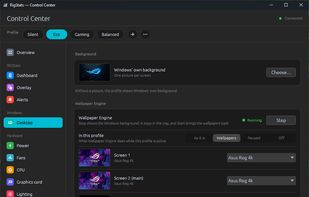


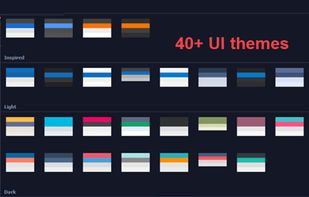
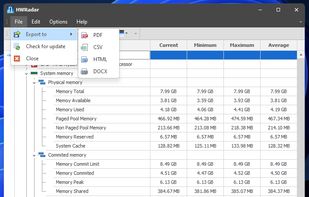
Delivers real-time insights on CPU, GPU, and memory performance using a customizable interface with over 40 themes, docking panels, and various export formats including PNG, PDF, CSV, DOC, and HTML. Features diverse CPU charts and visualization options for detailed analysis.
 United States
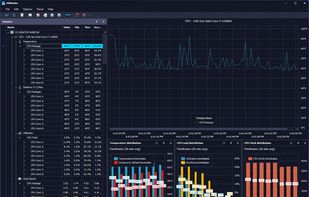


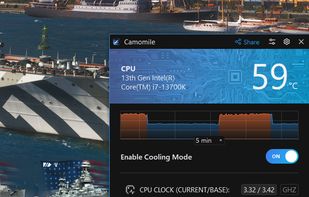
Camomile, developed by Outbyte, is a comprehensive CPU optimization application designed to enhance the performance and longevity of your laptop. It effectively manages system loads, maintaining optimal temperatures to prevent overheating and extend hardware lifespan.
 Australia


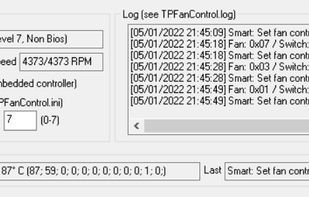
An updated version of TpFanControl that runs on most Lenovo ThinkPads and a few other Lenovo PCs (including single-fan laptops). Includes some features from a competing fork: https://github.com/FanDjango/TPFanCtrl2


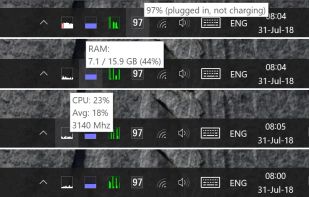
A lightweight, cross-platform system monitoring tool that displays real-time hardware metrics (CPU, RAM, disk, network, temperature) in the system tray.


 India

 GermanyEU
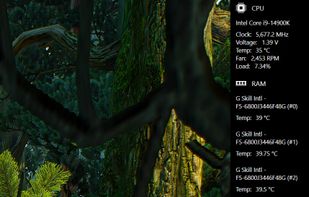

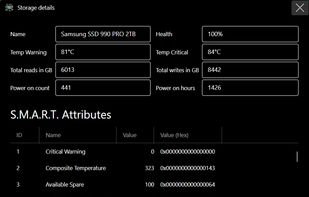
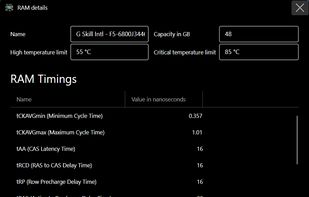


Check your basic PC system information at a glance. Ohnuki-san Lite is a free, smart utility designed for simplicity and style.
 Japan


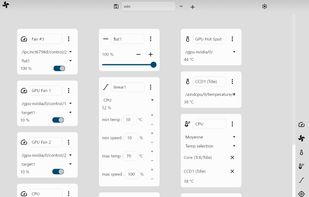


Monitorets is a small utility application offering a simple and quick view at the usage of several of your computer resources. Almost like an applet or a widget for your Linux desktop.