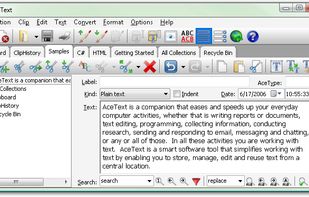
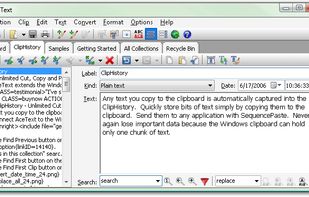
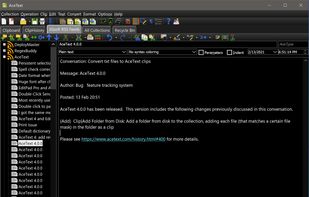
AceText is a smart software tool that simplifies working with text by enabling you to store, manage, edit and reuse text from a central location.
Cost / License
- Paid
- Proprietary
Application type
Platforms
- Windows
 United Kingdom




Leanote has been discontinued. Similar apps include Raindrop.io, which has a free version. Other options are Notesnook, Zim, Trilium Notes and CherryTree. There's no shortage of Note-taking Tools like Leanote, with more than 100 alternatives for Windows, Mac, the web, Linux and iPhone.
AceText is a smart software tool that simplifies working with text by enabling you to store, manage, edit and reuse text from a central location.
United Kingdom
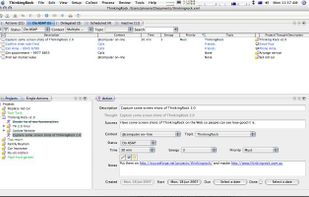
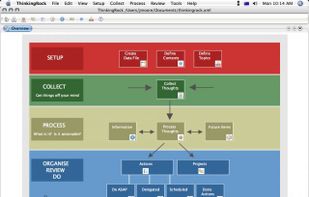
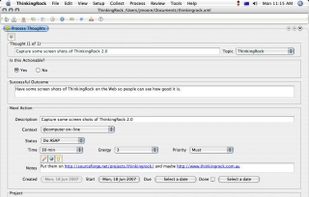
ThinkingRock open source and multi-platform software for Getting Things Done - the stress-free productivity methodology and international best selling book by David Allan. [ http://en.wikipedia.org/wiki/Getting_Things_Done ]


Forensic Notes - Digital documents are easy to fabricate, lose or get hacked. Take you digital documentation into the 21st century with Forensic Notes. Secure. Private. Credible.
Court-verifiable documentation - Replicates paper notebooks.
 Canada





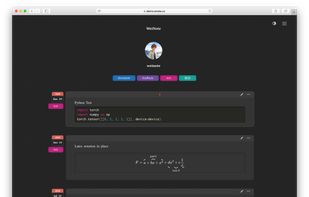
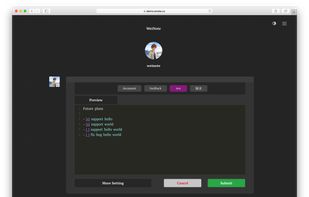


"The private, unfiltered, personally meaningful micro-journal that sends your thoughts back to you in unexpected ways. Try it - the effect is poignant."



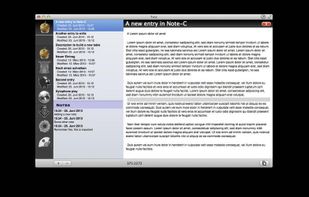
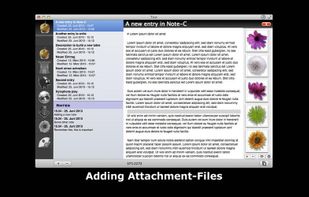
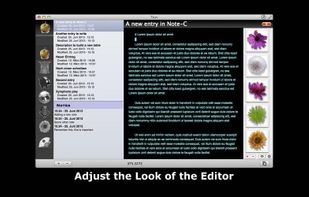
"Note-C" is a very simple application for collecting your notes, snippets and any other piece of text without limiting access to your entries and offering extensive export-features.


MyNotex is a free software for Gnu/Linux useful to take and to manage textual notes, also a large number of them. Notes are gathered under different subjects and are made by a title, a date, a tags (keywords) list and a free-length text.
 Italy
Italy EU
EU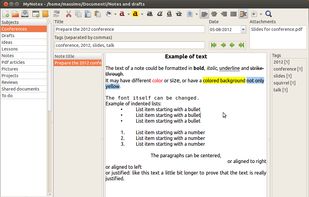


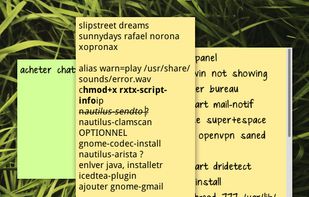
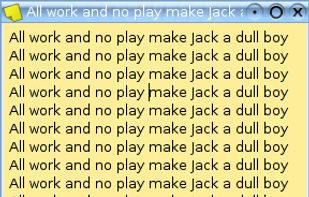


NotesHolder lets you quickly type in any piece of information so that you can easily find it when you need, read it or print it out for your convenience. This is the most effective way to store all your notes without cluttering up your desk with post it notes / sticky notes.
 Russia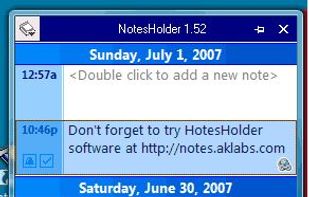


recordando (Spanish for remembering) is a program in which to keep your written thoughts


Simple checklist app. Just rows of text entries and a checkbox for each. No B.S., i.e., no categories, no sub-tasks, no time tracking, and no other crazy wizzbang features.
 United States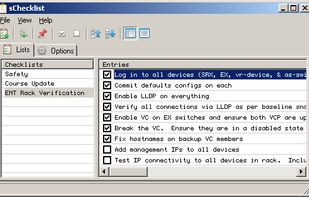


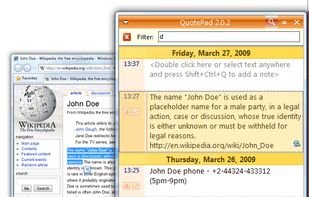
Most information entered into your computer notepad is copied and pasted from somewhere. With QuotePad, you can do it with maximum efficiency: just select some text in any application, press Ctrl+Shift+Q and the selected text will be saved to QuotePad together with the URL of...