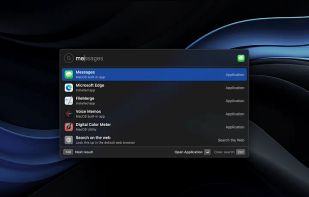
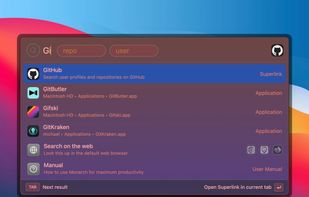
Leader Key is described as 'If you're an avid macOS user, you probably already use a launcher like Spotlight, Alfred, Raycast or even good old Quicksilver. But what if I told you we can go even faster?' and is a application launcher in the os & utilities category. There are more than 50 alternatives to Leader Key for a variety of platforms, including Mac, Linux, Windows, Homebrew and iPhone apps. The best Leader Key alternative is Flow Launcher, which is both free and Open Source. Other great apps like Leader Key are Vicinae, Raycast, Alfred and Wox Launcher.


Advanced resource launcher designed to open apps, files, and websites in custom window layouts, organize resources into named workspaces, assign hotkeys for instant switching, enable pixel-perfect window snapping, and streamline repetitive workflows for deep focus.

Mage, originally a Raycast clone, is a lightweight and fast app launcher for Windows, built with Electron, Vite, and Vue 3. It features custom applications, live activities, a modern UI and a batteries-included SDK for developers.


QuickKeyLauncher is a lightweight and fast Windows launcher that lets you open files, folders, and applications instantly using customizable keyboard shortcuts. It provides a simple grid-based interface where you can assign up to 40 items and launch them without navigating...

If you ever liked tools like Raycast and Alfred, but wanted to own them and tweak them yourself, then SOL is the tool for you. All the affordances of complex tools now made open source.

Free all-in-one Mac productivity app that replaces your launcher, clipboard manager, window manager, screenshot tool, and 20+ more utilities.
XMenu adds one or more global menus to the right side of the menu bar. They give you access to your preferred applications, folders, documents, files, and snippets. Launch any application, or insert text snippets or URLs into your email messages or Pages documents with a single...

With start, the innovative launcher for macOS, you can open applications, documents, shortcuts, URLs, and folders in an instant. Say goodbye to clutter - start brings order and efficiency to your workflow.


In macOS, the Dock is used as a repository for any program or file in the operating system. It can hold any number of items and resizes them dynamically to fit while using magnification to clarify smaller resized items.