Cost / License
- Paid
- Proprietary
Application type
Platforms
- Windows


KSnapshot has been discontinued. Similar apps include ShareX, which is free and open source. Other options are Greenshot, Flameshot, macshot and FastStone Capture. There's no shortage of Screenshot Capture Tools like KSnapshot, with more than 50 alternatives for Windows, Mac, Linux, the web and iPhone.

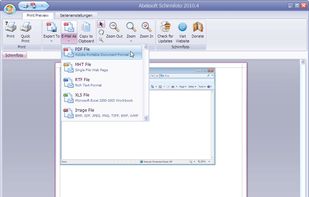
Schirmfoto is the easiest way of creating screenshots. Schirmfoto integrates itself into your Windows system by adding a new button in the title bar of each window. Clicking this icon will create a screenshot for you.
 Germany
 EU
EU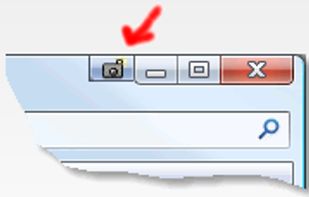


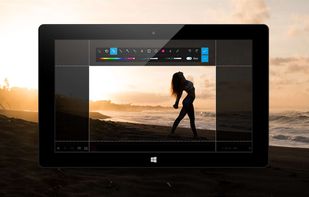
This is the handiest way to screen capture, edit selected areas on the screenshots, and sharing with others.
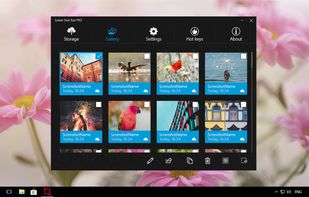




TeenyGrab is a free alternative to TinyGrab. TinyGrab is a popular application for quickly uploading screenshots, and sharing them. The only problem is, the full version (with features such as uploading to a custom FTP server) costs $$$.
 United States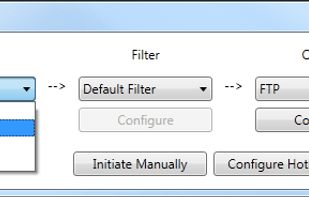


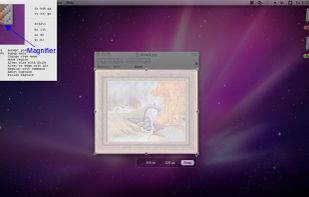
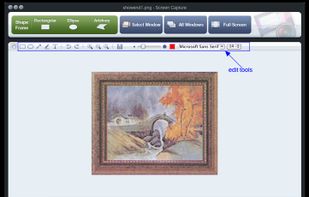
Onde Screen Capture for Mac is currently the most professional and powerful screen grabbing utility running on Mac OS, by which you can easily capture any part on your Mac desktop such as rectangular or ellipse region, freehand region, full screen, active window or all windows...
United States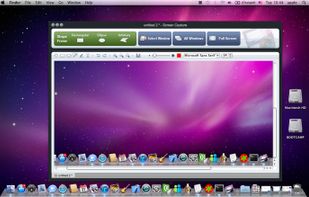


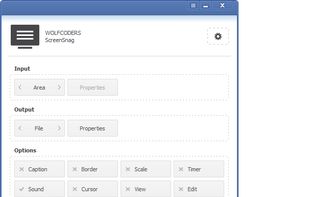
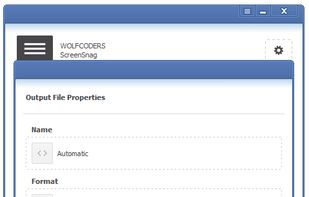
ScreenSnag provides a quick and easy way to take a photo of your computer screen. Capture the entire screen, a region of the screen, a window, or an element on the window with a single hotkey or click. You can also use Timer option to perform captures at intervals that you...
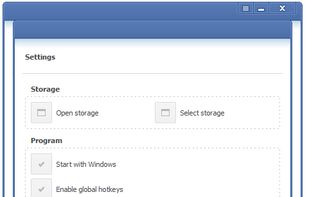


TPUCapture is an easy to use screenshot utility with a small memory footprint that resides in the system tray.
United States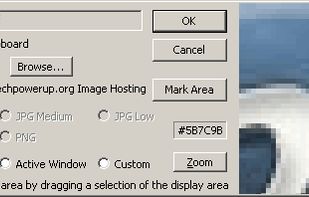


GNOME Screenshot is a utility used in the GNOME desktop environment for taking screenshots. It was part of the GNOME Utilities (gnome-utils) package, but was split into its own package for the 3.3.1 version in 2011.
United States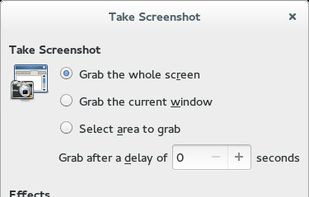


QuickScreenshot is a lightweight and very easy to use application that enables you to take screenshots of your desktop with a few mouse clicks. Just press the wanted screenshot key (or press it multiple times) and your screenshots are done!
GermanyEU


This is just a screen-capture toy, nothing more. If you don't know how to take screenshots with the system functions, use this tool :-).
 Serbia


Screen Capturer allows you to instantly capture any area of the screen to a file or email.
United States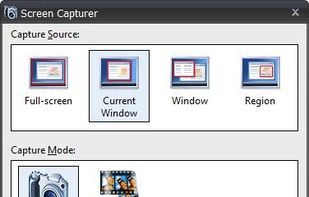


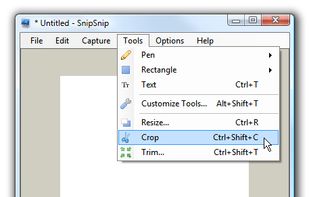
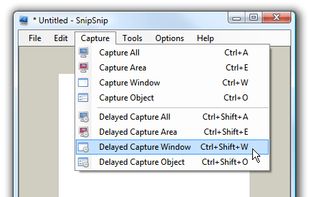
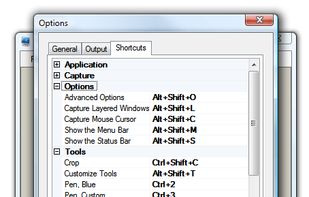
SnipSnip is a screen capture utility, designed for easy capture of some or all of your screen(s). It also allows you to do simple tasks like resizing, cropping and drawing on the capture.