

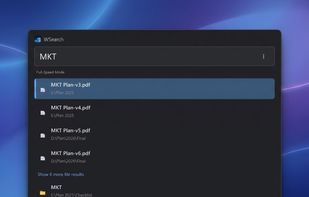
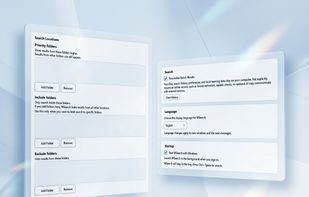
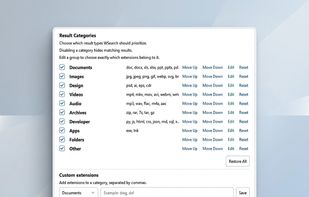
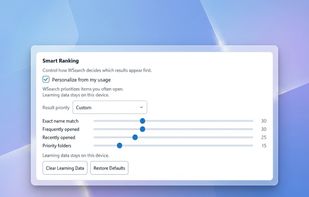
WSearch is a lightweight Windows desktop search application designed to help you quickly find files, folders, and applications.
Cost / License
- Freemium
- Proprietary
Application type
Platforms
- Windows
 Vietnam



+2


Apps similar to KFind include Everything, which is free. Other options are FSearch, Listary, DocFetcher and Agent Ransack. You can choose from more than 10 File Search Utilities like KFind for Windows, Linux and Mac.
WSearch is a lightweight Windows desktop search application designed to help you quickly find files, folders, and applications.
Vietnam
WizFile is a rapid file search utility. Search for files on your hard drive by name and get the results almost instantly.
 France
 EU
EU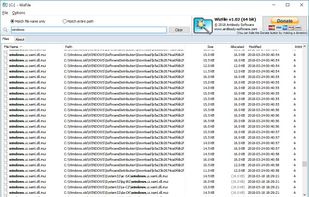


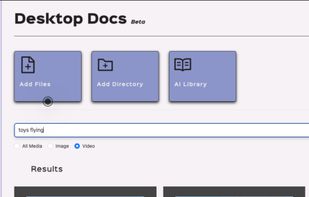
File Brain is a desktop application that helps you find files instantly using natural language. Instead of remembering exact filenames, you can ask questions like "flight ticket invoice", and File Brain uses semantic search to understand the meaning and show the...
 Algeria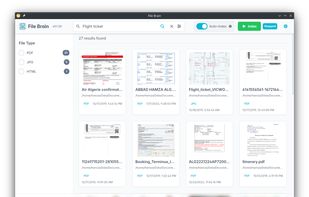
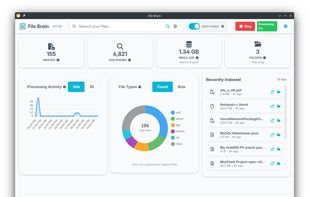






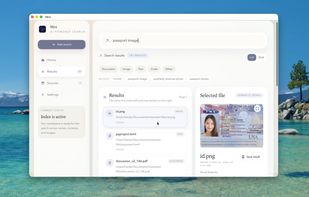
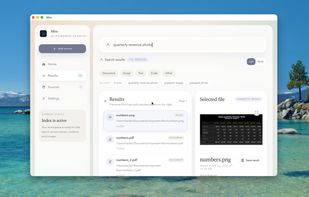
Local-first desktop app for Mac offering plain English search across file names, metadata, and document contents. Uses semantic ranking, previews, live indexing, and keeps all processing local for privacy. Optional API-based semantic search can be enabled.
 United Kingdom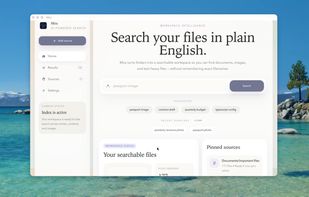


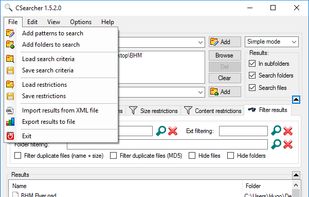
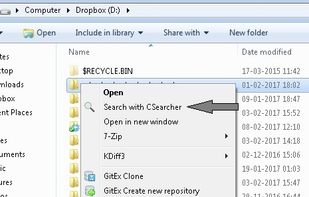
CSearcher is a simple and fast free non-indexing search program.
Searching computer files and folders is rather common for every PC user daily. Using standard Windows Explorer solution for this has many disavantages: it's slow, uses lots of RAM and many times it does not fin.
 PortugalEU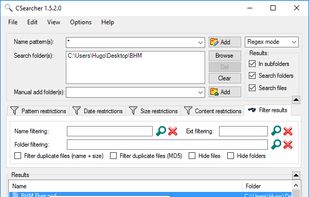
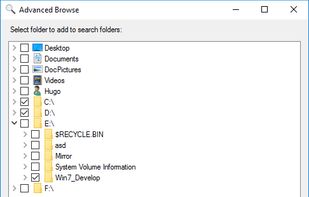


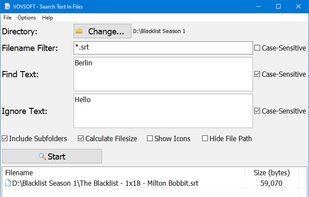
Search Text In Files is an easy-to-use file search application for your computer. Search through plain-text files and PDF files using simple queries and this tool will quickly list the requested files.
 Türkiye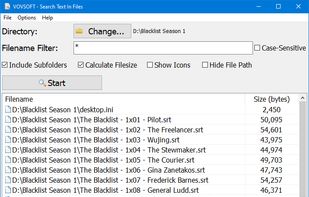




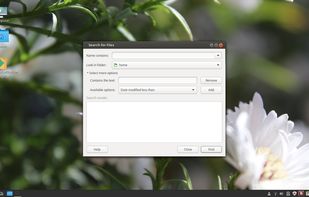
gnome-search-tool is a utility for finding files on your system. To perform a basic search, you can type a filename or a partial filename, with or without wildcards. To refine your search, you can apply additional search options.


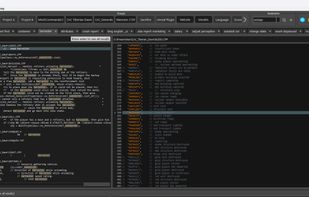
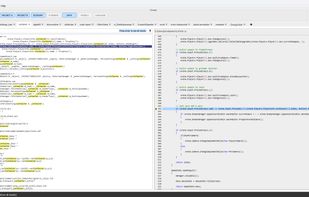
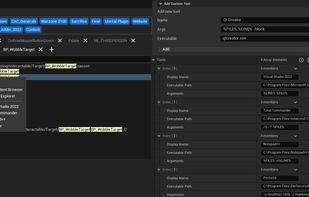
Hawkeye is a fast local search and navigation tool for developers working in large software and game projects.
 SwedenEU