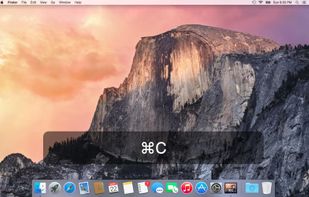
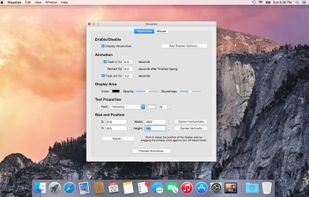
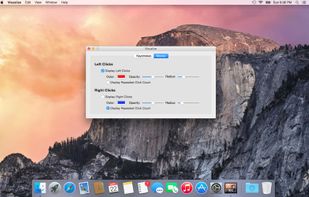
Keystrokes on screen, keyboard, mouse, draw on screen. Designed specifically for creating screencasts and tutorials. CSS Based keystroke on screen. Lots of predefined keystroke CSS themes. It's easy to create a theme yourself.


Keystro is described as 'Show which key you're pressing to your audience, highlight your cursor, and hear realistic keyboard sounds! Available for Windows and macOS' and is a keystroke visualizer in the os & utilities category. There are more than 25 alternatives to Keystro for Windows, Mac and Linux. The best Keystro alternative is Keyviz, which is both free and Open Source. Other great apps like Keystro are MechvibesDX, Key'n'Stroke , Screenkey and Show Me The Key.
Keystrokes on screen, keyboard, mouse, draw on screen. Designed specifically for creating screencasts and tutorials. CSS Based keystroke on screen. Lots of predefined keystroke CSS themes. It's easy to create a theme yourself.


KeyTrails helps you present your keyboard input on your screen. Whether you are making a tutorial video, streaming your gaming session, or giving a business presentation, KeyTrails makes your content just a bit catchier.