


Cost / License
- Free
- Open Source
Application type
Platforms
- Linux
- Wayland





Keypirinha has been discontinued. Similar apps include Microsoft PowerToys, which is free and open source. Other options are Vicinae, Flow Launcher, Raycast and Alfred. There's no shortage of Application Launchers like Keypirinha, with more than 100 alternatives for Windows, Mac, Linux, iPad and iPhone.

Finda finds things — windows, browser tabs, code editor buffers, browser history, apps, files, etc. — in under 16 milliseconds.
 United States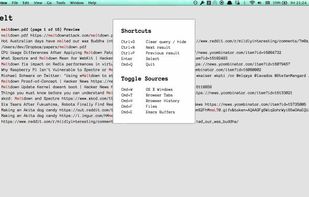
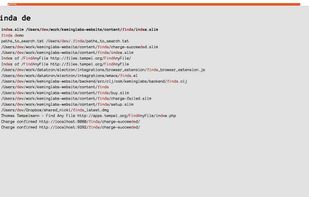


A fast, lightweight, customizable search alternative for Windows 7 that also allows for deletion and renaming. Easily locate files on mapped network drives using Conjure, expedite your searches by including folders you need and excluding ones you never use.
United States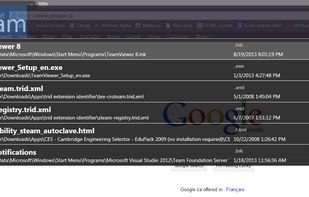


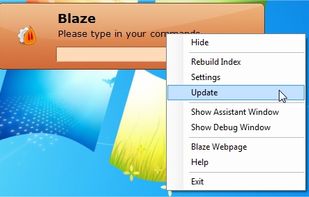
Blaze is an application launcher that distinguishes from amongst the others by being able to automate recurrent tasks performed in the file-system or even any application on Microsoft Windows.


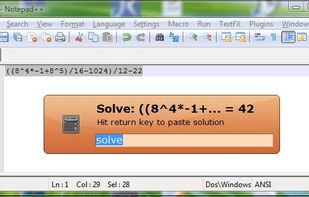


Zazu is a new open source productivity app, that allows developers to be in the drivers seat. Unlike other solutions, there is no built-in integrations, so every plugin has the full scope of what Zazu has to offer.
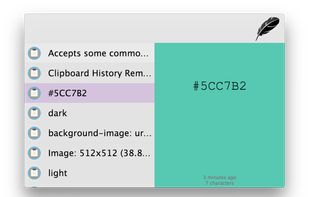



Rocket is an application launcher for KDE Plasma. It sorts all of your applications in a horizontal grid alphabetically, so you will always find what you are looking for at first glance. No more menu navigation, only scrolling.
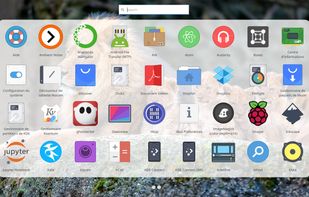
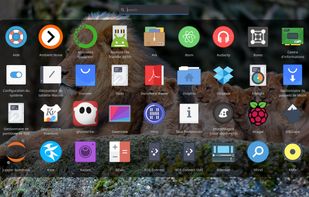
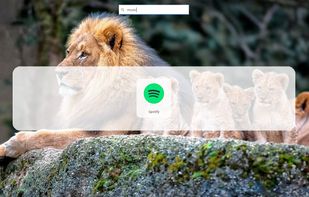
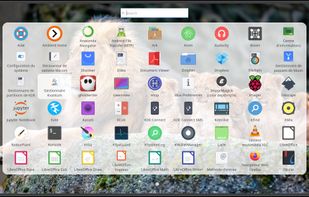


Advanced resource launcher designed to open apps, files, and websites in custom window layouts, organize resources into named workspaces, assign hotkeys for instant switching, enable pixel-perfect window snapping, and streamline repetitive workflows for deep focus.
 India
India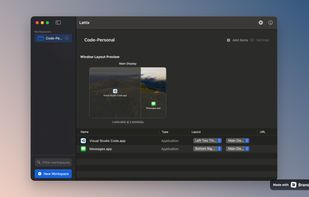

This code provides the MenuStart plugin to nwg-panel. It also may be used standalone, however, with a little help from command line arguments.
 Poland
 EU
EU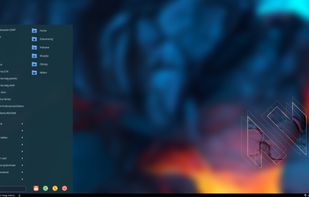

LaunchMenu is a free, open source, cross-platform search-based productivity software with similarities to Alfred and Cerebro.

A replacement for i3-dmenu-desktop
Its purpose is to find .desktop files and offer you a menu to start an application using dmenu.

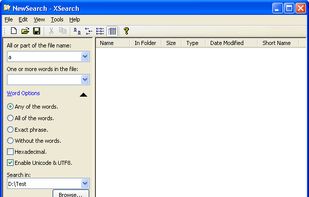
XSearch is a free search tool that with more features that Windows Search didn't provided. It can search files on your computer in high speed. When searching for special words in files, you can specify the words option such as "Any of the words", "All of the...


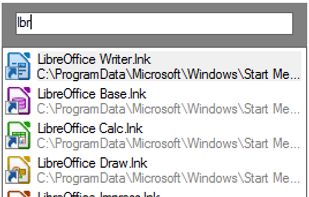
Access your files, programs, browser bookmarks, search engines and windows with a few key presses.


 New Zealand


