


KenShape
1 like
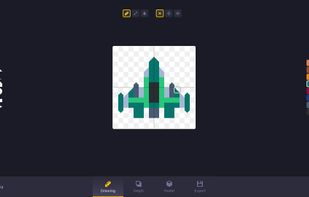
Generate 3D models based on 2D pixel art drawn using various shapes.

Cost / License
- Pay once
- Proprietary
Application type
 EU
EUPlatforms
- Windows
- Epic Games Store
- itch.io


Features
Highlights All activities
KenShape News & Activities
Recent News
No news, maybe you know any news worth sharing?
Share a News Tip
Recent activities
No activities found.
Developed by
 Kenney
 Licensing
Proprietary and Commercial product.Pricing
One time purchase (perpetual license) that costs $4.Alternatives
9 alternatives listedBadge
Get an embeddable badge for KenShapeSupported Languages



No comments or reviews, maybe you want to be first?