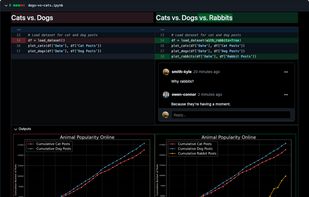
The best Jupyter Notebook review tool with rich diffs, comment support, Markdown, and a lot more.
Cost / License
- Freemium
- Proprietary
Application type
Platforms
- Online
- Software as a Service (SaaS)


Apps similar to Juno include GitNotebooks, which has a free version. Other options are Pyto , Carnets - Jupyter, Pydroid 3 and Pythonista. You can choose from more than 10 Code Editors like Juno for iPhone, iPad, Android, Mac and Windows.
The best Jupyter Notebook review tool with rich diffs, comment support, Markdown, and a lot more.

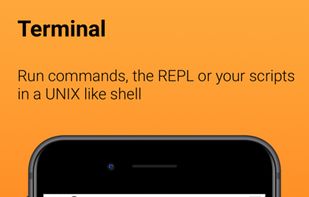
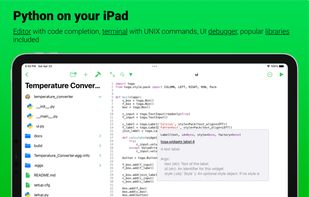
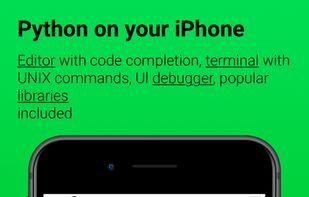
Pyto is a Python 3.10 IDE for iPhone and iPad. Run code directly on your device and offline. You can run scripts from Shortcuts and code your own home screen widgets.
 Italy
Italy EU
EU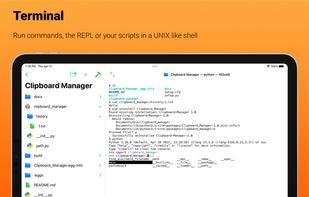


Jupyter notebooks are a powerful tool used in education and research. You can write small snippets of Python code and observe the result on screen, combine with paragraphs of text, using Markdown.
 FranceEU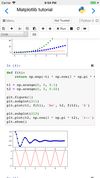
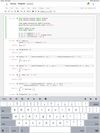
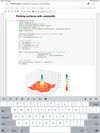


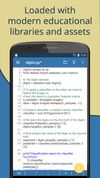
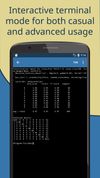
Pydroid 3 is the most easy to use and powerful educational Python 3 IDE for Android.


 GermanyEU
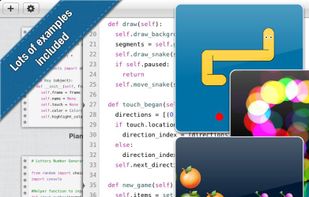


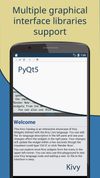
Juno Connect is a Jupyter client, which lets you connect to a remote Jupyter server or cloud-computing service, such as CoCalc or Binder, and do everything you can do on desktop, anywhere — from your iPad or iPhone.
 United Kingdom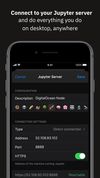
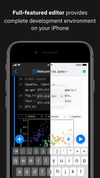



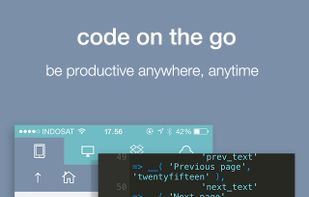
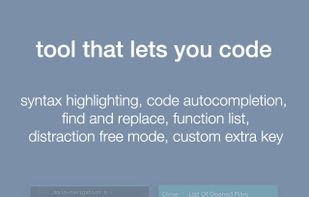
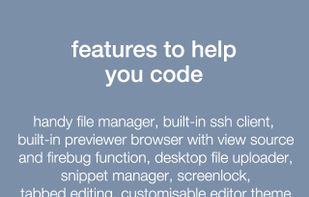
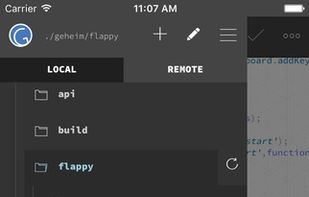
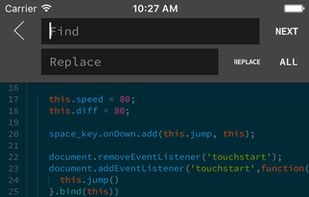
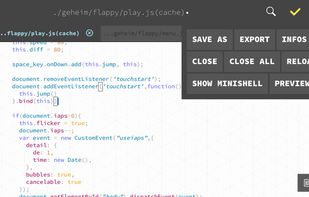
Koder is a code editor for iPad and iPhone. It does have many features including syntax highlighting, snippet manager, tabbed editing, find and replace code, editor theme, remote and local files connections, and many more.
 Indonesia


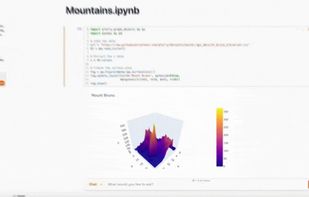
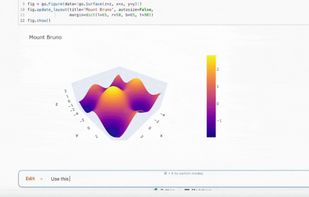
Thread is a Jupyter Notebook that combines the experience of OpenAI's code interpreter with the familiar development environment of a Python notebook. With Thread, you can use natural language to generate cells, edit code, ask questions or fix errors all while being able to...


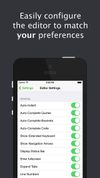
Buffer Editor is a POWERFUL code and text editor that lets you easily develop software, review code or take notes on the go.
 FinlandEU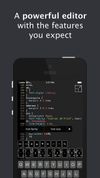



GoCodeEditor is a Sublime Text like remote Code Editor optimized for fast opening and editing files on your iOS Device.
GermanyEU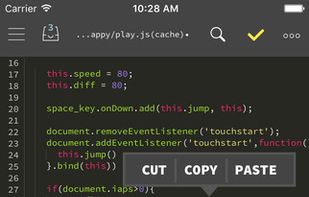


Callisto is a Jupyter Notebook editor and Python IDE for Android. Open .ipynb files, edit cells, run Python code, see output — fully on-device, no cloud account, no internet required. Or connect to your own Jupyter server when you need more than a phone.
 AustriaEU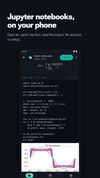



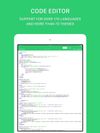
The Code Master Programming Suite for the iOS platform provides a visual interface for creating and editing universal source code of any language.