Cost / License
- Free
- Open Source
Application typeApplication types
Platforms
- Mac
- Windows
- Linux


Apps similar to Judge0 IDE include Notepad++, which is free and open source. Other options are Visual Studio Code, Sublime Text, VSCodium and Vim. You're spoiled for choice with Text Editors like Judge0 IDE: we list more than 100 alternatives for Windows, Mac, Linux, the web and Chrome OS.

BabelPad is a free Unicode text editor for Windows that supports the proper rendering of most complex scripts, and allows you to assign different fonts to different scripts in order to facilitate multi-script text editing.
 United Kingdom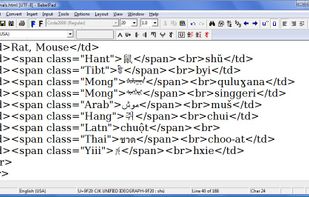


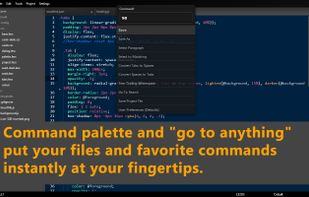
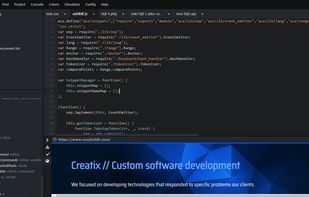
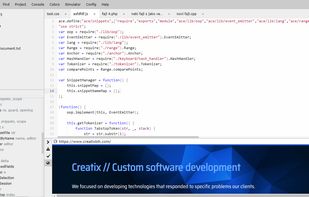
Caret is a lightweight-but-powerful programmer's editor running as a Chrome Packaged App. Inspired by Sublime and built on top of the Ace editing component, it offers:
 United States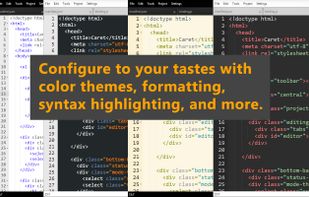


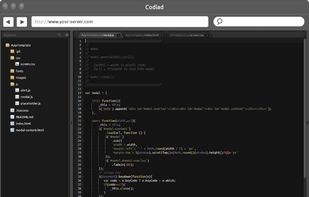
Codiad is an open source, web-based, cloud IDE and code editor with minimal footprint and requirements


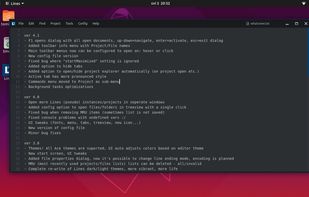
Lines is a modern and minimalist text editor - IDE with support for over 150 programming languages, embedded code inspectors and many other cool tools to help you write better code.
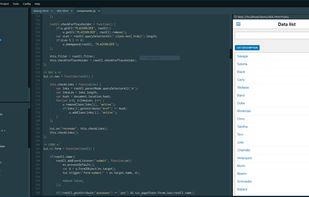


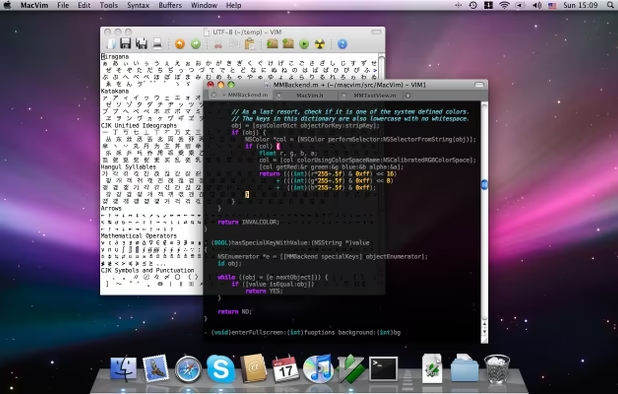
MacVim is a port of the text editor Vim to macOS. MacVim supports multiple windows with tabbed editing and a host of other features such as:
 Germany
 EU
EU


MarkRight is a simple but very efficient Markdown editor built using Electron and ClojureScript. It uses a dual pane interface that lets you focus on the task of writing, while providing a live preview so you can instantly see the results.
 Japan
Japan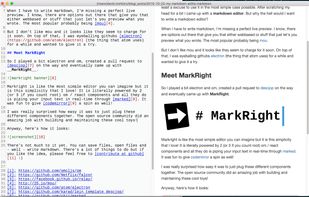


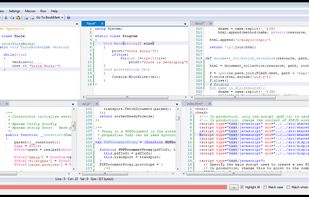
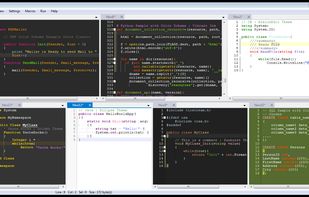
Ynote Classic is an easy to use fast and advanced text editor with a tabbed interface and multiview. It has intelligent Syntax Highlighting, Code Folding , Auto Indent and autocompletion. It can highlight any language you like using Regular Expressions.


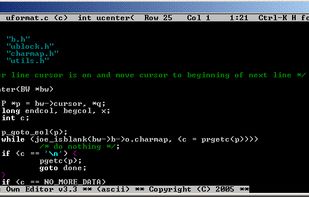
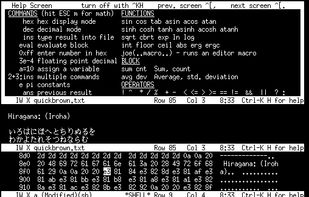
JOE is a full featured terminal-based screen editor which is distributed under the GNU General Public License (GPL). JOE has been around since 1988 and comes standard with many Linux distributions.


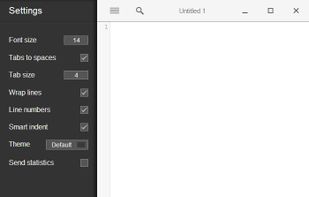
Text.app is a simple text editor for Chrome OS and Chrome. It's fast, lets you open multiple files at once, has syntax highlighting, and saves to Google Drive on Chrome OS.
United States


The Web IDE is an advanced editor with commit staging. You can use the Web IDE to make changes to multiple files directly from the GitLab UI.