


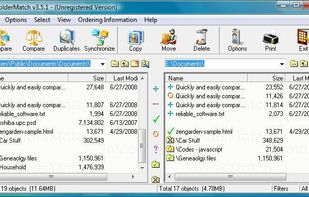
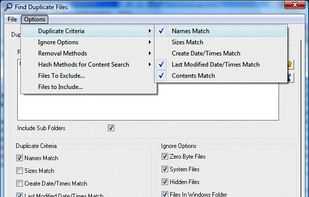
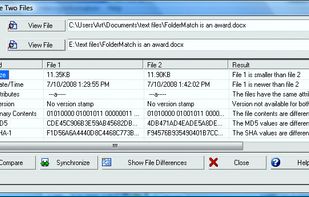
FolderMatch is a program that compares directories and files, showing the differences clearly.
Cost / License
- Paid
- Proprietary
Application typeApplication types
Platforms
- Windows
 United States



+3


JFileSync has been discontinued. Similar apps include FreeFileSync, which is open source with a free version. Other options are Unison File Synchronizer, SyncToy, Bacula and DSynchronize. You can choose from more than 10 File Sync Tools like JFileSync for Windows, Linux, Mac, iPad and the web.
FolderMatch is a program that compares directories and files, showing the differences clearly.
United States
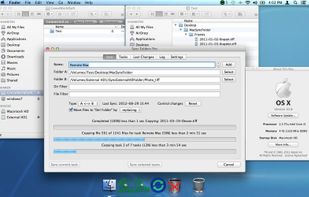
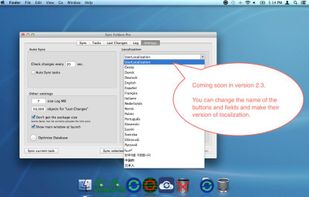
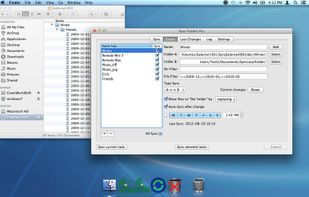
The Sync Folders Pro synchronizes any number of folders on the fly at the same time when there are changes, or connecting external drives at a set time or manually. The app sync folders with or without filter for folder names and / or file names.?


Backup, access and share all digital information anytime from anywhere. Secure storage, automatic backup, access, file sharing, online server, virtual workgroup, web album, backup of your mobile phone.
 Sweden
 EU
EU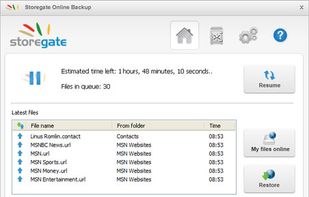


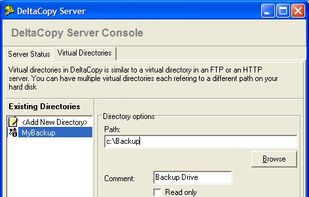
Let's say you have to backup one file that is 500 MB every night. A normal file copy would copy the entire file even if a few bytes have changed. DeltaCopy, on the other hand, would only copy the part of file that has actually been modified.
United States


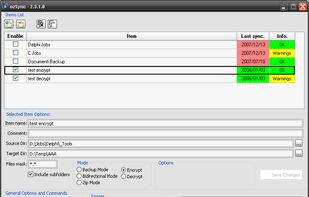
ozSync is an utility that synchronize files and folders. Files or folders synchronize and backup is important and actually, it's not hard to be done. Using a small and portable utility like ozSync will make it easier. ozSync is an utility that synchronize files and folders.


 GermanyEU

 GermanyEU


FolderClone lets you make an identical copy of a folder from one drive to another. It can copy files between a desktop computer and a laptop, or replicate data between a workstation and a server, or backup to a cloud storage provider.
United States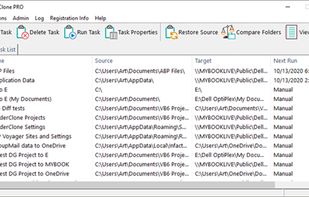



Simple Backup for a complex digital world. Choose from Instant Backup and Premium Backup with more flexibility and Windows integration. Start protecting your files in less than 60 seconds.


