




JellyDraw
1 like
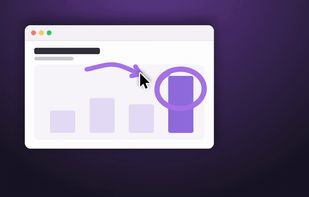
A menu bar screen-annotation tool for macOS that adds drawings, highlights, and sketches over any app. Window anchoring keeps marks attached to the window that created them, while a global shortcut, multi-display drawing, and whiteboard or blackboard modes support demos, calls, and lessons.

Cost / License
- Freemium (Pay once)
- Proprietary
Application type
Platforms
- Mac


Features
Highlights All activities
JellyDraw News & Activities
Recent activities
- NormanFrog liked JellyDraw
- NormanFrog added JellyDraw
- Fla updated JellyDraw
 NormanFrog added JellyDraw as alternative to Presentify, OpenBoard Whiteboard, EpicPencil, Epic Pen and 5 more


Developed by
 NormanFrog
 Licensing
Proprietary and Freemium product.Pricing
One time purchase (perpetual license) that costs up to $10 + free version with limited functionality.Alternatives
9 alternatives listedBadge
Get an embeddable badge for JellyDrawSupported Languages


No comments or reviews, maybe you want to be first?