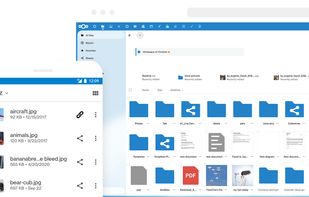
Fast, modern and advanced photo management suite. Free and open source Nextcloud app.
Cost / License
- Free
- Open Source (AGPL-3.0)
Application typeApplication types
Platforms
- Self-Hosted
- Nextcloud
 India
India



Apps similar to Iphotron include Ente Photos, which is open source with a free version. Other options are Immich, RapidRAW, digiKam and Adobe Lightroom. You can choose from more than 10 Photo Managers like Iphotron for Windows, Android, iPhone, Mac and the web.
Fast, modern and advanced photo management suite. Free and open source Nextcloud app.
India
 Germany
 EU
EU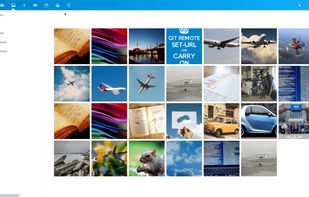


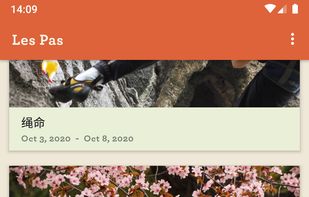
Les Pas, is a free, modern, lightweight and fast gallery app. Organize your photos, GIFs and videos into albums for easy viewing and sharing. With built-in two-way sync with your Nextcloud server, your files are kept private, secure and safe.





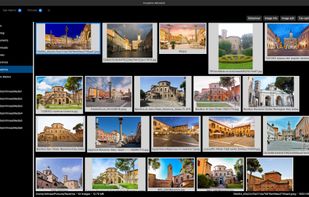
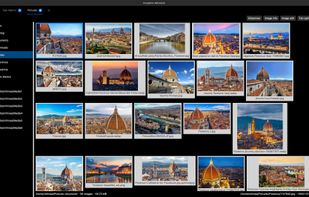
ImageFan Reloaded is a cross-platform, feature-rich, tab-based image viewer, supporting multi-core processing.
 RomaniaEU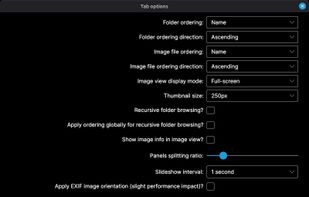



A multilingual, privacy-first photo album creator that works 100% offline — generate emotional PDF albums in 3 clicks, with maps, memories and meaning. Free solidarity version for NGOs and therapists.
 FranceEU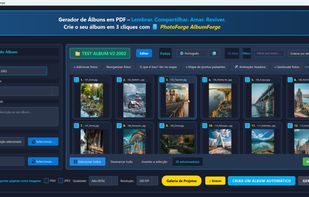
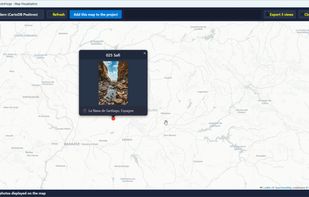
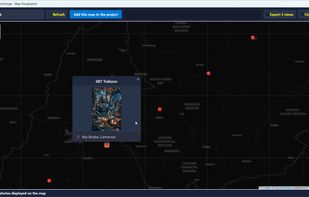
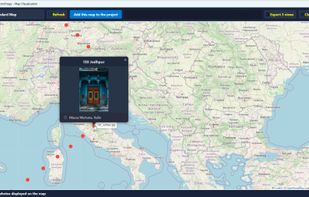


Privacy-first photo organization software. Automatically sort 10,000 photos by date and location. Analyze 127 EXIF metadata fields. Generate heat maps and PDF reports. 100% local, no cloud.

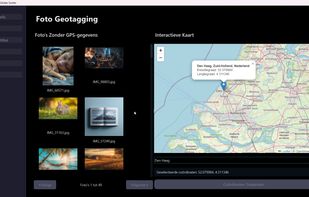
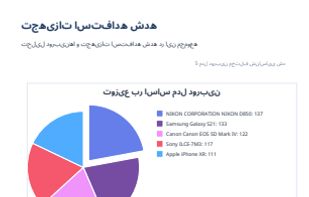



Tired of scrolling through hundreds of photos to find your best shots? SpectraSort uses on-device AI to instantly score and rank your photos so the best ones rise to the top.
 United States




QuMagie is a QTS photo management application that uses AI to help you manage photos and videos stored on your QNAP NAS. QuMagie integrates facial recognition and object recognition to make browsing and organizing photos and videos easier than ever before.
United States




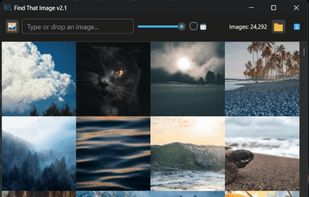
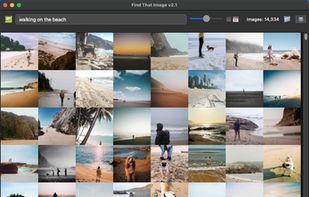
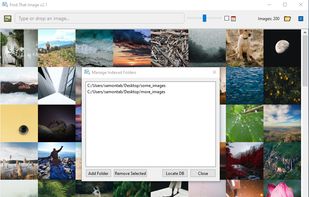
Whether you have hundreds or thousands of images stored locally, Find That Image helps you instantly find what you're looking for. Just type a few words or drop in an image and Find That Image will take care of the rest.