Cost / License
- Free
- Open Source (GPL-3.0)
Platforms
- Mac
- Windows
- Linux


Input Leap has been discontinued. Similar apps include Synergy. It's paid, but Barrier and Deskflow are free. Other options are Mouse without Borders, InputShare, Multiplicity and Input Director. There's no shortage of Mouse Sharing Utilities like Input Leap, with more than 25 alternatives for Windows, Mac, Linux and Android.

An desktop application that makes it easy to share your mouse, keyboard and clipboard between your PC and your Android tablets and phones.
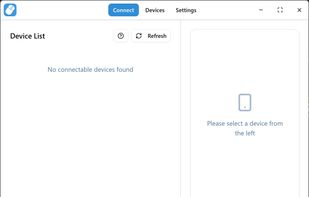
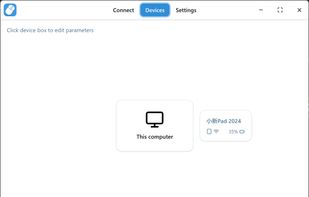
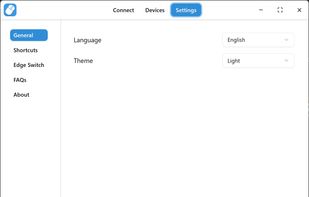
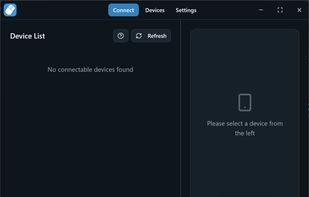


This program will let you use two screens on two different computers as if they were connected to the same computer.
 United States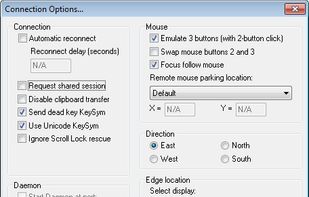

Switchy is a macOS menu bar app that lets you switch an Apple Magic Keyboard, Magic Mouse, and Magic Trackpad between multiple Macs with a single click. It automatically discovers nearby Macs on your local network, so you can move between a work Mac, personal Mac, MacBook, or...
 United Kingdom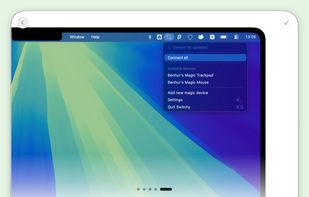
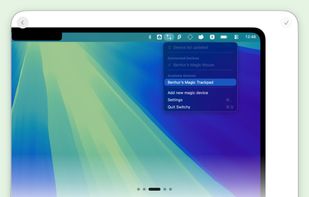

Cross-platform KVM software to share one mouse, keyboard, and clipboard across multiple Windows and macOS computers over your local network.
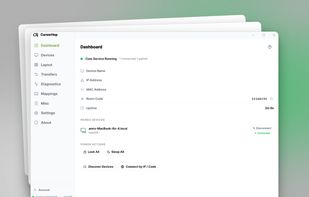
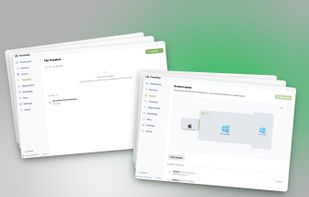
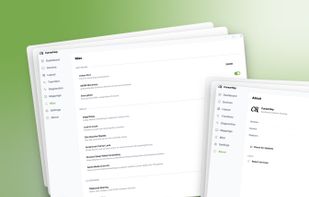


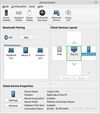


This program will let you use two screens on two different computers as if they were connected to the same computer. It even works between different operating systems.
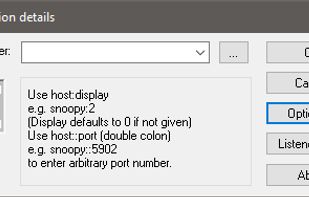
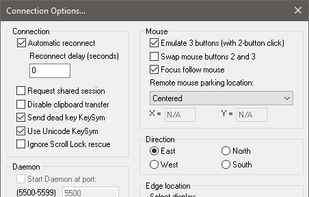


GiMeSpace KVMShare Pro is one of the very few real KVM software sollutions that not only shares mouse and keyboard but really allows you to share video in the form of windows on the screen of connected computers while using minimal bandwidth.
 Netherlands
 EU
EU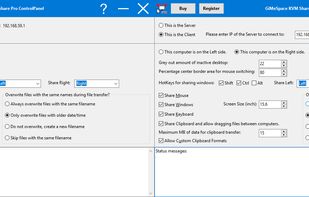


The Apple Universal Control allow you to control multiple Apple devices, such as an iMac, MacBook, and iPad, all with the same keyboard and mouse.


Mouse Broadcaster is used to duplicate mouse and keyboard actions to multiple PCs on a network.


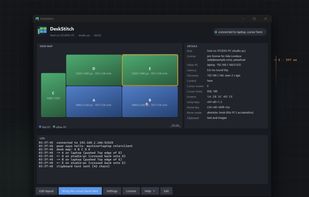
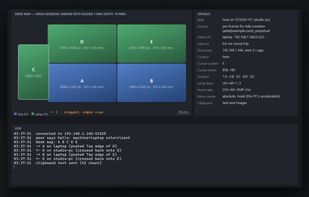
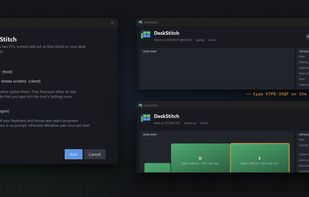
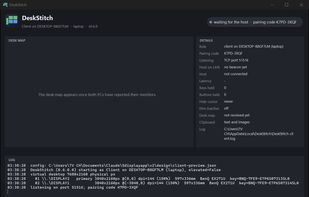
DeskStitch is a software KVM for two Windows PCs. Instead of arranging screens by pixels, it reads each monitor's physical size and lays them out on a desk map in millimetres, so a 4K screen next to a 1440p screen line up exactly as they stand on the desk: no dead zones, the...