

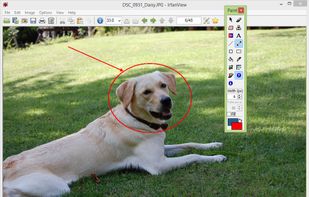
Compact and efficient image application offering viewing, editing, and conversion with batch processing, multi-language support, plugin extensibility, and ad-free operation suitable for Windows and portable use.
 Bosnia & Herzegovina
+9
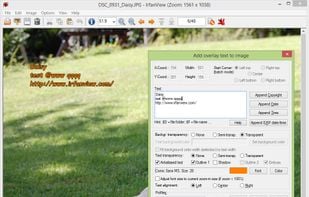



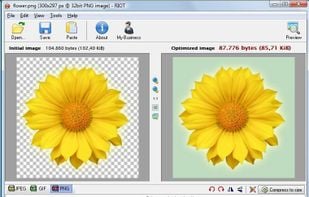
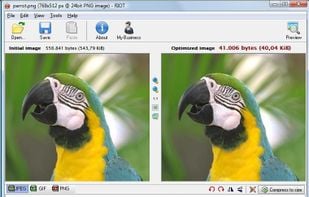
ImageSizer is described as 'Application built to resize, optimize and rename a batch of jpg images producing a zip file containing the images. ImageSizer also allows users to resize images that are greater than 2880px by 2800px, however the resized images cannot be greater than this size' and is a Image Optimizer in the photos & graphics category. There are more than 50 alternatives to ImageSizer for a variety of platforms, including Windows, Mac, Web-based, Linux and Wordpress apps. The best ImageSizer alternative is IrfanView. It's not free, so if you're looking for a free alternative, you could try IrfanView or Caesium Image Compressor. Other great apps like ImageSizer are ImageOptim, Preview, RIOT - Radical Image Optimization Tool and Converseen.
Compact and efficient image application offering viewing, editing, and conversion with batch processing, multi-language support, plugin extensibility, and ad-free operation suitable for Windows and portable use.

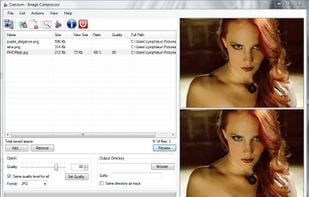
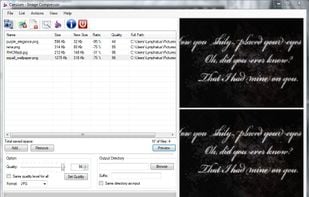
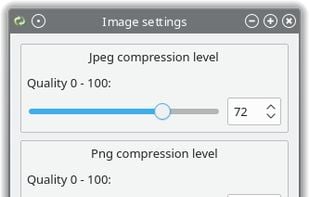
Caesium Image Compressor lets you compress your pictures up to 90% without visible quality loss. Providing a simple yet effective interface with a real-time preview and multiple image processing at the same time, everyone will be able to reach the best result.
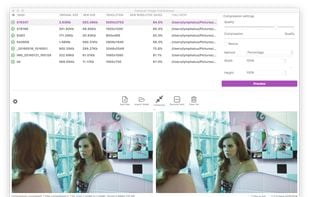


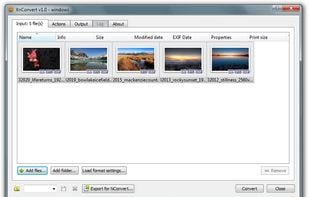
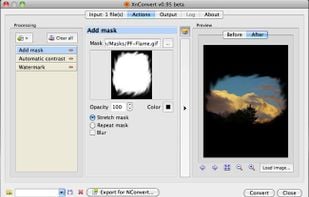
XnConvert is an easy image converter for graphic files, photos and images available on Windows, MacOSX and Linux.

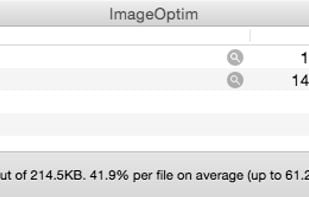
ImageOptim is excellent for publishing images on the web (easily shrinks images “Saved for Web” in Photoshop). It's useful for making Mac and iPhone/iPad applications smaller (if you configure Xcode to allow better optimization).


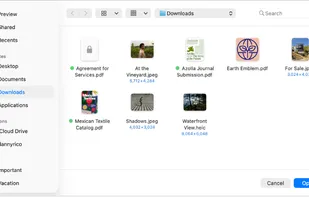
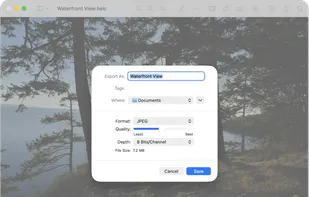
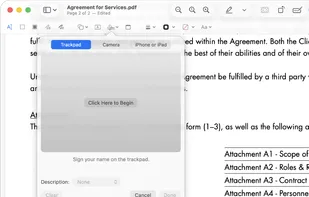
Native macOS app for viewing, annotating, and editing images and PDFs, featuring tools for cropping, rotating, resizing images, rearranging pages, full-screen viewing, markup, document merging, batch conversion, and export in multiple formats.


Saving images for web/email/other media with the best compression ratio and quality is a difficult task if you don’t have the right tools. Choosing the right format then choosing the right parameters are the key factors of smaller files.


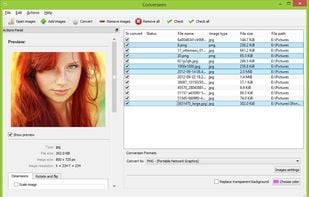
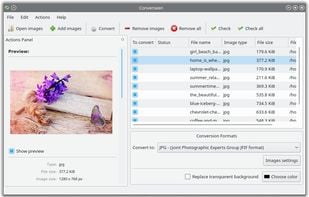
Converseen is a free cross-platform batch image processor for Windows and Linux that allows you to convert, resize, rotate and flip an infinite number of images with a mouse click.


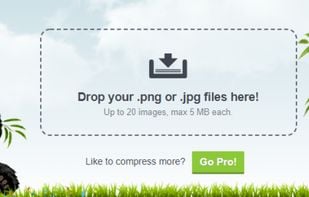
Using advanced lossy compression, TinyPNG reduces PNG file sizes by 50-80%, preserving full transparency and minimizing quality loss. Ideal for web designers, it increases website speed, saves bandwidth, and offers tools like a Photoshop plugin and API for seamless integration.


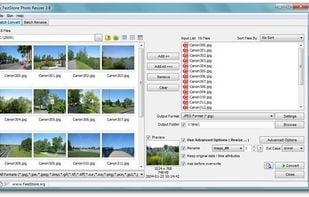
Batch process photos with resizing, cropping, color adjustments, text or watermark overlays, preview changes before saving, automate renaming with custom patterns, support for major formats, folder structures, preset settings, and drag-and-drop management.


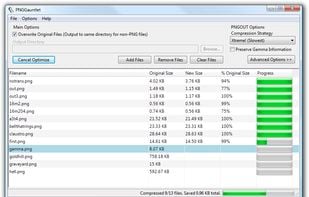
-Combines PNGOUT, OptiPNG, and DeflOpt to create the smallest PNGs -No image quality is lost — only file size -Converts JPG, GIF, TIFF, and BMP files to PNG -Ultra-configurable
PNGGauntlet is a .NET program that uses Ken Silvermans PNGOUT, OptiPNG and DeflOpt to optimize PNG fil.


Create email-friendly images, resize in batches, convert formats, and compress using high-quality filters. Integrated in Windows Explorer, it offers high-res settings, watermarking, a profiles library, PDF creation, and supports devices like iPad and iPhone.
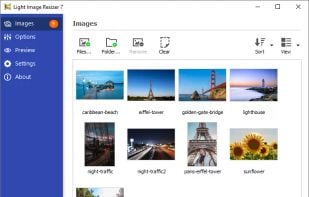
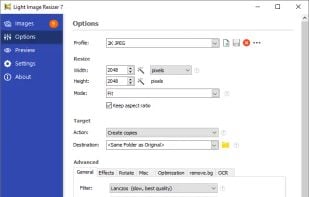
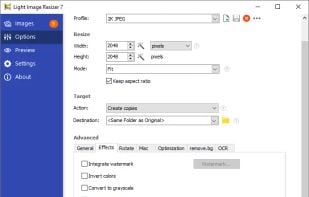
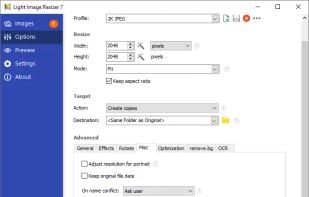


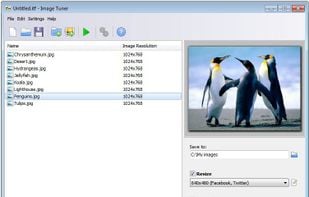
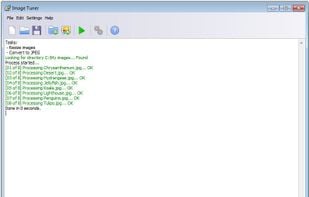
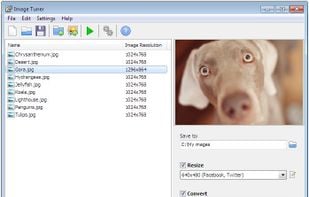
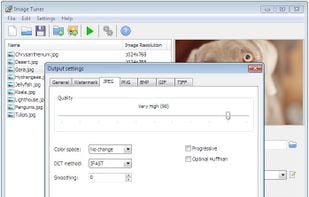
Image Tuner is a free batch image resizing, renaming, conversion and watermarking software with a super-intuitive and straightforward interface.


 Italy
Italy EU
EU
 France


 Poland
 United States
 Romania

 Netherlands
 Canada


 Russia