Easily copy and paste.
- Intuitive --- Easy to access through a float bubble
- Powerful --- Clip text and image in any app just by tapping built-in copy menu
- Lightweight --- Only 1M. Don't worry about your Android storage.
 United States




+1


Easily copy and paste.
United States
Clipboardic is a small utility that listen to the clipboard activity, and each time that you copy something into the clipboard, it automatically save the copied data into Windows clipboard file (.clp). Later, when you need the copied data again, you can simply select the right...
 Israel


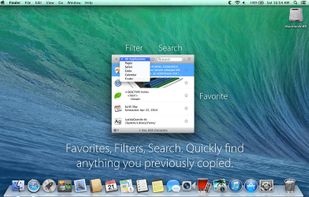
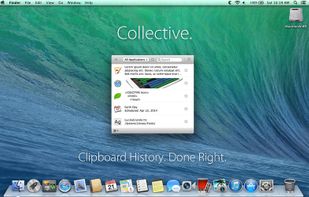
Meet Collective. Clipboard history for your Mac. Done right.
Nearly anything you can copy, Collective will remember.
Text, images, PDFs, movies, URLs, appointments, files: Collective keeps track of whatever you copy.
With a simple key combination (?-Shift-V) Collective appears.
United States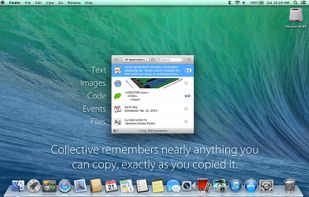


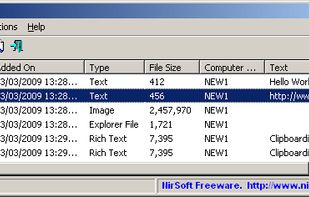
Now you don't have to worry that copying one thing will erase something else! It keeps the clipboard history that you can use to paste any selected fragment again. The clipboard contents will be saved, even in the case of Windows crash or power failure.
United States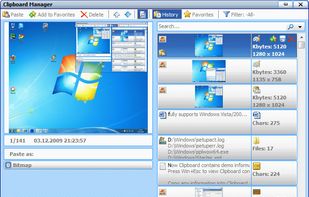


Fast, reliable multi-clipboard tool. It allows to save text, rtf, html and bitmap formats for future use. Especially useful for software engineers.

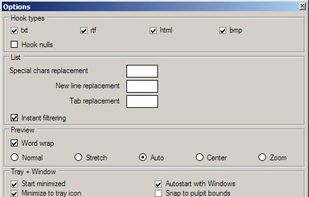


The Smartest of all Clipboard Managers. And best of all - it's FREE! MyClip is not yet another Clipboard Manager, but one of the handiest tools for any IT specialist (Software Developers, DB Administrators, Web Masters, Business Analysts). Just read some (not close to all) of.
 Mexico
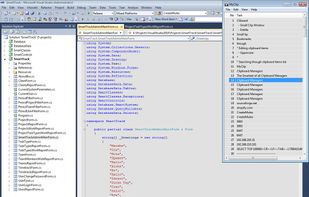
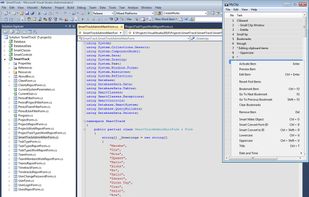

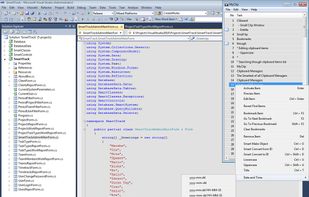


PinClipBoard is one of the best clipboard manager software that enables you to track and record clipboard data for future use. As a universal clipboard manager, you can copy and paste images/text across Android/ios/Mac/Windows/Tablet.
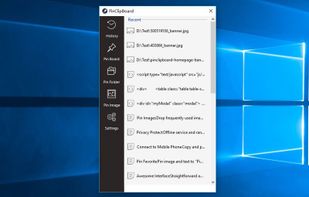

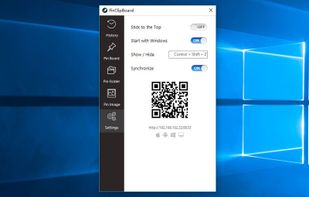


Clipple provides extended clipboard system to Firefox. All text you copied will be stored and you can paste text in it later.
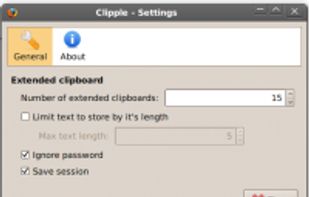


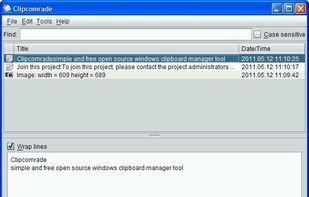
Clipcomrade is Windows clipboard manager. Remembers everything that you put to the clipboard, easy paste/drag anything from clipboard history, access …

 United States
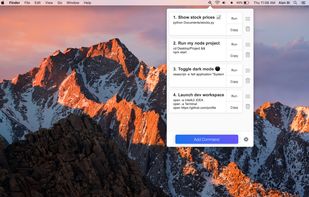


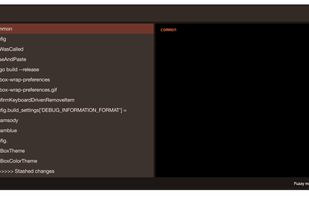
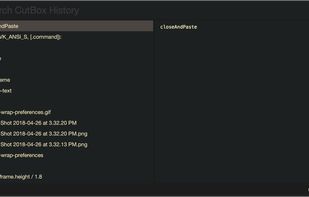
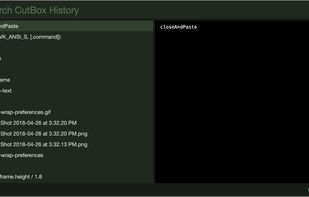
Pasteboard history for macOS done right. Using the proven UI style of Alfred, Spotlight etc. Use fuzzy searching to find what you want to paste.
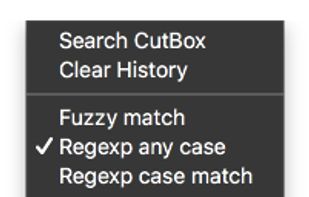


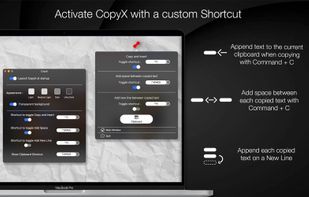
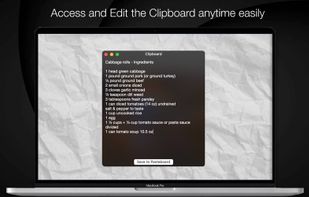
Copy text with Command + C and append it to the last copied text instead of replacing it! Activate inserting with a custom shortcut.