


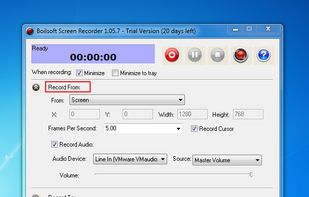
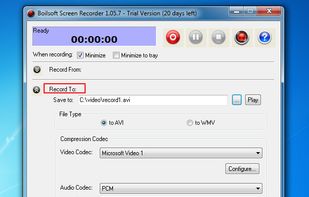
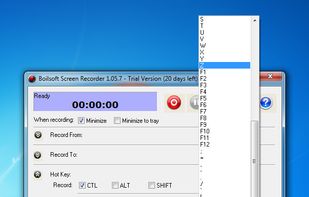
Boilsoft Screen Recorder is a screen-recording software helps to capture screen activities and record video to avi, wmv from microphone, line-in, or speakers for screen sharing.
 China




Apps similar to Icecream Screen Recorder include OBS Studio, which is free and open source. Other options are OpenScreen, Recordly, GPU Screen Recorder and ScreenArc. Screen Recorders like Icecream Screen Recorder are a crowded field, with more than 100 alternatives for Windows, Mac, Linux, the web and iPhone.
Boilsoft Screen Recorder is a screen-recording software helps to capture screen activities and record video to avi, wmv from microphone, line-in, or speakers for screen sharing.
China
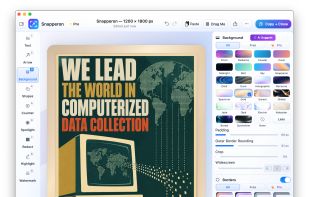
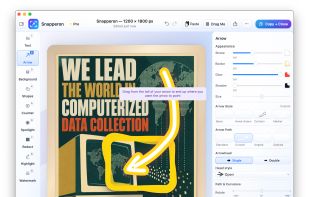
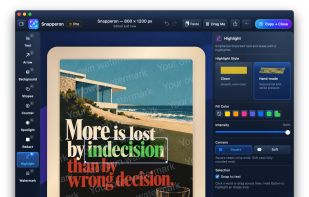
Snapperon is a native macOS app for capturing screenshots, annotating images and PDF pages, and preparing clear visuals for documentation, feedback and presentations. Add styled arrows, text banners, numbered steps, highlights, shapes, spotlights, freehand marks and redaction.


FonePaw Screen Recorder is the professional video screen recording software to capture your screen for Windows computer, including Windows 10, 8, 7 or XP. You can easily record screen activities and webcam video in HD, take snapshot for the desktop and add annotation to it...
 Hong Kong


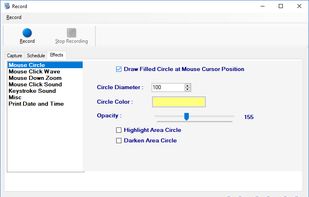
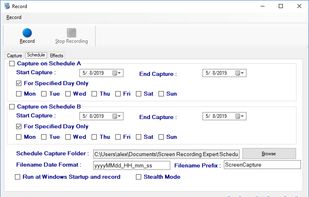
Screen Recorder Expert - Screen recorder with audio and many effects - Screen recorder windows supported - Screen capture on schedule - Cut video, image editing.
 Greece
 EU

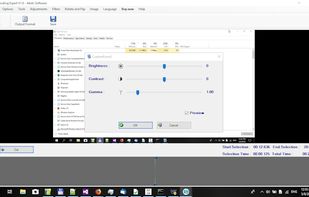


Tipard Screen Capture is able to capture any video/audio. This software allows you to record any video like webcam video, streaming video or other video tutorials on PC. Besides, it allows you to adjust the size of your screen.
Hong Kong
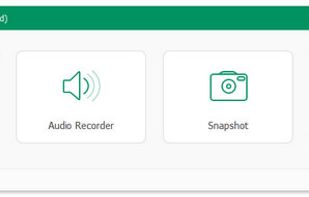


Aiseesoft Screen Recorder is used to record your computer screen. You can use this screen recording software to record video and audio on your computer. It is currently the easiest but most convenient screen recording software.
Hong Kong


Quibbly is a Loom alternative for recording videos, screen shares and voice notes, with native delivery inside LinkedIn messages, engagement tracking and inbox follow-ups.
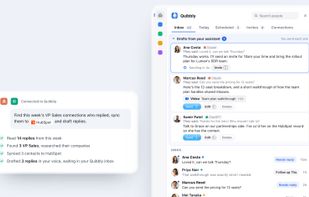

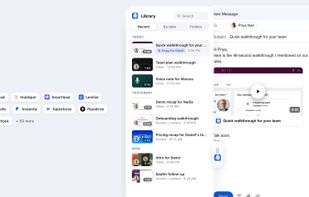


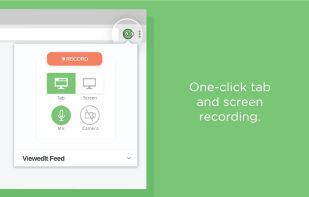
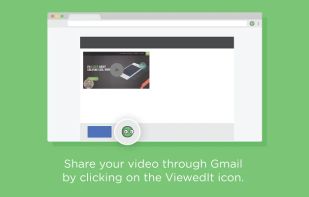
ViewedIt provides a super simple way to record your PC desktop through a Chrome extension. More than that, lets you share your creations then get notified when people watch them.
 Canada




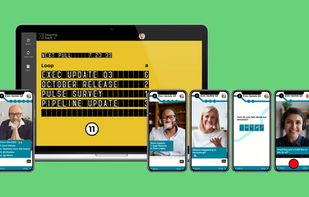
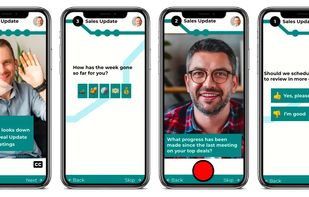
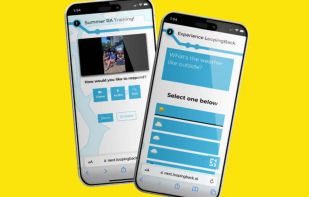
LoopingBack enables video as a message and response type for surveys, emails, stand ups, and other communications. It also uses AI to help users get from collection of information to results faster.
 United States


Free online tools for everyday tasks: screen recording, converters, text utilities, and more — all accessible with no sign-up or installation.


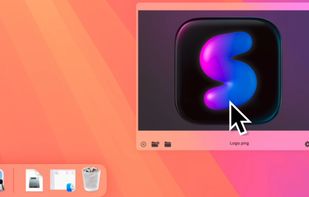
Capture macOS screenshots with a floating thumbnail for quick actions like renaming, copying, extracting text, scrolling capture, and local background removal. Supports custom folders, virtual desktops, Apple Silicon, temporary stashing, privacy, and customization.


 India


