iBrightness Tray Alternatives
iBrightness Tray has been discontinued. Similar apps include f.lux, which is free. Other options are Redshift, Twinkle Tray, Solace and LightBulb. You're spoiled for choice with Screen Dimmers like iBrightness Tray: we list more than 50 alternatives for Windows, Mac, Linux, Android and the web.
Alternatives list
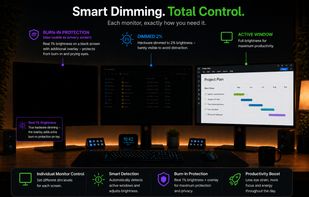
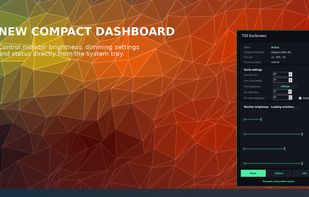
Adaptive per-monitor brightness manager for Windows that automatically dims inactive displays, with two-stage dimming, burn-in protection, break reminders, and energy usage statistics.
Cost / License
- Paid
- Proprietary
Platforms
- Windows
 Germany
 EU
EU


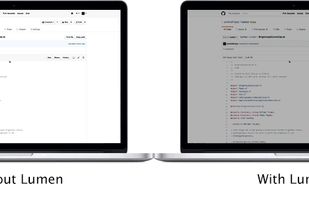
Lumen - magic auto brightness based on screen contents. You control Lumen simply by using your brightness keys - it'll automatically learn your preferences.
Cost / License
- Free
- Open Source (GPL-3.0)
Application type
Platforms
- Mac
 United States


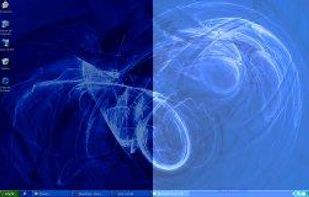
Monitor Bright reduces with a simple trick the monitor brightness. Useful to use the PC at night without getting blind if the minimum brightness that can be obtained adjusting monitor settings is still too high if compared to ambience brightness. Supports multi monitor systems.
Cost / License
- Free
- Proprietary
Application type
Platforms
- Windows
 Italy
Italy- EU


Away From Keyboard is an app that reduces eye strain with reminders to take a break.
Cost / License
- Paid
- Proprietary
Platforms
- Mac


Small GTK GUI application to set contrast, brightness and gamma for wayland compositors which support the wlr-gamma-control protocol extension. Basically this is the example from here: https://github.com/swaywm/wlroots/blob/master/examples/gamma-control.
Cost / License
- Free
- Open Source (MIT)
Platforms
- Linux
- Wayland
 W
W
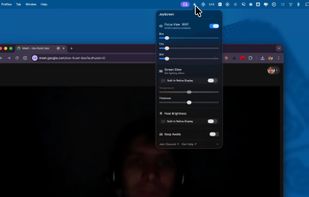
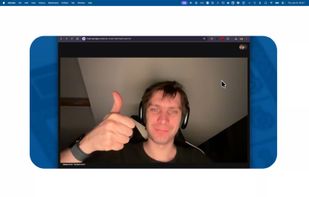
Focus view, extra brightness, ambient glow, and keep awake — all from your menu bar. JoyScreen transforms how you use your Mac.
Cost / License
- Paid
- Proprietary
Platforms
- Mac
 Poland
- EU


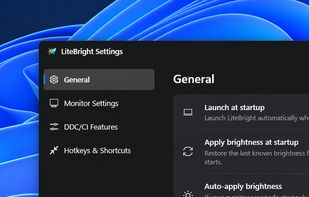
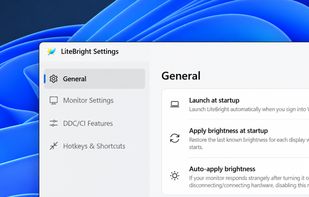
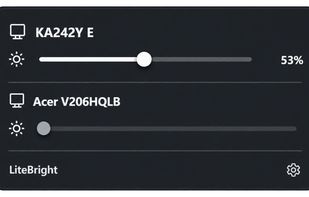
LiteBright is a lightweight native brightness controller for Windows 10 and 11. It lets you control brightness across multiple monitors from the system tray, adjust displays independently or together, and use global keyboard shortcuts for quick changes.
Cost / License
- Free
- Open Source (MIT)
Platforms
- Windows


Cost / License
- Paid
- Proprietary
Application type
Platforms
- Mac
 Romania
- EU
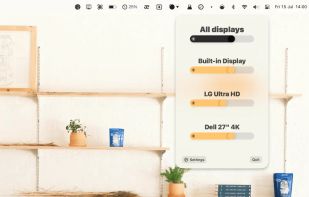

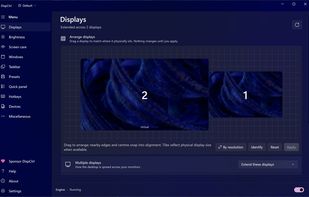
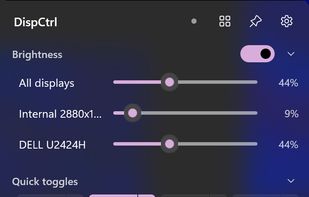
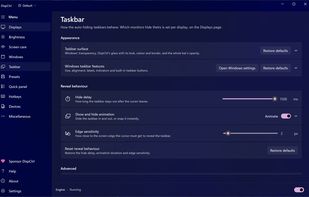
Free, open-source display control for Windows 11: one brightness slider for every monitor (DDC/CI and laptop panels), night light, focus mode, keep awake, per-monitor taskbar hiding and glass, OLED care, your monitor's own settings, hotkeys and a CLI.
Cost / License
- Free
- Open Source (MIT)
Platforms
- Windows
 India
India