


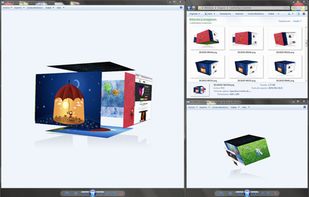
WinFlip emulates Windows Vistas "Flip 3D" effect for Windows XP. Using the hotkey of your choice, you can find the window youre looking for in a fast, clean 3D interface.
Cost / License
- Free
- Proprietary
Since
- Since 2010
 Japan



Apps similar to Hyperswitch include AltTab, which is open source with a free version. Other options are Compiz, Spatial Dock, DockDoor and Love Tap. You're spoiled for choice with Window Managers like Hyperswitch: we list more than 25 alternatives for Mac, Windows and Linux.
WinFlip emulates Windows Vistas "Flip 3D" effect for Windows XP. Using the hotkey of your choice, you can find the window youre looking for in a fast, clean 3D interface.
Japan
A fast app switcher for Mac that shows your apps, files, folders and websites in rows, one hotkey away, or with voice commands.
 United States
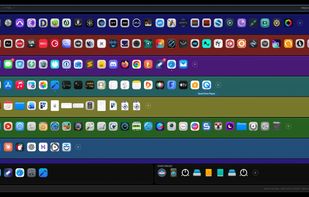


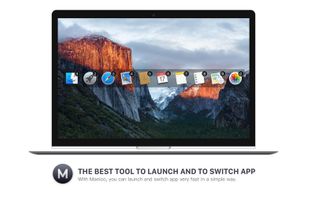
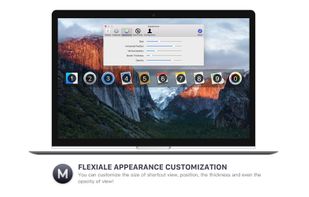
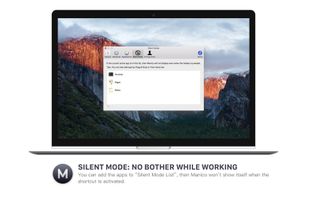
Manico is a fast application switcher for Mac that lets you access apps by simply holding the Option key and pressing the target number.
 China
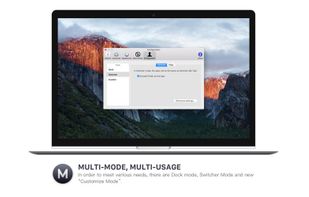


FlowShelf a free Mac app that turns your notch into a Dynamic Island and gives everything you copy, drop, or screenshot a temporary home.
 Australia
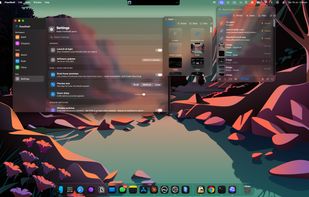
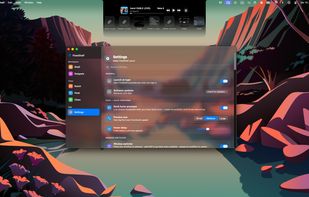
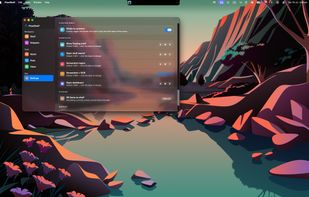

The ultimate desktop organizer. DeskPose NXT helps you to find your applications fast, organize your desktop and become more productive.
 Spain
 EU


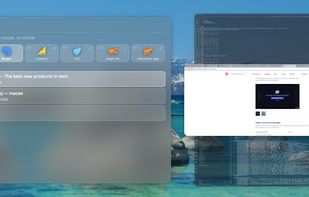
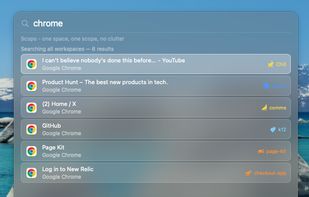
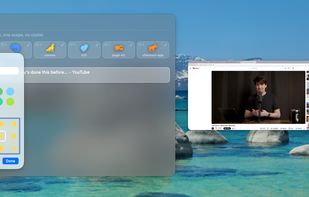
Scopo replaces Cmd+Tab with a window switcher scoped to your current macOS Space. One Space = one project. You see only the windows that belong there.



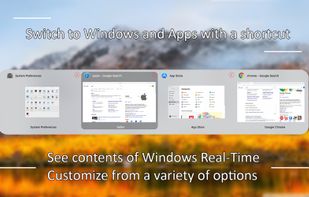
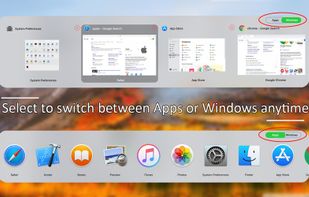
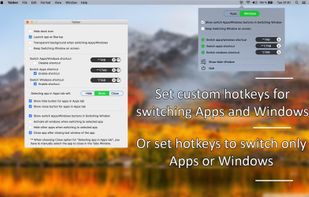
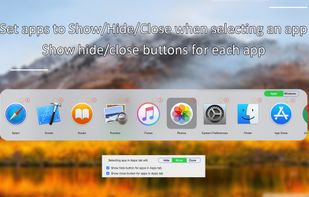
Activate wanted windows and apps with Tabber Window Switcher which is a Command+Tab alternative to switch windows. See contents of windows Real-Time when switching windows. Switch Apps and Windows with a shortcut or set a custom shortcut to switch windows or to switch apps.

 China


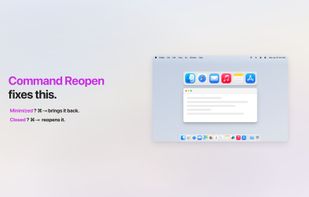
Cmd+Tab ignores minimized windows? Not anymore. Command Reopen restores them automatically — no permissions, no new UI. Works with the native switcher you already know.
China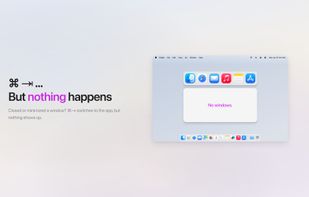



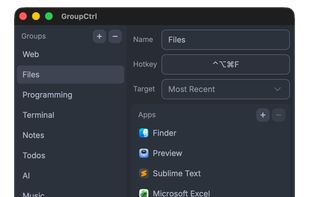
GroupCtrl is a simple app switcher that lets you share hotkeys across related apps. For macOS, Windows version is in the works.

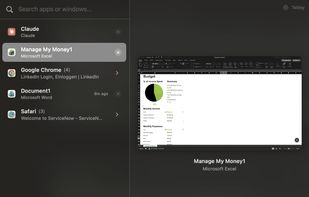
Tabby replaces the stock ?-Tab with a fast, searchable switcher that groups windows by app — and treats each browser tab as a switchable item too. Hit your hotkey, type or arrow to what you want, and go. Your hands never leave the keyboard.
 GermanyEU


 France


