Platforms
- Windows
 France
 EU
EU

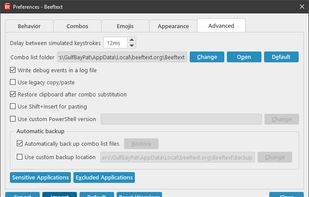


Apps similar to Hyperkey include AutoHotkey, which is free and open source. Other options are AutoIt, Tuna, BetterTouchTool and SharpKeys. There's no shortage of Key Mapping Tools like Hyperkey, with more than 50 alternatives for Windows, Mac, Linux, the web and Android.
FranceEU
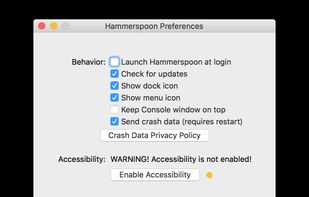
This is a tool for powerful automation of OS X. At its core, Hammerspoon is just a bridge between the operating system and a Lua scripting engine.


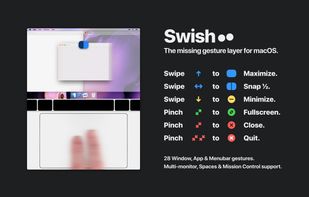

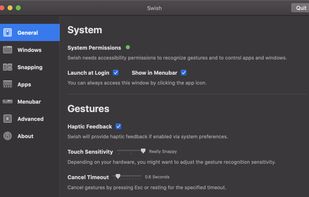


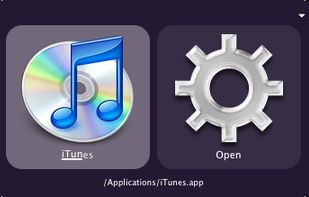
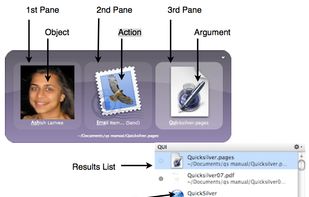
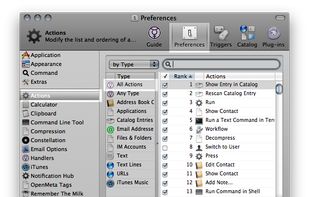
Quicksilver is a fast and free macOS productivity application that gives you the power to control your Mac quickly and elegantly.

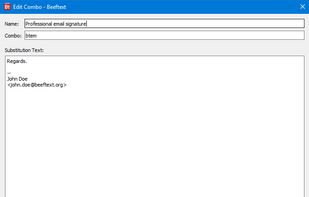
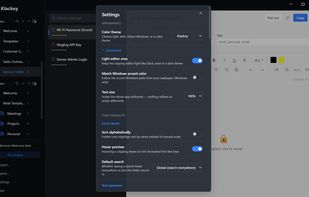
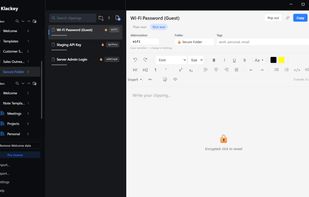
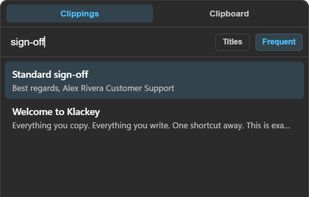
Local-first clipboard manager with dynamic snippets, text expansion, templates, secure folders, and searchable notes for Windows and macOS.
 United States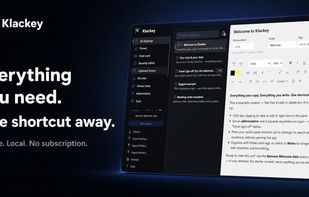

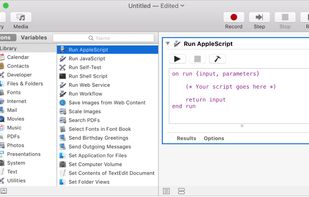
With Automator, you can accomplish time-consuming, repetitive manual tasks quickly, efficiently, and effortlessly. Automator lets you skip the complex programming and scripting that is normally required to create automations.
United States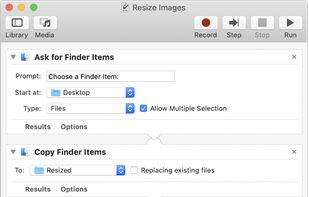


Repeat is a full-fledged, Java mouse/keyboard record/replay and automation hotkeys/macros creation using modern programming languages, and more advanced automation features. Working across three major OSes: Windows, OSX, and Linux.



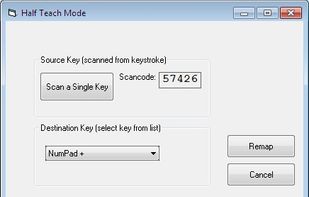
KeyTweak is a free keyboard remapper for Windows NT/2000/XP/Vista/Win 7. It makes use of Microsoft's Scancode Map registry key to remap your keyboard.
United States


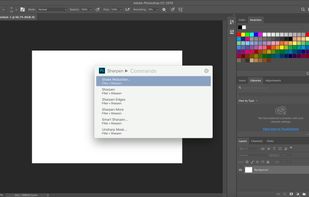
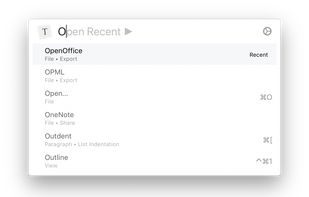
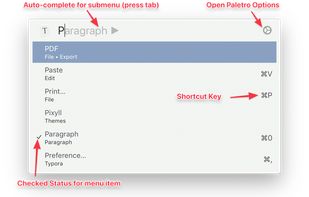
With Paletro, by pressing ??P, you have access to all of the functionality of current focused app, including keyboard shortcuts for the most common operations.
 China
China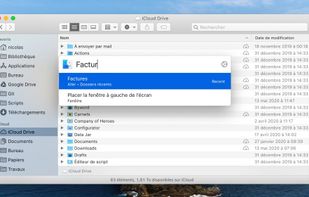


Toshy is a config file for the keyszer Python-based keymapper for Linux (which was forked from xkeysnail). The Toshy config is not strictly a fork of Kinto, but was based in the beginning entirely on the config file for Kinto.sh by Ben Reaves (https://github.


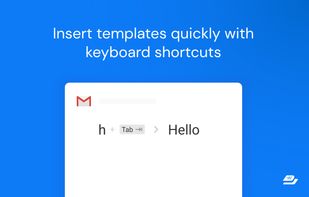
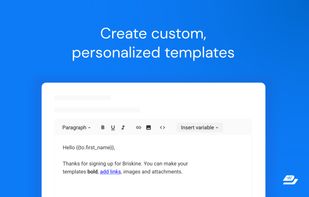
Write emails faster! Increase your productivity with templates and keyboard shortcuts on Gmail, Outlook, or LinkedIn.