


 Bulgaria
 EU
EU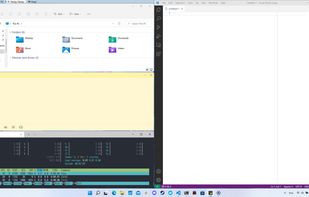

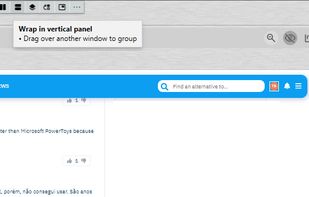


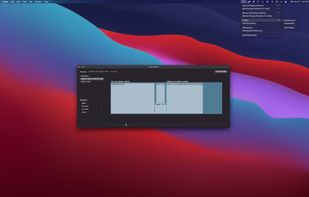
Hyperfocused is described as 'Apps in the right spot with one click' and is a Window Manager in the os & utilities category. There are more than 50 alternatives to Hyperfocused for a variety of platforms, including Mac, Windows, Linux, Android and KDE Plasma apps. The best Hyperfocused alternative is Microsoft PowerToys, which is both free and Open Source. Other great apps like Hyperfocused are Rectangle, DisplayFusion, BetterTouchTool and Spencer for Mac.

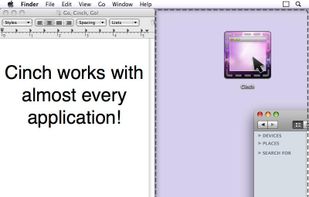
Cinch is Aero Snap for Macs- it offers simple, mouse-driven window management by defining the left, right, and top edges of your screen as hot zones. Cinching to the left or right edges of the screen will resize the window to fill exactly half the screen, allowing you to easily...


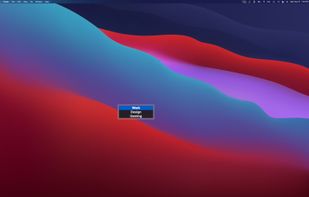
Display Maid allows you to save and restore window locations based on your display configuration or user created profiles.


Sometimes a lot of deskop clutter can hide a window (eg, open file, programs, files-explorer, dialogs)


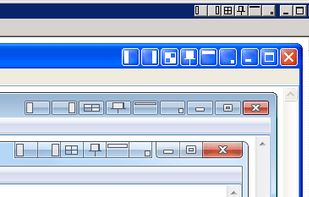
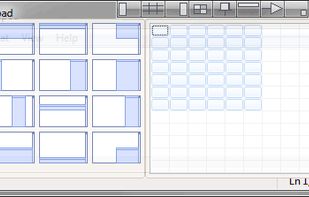
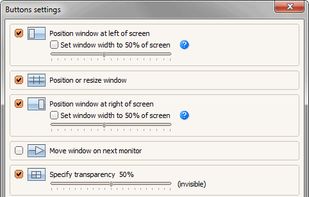
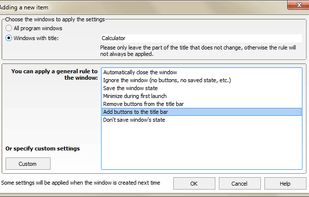
Chameleon Window Manager will allow you to control the windows of your programs using customizable buttons added to the title bars of the windows (Always on Top, Minimize to Tray, Minimize to Caption, Specify Transparency, Position window at left/right of screen).


Penc is a window manager app for macOS designed for use with the trackpad. It lets you use trackpad gestures along with the Command key to move, resize and snap windows to the screen.


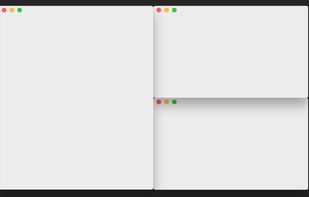
SizeUp allows you to quickly position a window to fill exactly half the screen (splitscreen), a quarter of the screen (quadrant), full screen, or centered via the menu bar or configurable system-wide shortcuts (hotkeys).


Slate is a window management application similar to Divvy and SizeUp (except better and free!). Originally written to replace them due to some limitations in how each work, it attempts to overcome them by simply being extremely configurable.


Windownaut is versatile window management app that let's you define keyboard shortcuts and active areas on your screen to resize an position the windows on your desktop.




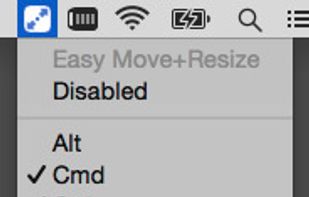
Easy Move+Resize is based on behavior found in many X11/Linux window managers, adding easy modifier key + mouse drag move and resize to OS X.


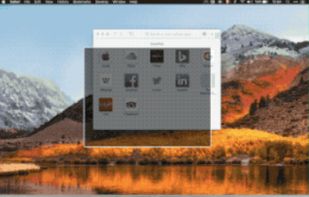
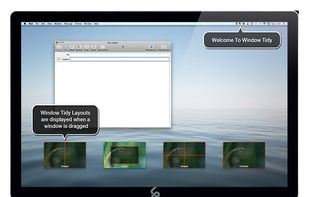
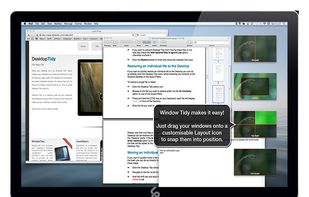
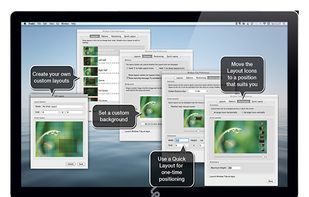
Arrange your application windows using nothing but drag and drop! There are no hot-keys to remember or menus to click, just drag and drop a window onto Layout Icon and it will instantly snap to that layout.


 United States


 Russia


 United Kingdom


