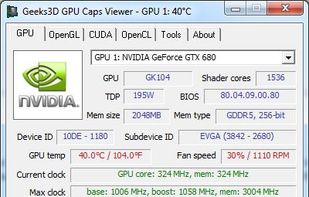
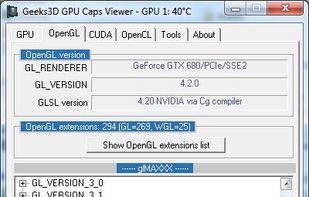
GPU Caps Viewer is a graphics video card utility that quickly provides the essential information regarding the GPU.
Cost / License
- Free
- Proprietary
Platforms
- Windows



+9


One of the most popular alternatives to HWiNFO (32/64) is CPU-Z, which is free. Other popular alternatives are Speccy, Libre Hardware Monitor, GPU-Z and AIDA64. System Information Utilities like HWiNFO (32/64) are a crowded field, with more than 100 alternatives for Windows, Linux, Mac, Android and iPhone.
GPU Caps Viewer is a graphics video card utility that quickly provides the essential information regarding the GPU.
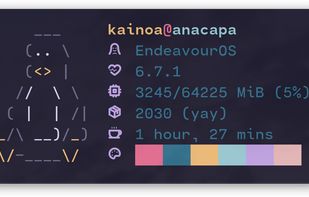
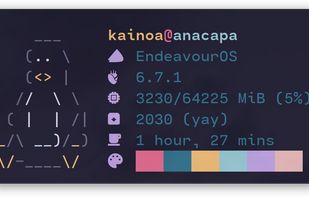
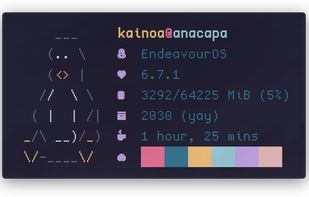
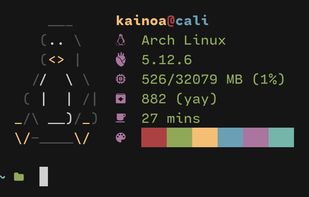
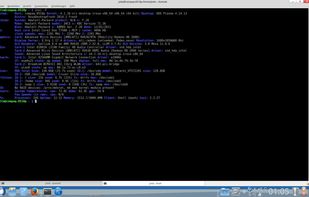
Inxi is a system information script that can display various things about your hardware and software to users in an irc chatroom or support forum. it runs with the /exec command in most irc clients.

 Czechia
 EU
EU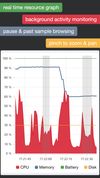
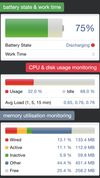
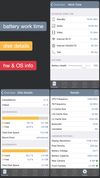


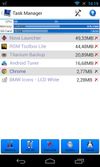
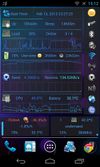
3C Toolbox is the comprehensive toolbox to save battery, tweak, tune, backup, secure and monitor any Android devices running any ROMs, any kernels.



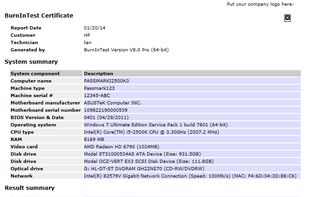
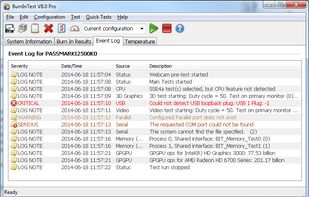
PassMark BurnInTest is a software tool that allows all the major sub-systems of a computer to be simultaneously stress tested for endurance, reliability and stability.
 Australia



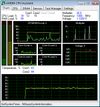
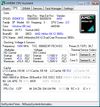
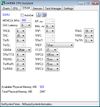
AMD64 CPU Assistant monitors the temperature of AMD64 CPU cores (AMD64 K8 processor on Socket 754/S1/940/F1207/939/AM2/ASB1/S1g1) using the on-die thermal sensor.


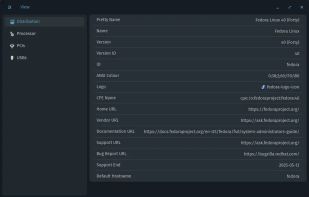
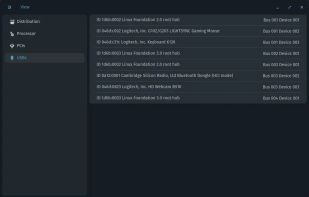
Examine is an app which gives you easy access to system information without needing to use the terminal, built for the COSMIC desktop.


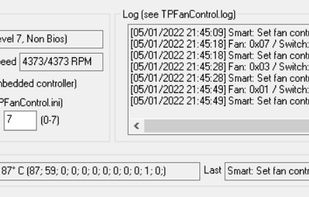
An updated version of TpFanControl that runs on most Lenovo ThinkPads and a few other Lenovo PCs (including single-fan laptops). Includes some features from a competing fork: https://github.com/FanDjango/TPFanCtrl2


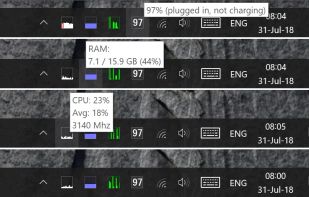
A lightweight, cross-platform system monitoring tool that displays real-time hardware metrics (CPU, RAM, disk, network, temperature) in the system tray.


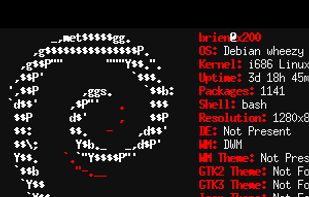
Simple command-line tool that displays your distro's logo in text art form, your OS version, your kernel version, your CPU, GPU, and RAM, your DE, resolution, WM, themes, and shell type, and more.


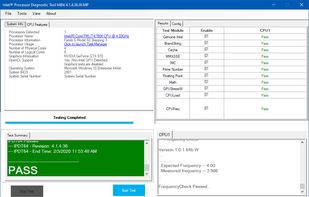
The purpose of the Intel® Processor Diagnostic Tool is to verify the functionality of an Intel® microprocessor.
 United States