

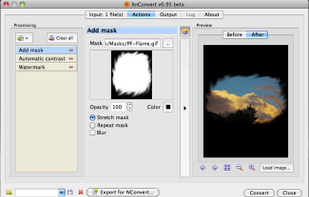
XnConvert is an easy image converter for graphic files, photos and images available on Windows, MacOSX and Linux.
 France
 EU
EU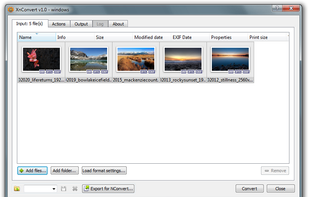


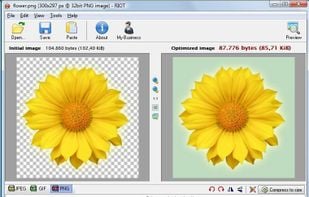
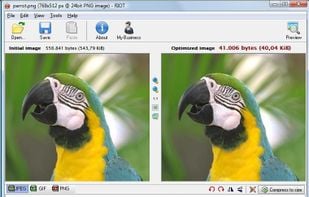
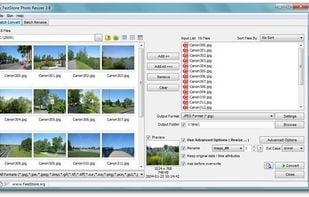
The best Image Optimizer alternative to How to Convert is XnConvert. It's not free, so if you're looking for a free alternative, you could try XnConvert or RIOT - Radical Image Optimization Tool. If that doesn't suit you, our users have ranked more than 25 alternatives to How to Convert and eight of them are Image Optimizers so hopefully you can find a suitable replacement. Other interesting Image Optimizer alternatives to How to Convert are Oxipng, ECT - Efficient Compression Tool, Shrink O'Matic and Image Magic Suite.
XnConvert is an easy image converter for graphic files, photos and images available on Windows, MacOSX and Linux.

Saving images for web/email/other media with the best compression ratio and quality is a difficult task if you don’t have the right tools. Choosing the right format then choosing the right parameters are the key factors of smaller files.


Batch process photos with resizing, cropping, color adjustments, text or watermark overlays, preview changes before saving, automate renaming with custom patterns, support for major formats, folder structures, preset settings, and drag-and-drop management.


Oxipng is a multithreaded lossless PNG compression optimizer in Rust. It can be used via a command-line interface or as a library in other Rust programs.


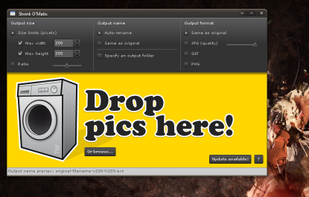
Shrink O'Matic is an AIR application to easily (batch) resize (shrink) images. It handles JPGs, GIFs and PNGs.


Unlock the full power of images and documents with Image Magic Suite: Your complete toolbox for editing, scanning, converting, encrypting, and organizing files. With 100+ smart features, advanced filters, format support, batch tools, and creative utilities, Image Magic Suite is...



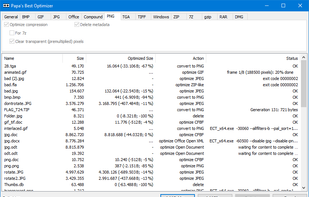
Shrinks images and documents losslessly by optimizing existing compression. Run it comfortably in the background to save hard disk space and bandwidth.

 Romania
 Canada


 India
India