

XnConvert is an easy image converter for graphic files, photos and images available on Windows, MacOSX and Linux.
Cost / License
- Free Personal
- Proprietary
Application types
 France
 EU
EUPlatforms
- Mac
- Windows
- Linux
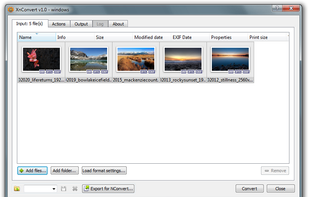
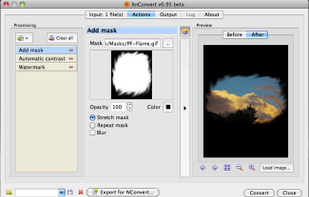


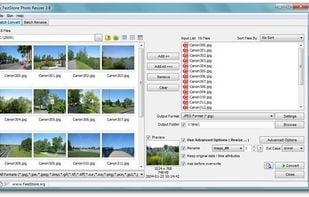
The best Image Converter alternative to How to Convert is XnConvert. It's not free, so if you're looking for a free alternative, you could try XnConvert or FastStone Photo Resizer. If that doesn't suit you, our users have ranked more than 25 alternatives to How to Convert and 18 are Image Converters so hopefully you can find a suitable replacement. Other interesting Image Converter alternatives to How to Convert are ReaConverter, Graphic Converter, PixTrim and Online Image Converter.
XnConvert is an easy image converter for graphic files, photos and images available on Windows, MacOSX and Linux.

Batch process photos with resizing, cropping, color adjustments, text or watermark overlays, preview changes before saving, automate renaming with custom patterns, support for major formats, folder structures, preset settings, and drag-and-drop management.


With Filestar you can "do anything with any file". Get rid of repetitive tasks, save time and boost your productivity with over 30.000 file conversions available. Transform or convert hundreds of files, all at the same time with a few simple clicks.


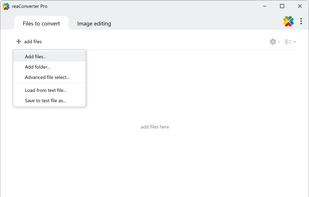
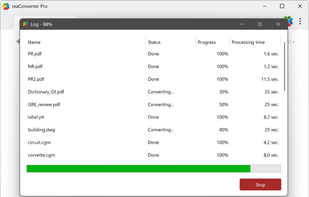
ReaConverter is time-saving batch image converter software that supports more than 700 source formats and over 60 output formats.
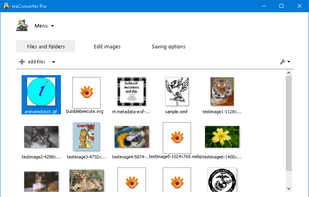


Graphic Converter for Mac and Windows, can converts image formats BMP, JPG, GIF, ICO, PNG, TIF, TIFF, JPEG, WMF, EMF, PSP, PSD, PCM, SVG, RAW and more.


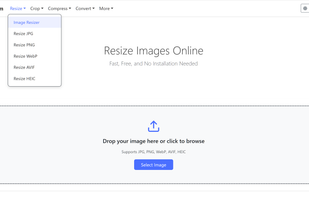
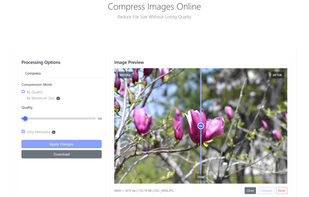
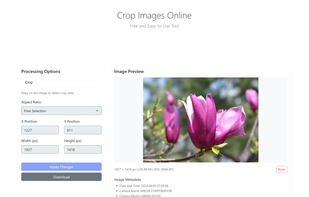
PixTrim is a simple online tool to resize, crop, compress, convert, flip, and rotate images in popular formats like JPG, PNG, WebP, AVIF, and HEIC — all for free and right in your browser.
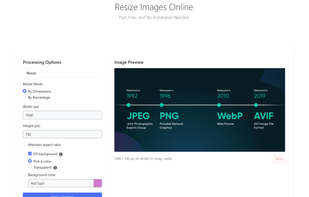


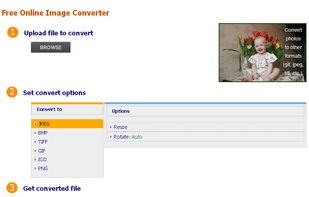
Online Image Converter converts your BMP, JPG, PNG, GIF or ICO files quickly and easily. It is completely free.


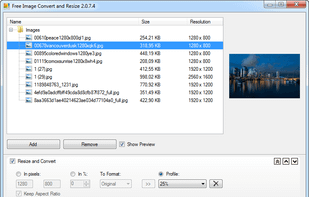
Free Image Convert and Resize is a compact yet powerful program for batch mode image processing.


Unlock the full power of images and documents with Image Magic Suite: Your complete toolbox for editing, scanning, converting, encrypting, and organizing files. With 100+ smart features, advanced filters, format support, batch tools, and creative utilities, Image Magic Suite is...





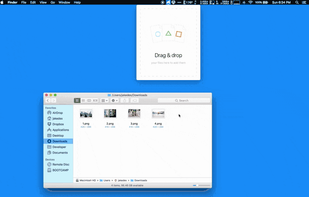
Alchemy lets you convert and merge images with ease through an intuitive, drag and drop interface. On Mac, it's easily accessed through the Mac menubar.


ImageResizer - Batch-resize and convert your images in just one click with maximum comfort.
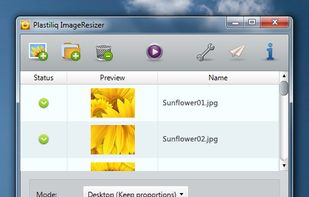
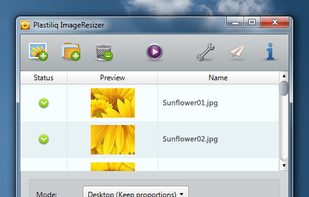
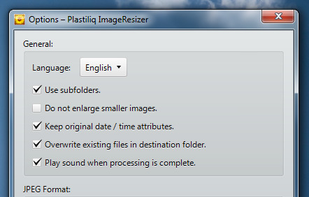


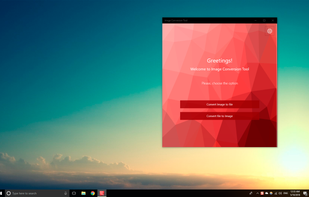
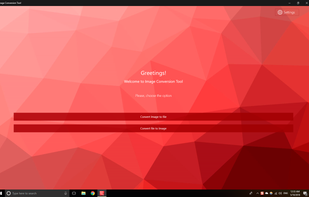
Image Conversion Tool allows you easily converts jpg, png, bmp, gif, tiff, heic and other images to pdf, eps, ico, odd, ps, psd and other formats and other formats.


 Canada
 Sweden
 Cyprus
 Germany

 United States
 United Kingdom
 India
India

 Russia