How to Convert AlternativesOnly apps categorised as Image Editors

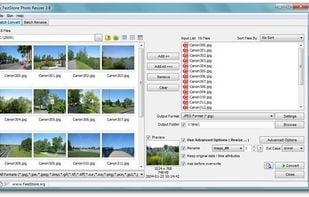
The best Image Editor alternative to How to Convert is FastStone Photo Resizer. It's not free, so if you're looking for a free alternative, you could try FastStone Photo Resizer or Filestar. If that doesn't suit you, our users have ranked more than 25 alternatives to How to Convert and five of them are Image Editors so hopefully you can find a suitable replacement. Other interesting Image Editor alternatives to How to Convert are PixTrim and Image Magic Suite.

filter to find the best alternatives

How to Convert alternatives are mainly Image Converters, but if you're looking for Image Editors or Image Optimizers you can filter on that. These are just examples - use the filter bar below to find more specific alternatives to How to Convert.
Copy a direct link to this comment to your clipboard
How to Convert alternatives page was last updated

Alternatives list

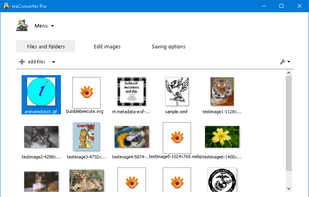
  1. Batch process photos with resizing, cropping, color adjustments, text or watermark overlays, preview changes before saving, automate renaming with custom patterns, support for major formats, folder structures, preset settings, and drag-and-drop management.

    Cost / License

    • Free Personal
    • Proprietary

    Platforms

    • Windows
     
  2. Filestar icon
     16 likes

    With Filestar you can "do anything with any file". Get rid of repetitive tasks, save time and boost your productivity with over 30.000 file conversions available. Transform or convert hundreds of files, all at the same time with a few simple clicks.

    Cost / License

    • Free Personal
    • Proprietary

    Platforms

    • Mac
    • Windows
     
  3. PixTrim icon
     1 like

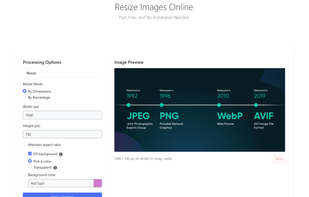
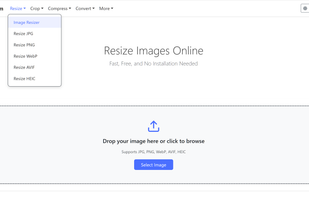
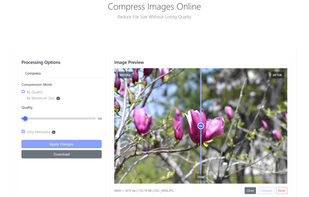
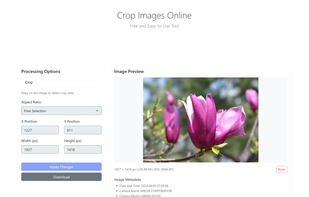
    PixTrim is a simple online tool to resize, crop, compress, convert, flip, and rotate images in popular formats like JPG, PNG, WebP, AVIF, and HEIC — all for free and right in your browser.

    Cost / License

    • Free
    • Proprietary

    Platforms

    • Online
     
  4. Unlock the full power of images and documents with Image Magic Suite: Your complete toolbox for editing, scanning, converting, encrypting, and organizing files. With 100+ smart features, advanced filters, format support, batch tools, and creative utilities, Image Magic Suite is...

    Cost / License

    Platforms

    • Android
    • Samsung Galaxy Store
     
5 of 5 How to Convert alternatives