

Saving images for web/email/other media with the best compression ratio and quality is a difficult task if you don’t have the right tools. Choosing the right format then choosing the right parameters are the key factors of smaller files.
 Romania
 EU
EU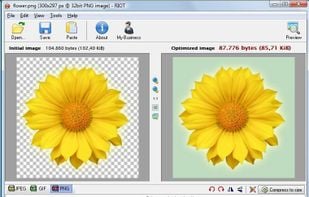
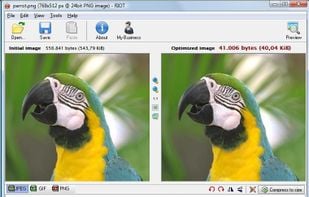


The best File Compressor alternative to How to Convert is RIOT - Radical Image Optimization Tool, which is free. If that doesn't suit you, our users have ranked more than 25 alternatives to How to Convert and seven of them are File Compressors so hopefully you can find a suitable replacement. Other interesting File Compressor alternatives to How to Convert are Oxipng, ReaConverter, ECT - Efficient Compression Tool and PixTrim.
Saving images for web/email/other media with the best compression ratio and quality is a difficult task if you don’t have the right tools. Choosing the right format then choosing the right parameters are the key factors of smaller files.

Oxipng is a multithreaded lossless PNG compression optimizer in Rust. It can be used via a command-line interface or as a library in other Rust programs.


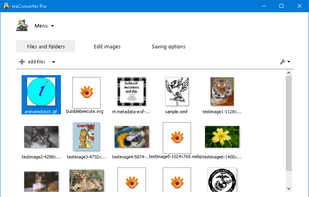
ReaConverter is time-saving batch image converter software that supports more than 700 source formats and over 60 output formats.
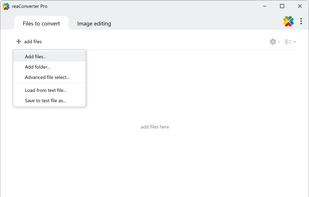
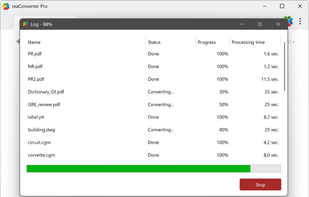


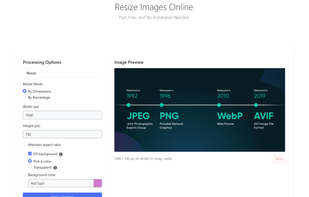
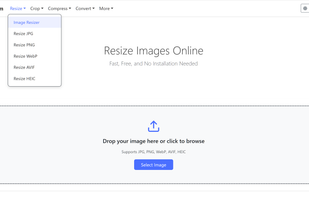
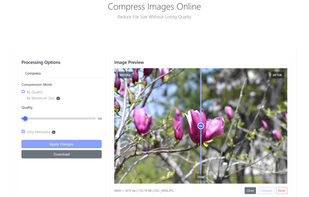
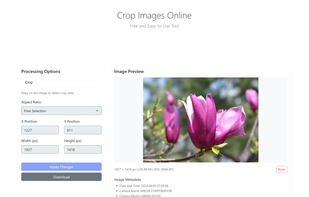
PixTrim is a simple online tool to resize, crop, compress, convert, flip, and rotate images in popular formats like JPG, PNG, WebP, AVIF, and HEIC — all for free and right in your browser.

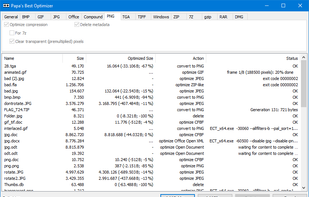
Shrinks images and documents losslessly by optimizing existing compression. Run it comfortably in the background to save hard disk space and bandwidth.

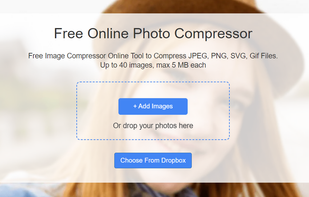
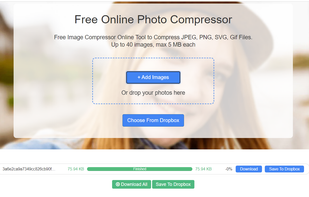
FoneDog Photo Compressor is a versatile online tool designed to streamline the process of compressing image files without compromising quality.


 Cyprus

 Philippines