Cost / License
- Free
- Proprietary
Application typeApplication types
Platforms
- Windows
 South Korea



+1


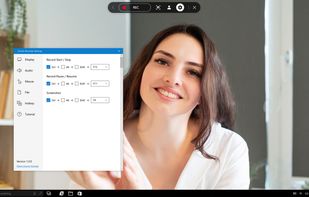
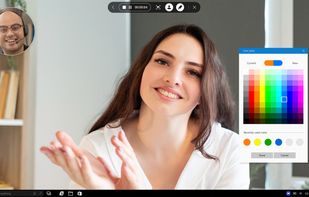
Apps similar to Edimakor Screen Recorder include OBS Studio, which is free and open source. Other options are OpenScreen, GPU Screen Recorder, SimpleScreenRecorder and MSI Afterburner. There's no shortage of Screen Recorders like Edimakor Screen Recorder, with more than 100 alternatives for Windows, Mac, the web, Linux and Android.
South Korea
Free Screen Video Recorder is a compact, yet full-featured screen video recorder and screenshot capture tool that allows you to easily record screen activities and capture anything on the screen including windows, objects, menus, full screen and rectangular regions.
 United Kingdom


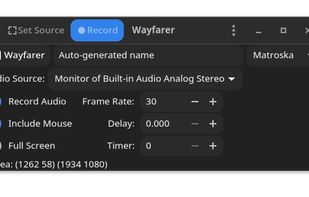


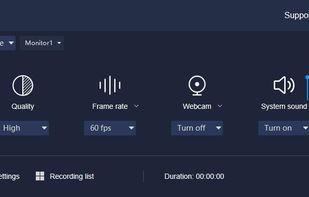
Built with five screen recording modes, RecMaster will offer you an easies and most efficient way to record your computer screen. Just one click from RecMaster, enjoy every moment and details from your computer screen.
United Kingdom


HyperCam v2 is a video capture software that records AVI movies (screencam) directly from your monitor, for software presentations, software training, demos, tutorials, and fun! HyperCam supports text annotations, sound, and screen notes (great for creating automated software...
 United States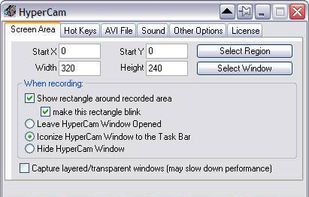


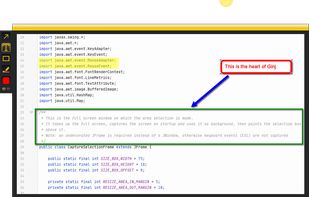
An open source multi-platform screen capture and recording tool for simple "capture / annotate / share" workflow. Ginj was inspired by Jing (now discontinued), but although there are similarities in the way both tools behave, Ginj is not Jing.


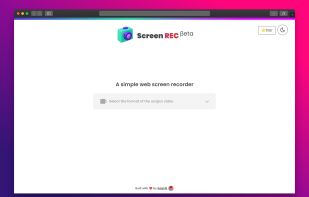


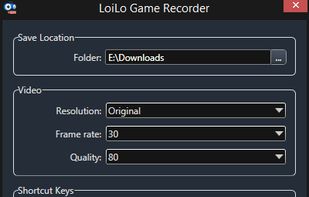
LoiLo Game Recorder is a completely free, fast, simple and very effective videogame recorder.
 Japan
Japan


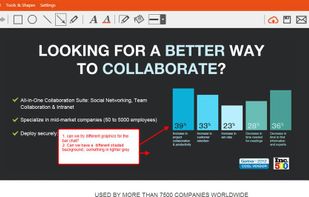
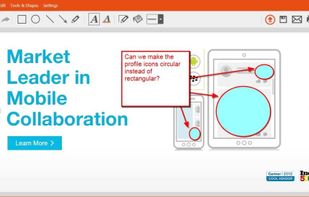
TinyTake is a free screen capture software for Microsoft Windows. With TinyTake, you can capture images and videos of your computer screen, add comments and share them with others in minutes. TinyTake is built by MangoApps and is available for free.
United States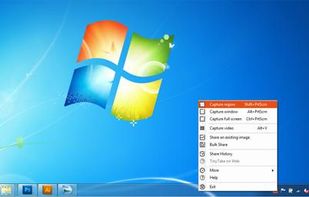



There exist a lot of screen recorders, but all lack the speed for doing some full screen recording. The speed is just to low or cpu to high.
 Germany
 EU
EU




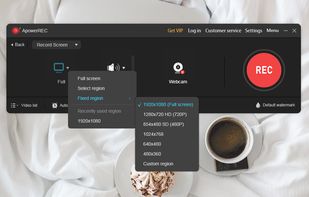
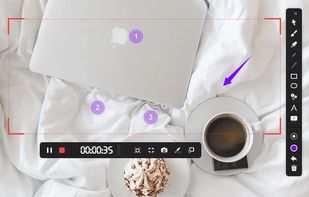
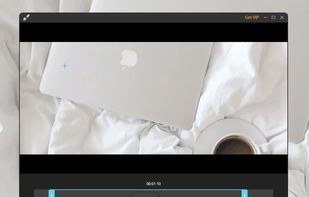
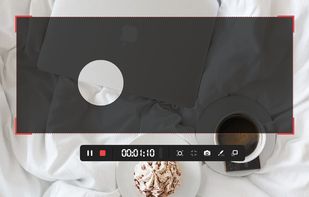
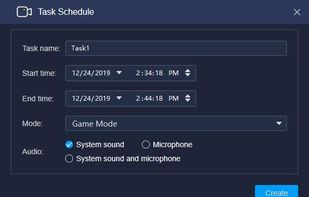
ApowerREC is a cross-platform app that's available on Windows, Mac, and iOS, you can easily use it for recording desktop activities, camera, system sound and microphone. It's also has annotation, video editor, task recording mode and more.
 Hong Kong SAR China