Hey Mac is a free, open-source macOS utility that uses your Mac’s camera to recognize your face and unlock the lock screen or protect selected apps.
Lock Screen unlock
After recognizing your face, Hey Mac enters your saved Mac login password. This feature requires camera and Accessibility access. Your password is stored encrypted on your Mac, with the encryption key protected by macOS Keychain.
App Lock
Choose which apps to protect and authenticate with your face, Touch ID, or your Mac password. Shield the protected app window or the entire display, and choose when apps require authentication again. App Lock can be used without enabling Lock Screen unlock.
On-device recognition
Face recognition and anti-spoofing checks run locally. Enrolled face data is stored as encrypted numerical embeddings rather than photos. The app uses a regular camera, not Apple’s Face ID depth-sensing hardware.
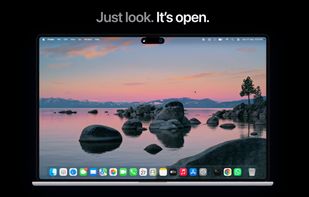
A menu bar menu provides quick controls, and a notch or floating indicator shows recognition progress. Settings include light and dark appearance options and in-app update checks.
Requires macOS 14 or later and an Apple Silicon Mac. The app is currently distributed outside the Mac App Store and is not notarized; macOS may require approval through Privacy & Security when first opened.









No comments or reviews, maybe you want to be first?