Platforms
- Mac
- Windows
- Linux



+1


Apps similar to gtop include Process Explorer, which is free. Other options are htop, System Informer, witr and Mission Center. There's no shortage of Process Monitoring Tools like gtop, with more than 50 alternatives for Linux, Windows, Mac, iPad and Android.

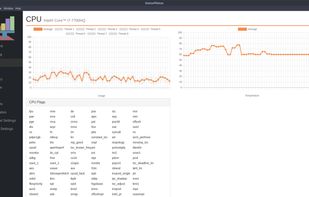
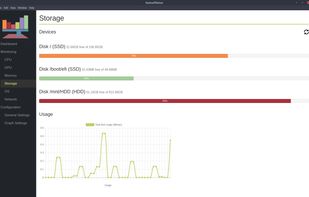
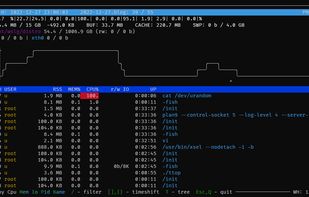
Resource monitor that shows usage and stats for processor, memory, disks, network and processes.
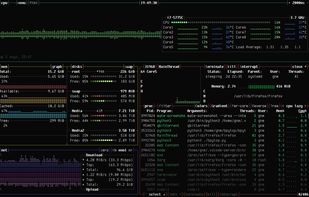
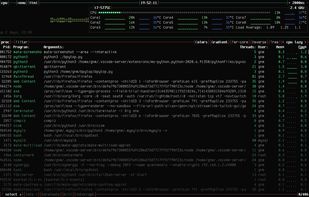
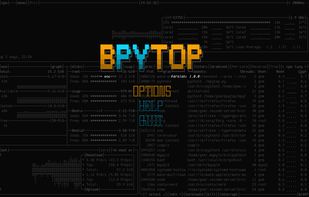
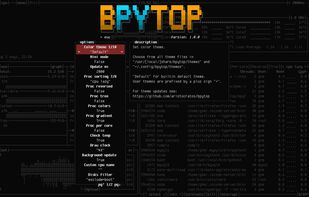
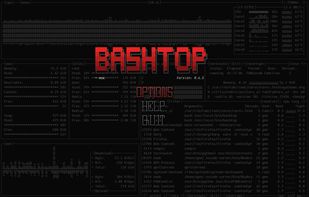
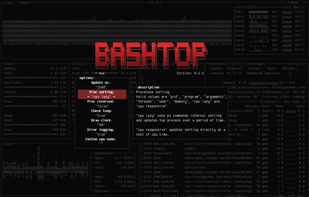
Python port of bashtop.

You can use Windows Performance Monitor to examine how programs you run affect your computer's performance, both in real time and by collecting log data for later analysis.

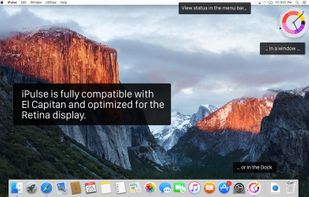
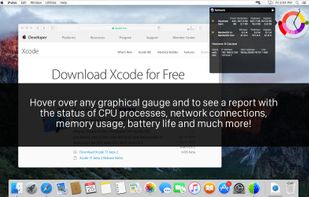
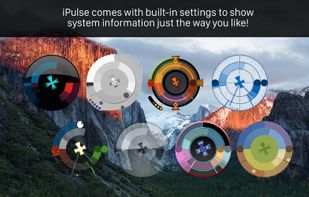
Visualizes live CPU, memory, network, disk, battery, and wireless usage on macOS using a compact, customizable interface, blending data graphically and textually on desktop, menu bar, or Dock, with Retina support, hotkeys, and minimal system impact.
 United States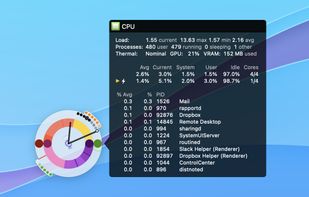


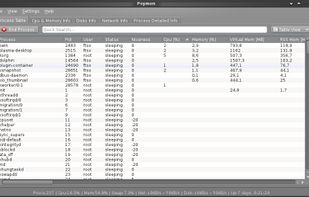
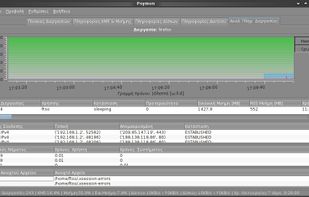
Python System Monitor (Psymon) is a cross-platform, task and performance monitor.

 New Zealand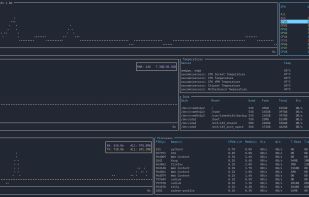
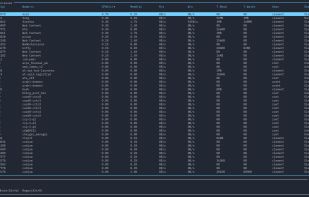
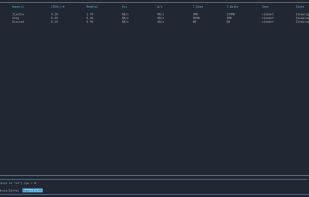


vtop is a graphical command-line tool that uses unicode braille to chart CPU and memory usage. It can be easily extended.
 United Kingdom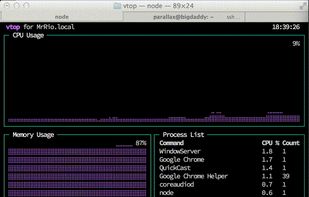


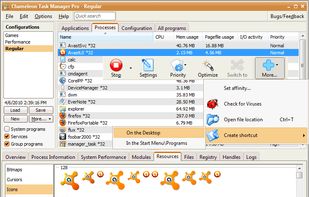
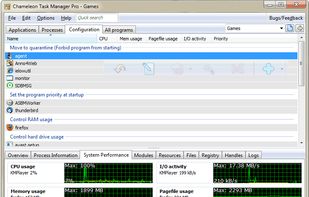
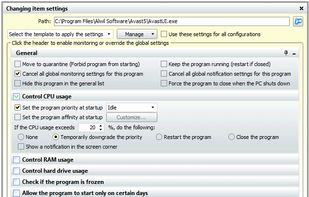
Chameleon Task Manager is Windows task manager that enables the complete control of processes running on a computer optimizing the performance of Windows. It also provides more detailed information about programs.
 Russia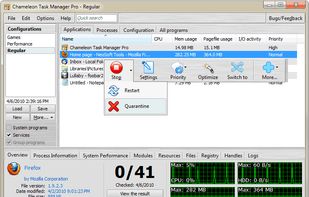


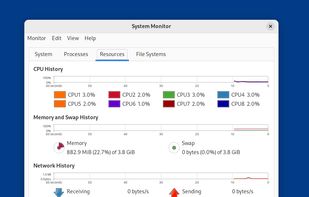
System Monitor is a tool to manage running processes and monitor system resources.


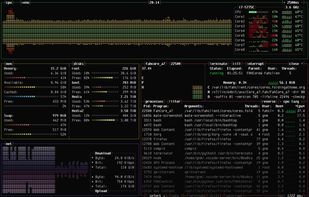


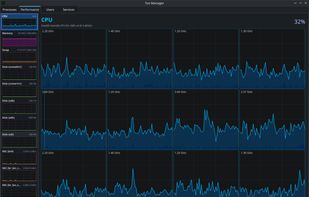
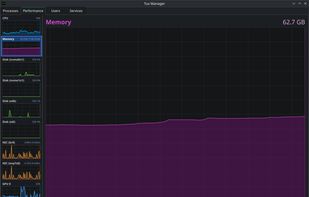
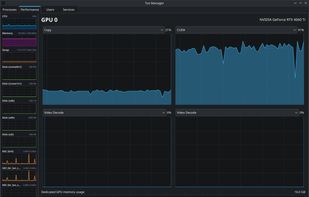
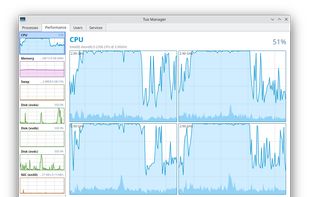
A Linux Task Manager alternative built with Qt6, inspired by the Windows Task Manager but designed to go further - providing deep visibility into system processes, performance metrics, users, and services.