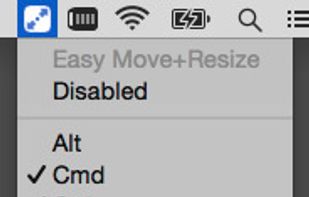
Easy Move+Resize is based on behavior found in many X11/Linux window managers, adding easy modifier key + mouse drag move and resize to OS X.
Cost / License
- Free
- Open Source
Application type
Platforms
- Mac


Apps similar to Grid Window Manager include Rectangle, which is open source with a free version. Other options are BetterTouchTool, AquaSnap, MacsyZones and WinMux. There's no shortage of Window Managers like Grid Window Manager, with more than 50 alternatives for Mac, Windows, Linux and Android.
Easy Move+Resize is based on behavior found in many X11/Linux window managers, adding easy modifier key + mouse drag move and resize to OS X.

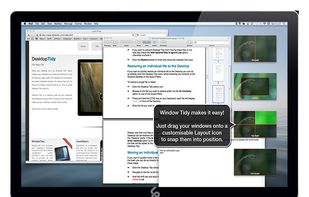
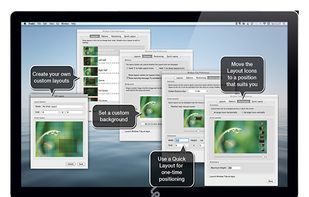
Arrange your application windows using nothing but drag and drop! There are no hot-keys to remember or menus to click, just drag and drop a window onto Layout Icon and it will instantly snap to that layout.
 United Kingdom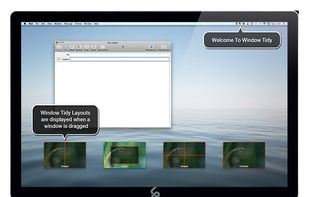


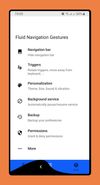
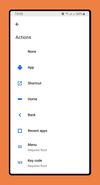
Give fresh new look to your phone with Fluid N.G, the navigation gestures app inspired by Breccia's concept.
 Spain
Spain EU
EU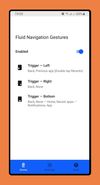


 Ukraine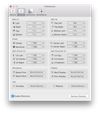
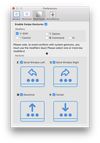


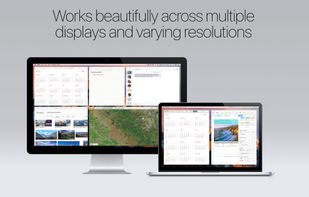
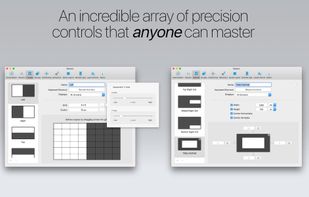
Mosaic allows you to effortlessly resize and re-position windows on your Mac with a simple Drag & Drop, seamlessly integrated into macOS.
United Kingdom


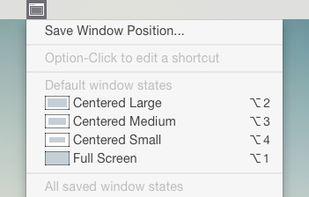
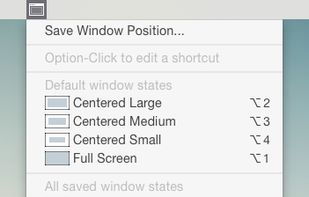


WinNumpad Positioner is a lightweight and snappy Windows management tool that repositions Windows using simple Windows Key + Numpad combinations.
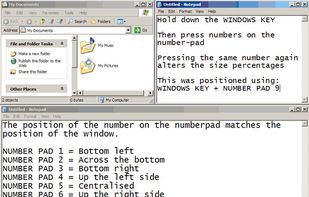


Useful window arrangement ("snap-to-edge") utility that works well with multiple screens.
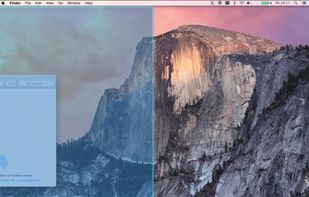


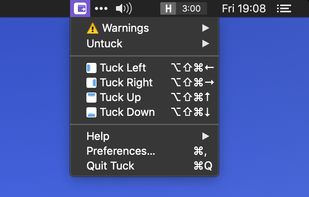
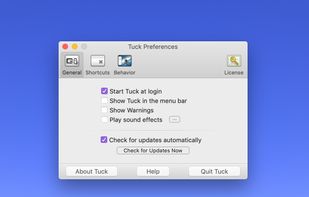
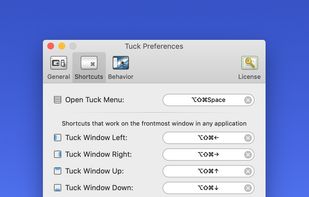
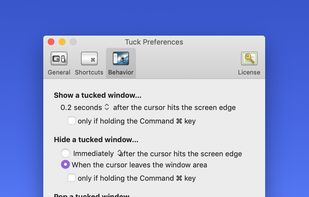
Tuck is a handy menu bar application that allows you to quickly and simply clear multi-window clutter by hiding windows under your screen edges.


Autumn is a full customizable window manager for Mac with a built-in IDE for coders to configure everything with JavaScript or TypeScript.
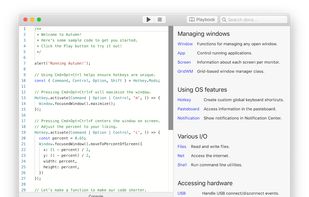
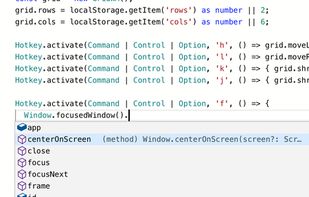
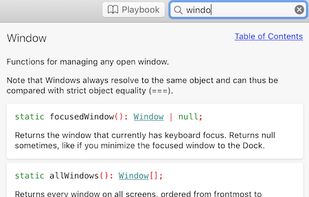
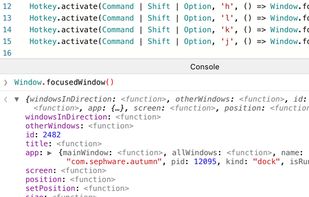


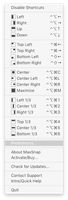
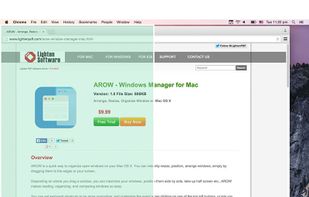
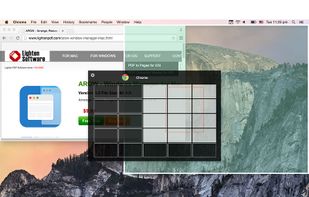
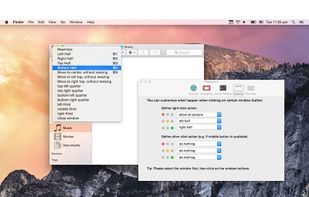
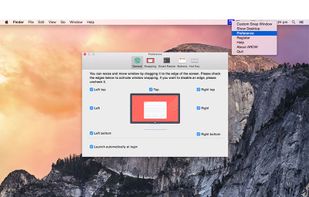
Arrange, resize, snap, and move windows in OS X with the help of keyboard shortcuts, certain window dragging gestures, or using OS X's window buttons.


TileWindows helps you to easily organize your desktop: Move and resize your application windows, so you can view them side by side, by using keyboard shortcuts.
 GermanyEU