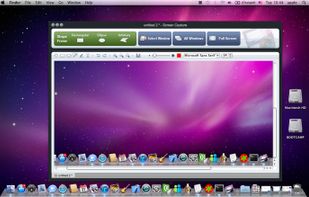
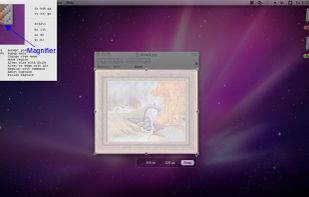
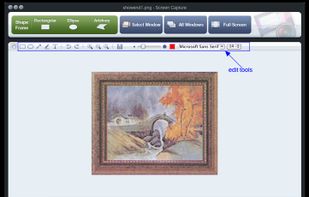
Snip tool is a screen capture tool that lets you capture one or more selected areas on your desktop and save it with optional annotations.


Greenshot is described as 'Efficient screenshot tool providing OCR, exports to Office apps, supports image editing and sharing, occupying minimal space with 32 languages' and is a leading screenshot capture tool in the photos & graphics category. There are more than 100 alternatives to Greenshot for a variety of platforms, including Windows, Mac, Web-based, Linux and Google Chrome apps. The best Greenshot alternative is ShareX, which is both free and Open Source. Other great apps like Greenshot are Flameshot, Ksnip, PicPick and Snagit.
Snip tool is a screen capture tool that lets you capture one or more selected areas on your desktop and save it with optional annotations.


A modern screenshot utility. Simple yet configurable. Powerful features: Send Snips to your Phone, Upload to Facebook. Drag and Drop images, Snip Types: Manual Size, Window/Region Capture, Fixed Size and Fixed Ratio. That and so much MORE...


Capster helps you enhance your asynchronous communication with captures of your screen. Record your screen as you demonstrate a feature, idea, or bug, or take a screenshot and annotate it to better convey your point - and instantly share it through the cloud.


Easy Screen Capture and Annotation lets you capture and annotate any part of the screen. The main goal of the product is to speed up the capture and editing process saving you valuable time by automating repetitive tasks.


A macOS app for capturing, annotating and sharing screenshots. Quickly add comments, highlight what matters or blur any sensitive content. Upload screenshots to Google Drive or Dropbox. Copy screenshots to the clipboard and paste them directly into Slack, Skype, Jira, Trello and...
Trickle helps you summarize and organize screenshots, extracting insights for easy search and query. Transform visual chaos into an intelligent archive, allowing you to screenshot anything and effortlessly retrieve and utilize its contents later.


SnapCrab is a photo capture software that can capture any part of your screen. Files are saved in PNG format. Capture the whole screen, specified windows or areas, or wherever you like. With SnapCrab you can directly post captured images to Twitter, or save them to Evernote.


puush is a super-quick way to share screenshots and files. Quickly capture any portion of your screen, upload any file, and share them with a short URL automatically placed in your clipboard. Share them with the world or make them private, for your eyes only.


ScreenSnag provides a quick and easy way to take a photo of your computer screen. Capture the entire screen, a region of the screen, a window, or an element on the window with a single hotkey or click. You can also use Timer option to perform captures at intervals that you...


GNOME Screenshot is a utility used in the GNOME desktop environment for taking screenshots. It was part of the GNOME Utilities (gnome-utils) package, but was split into its own package for the 3.3.1 version in 2011.