

A lightweight, privacy-focused Windows tool for offline OCR and screen capture with seamless drag-and-drop workflow.






Apps similar to Greenshot include ShareX, which is free and open source. Other options are Flameshot, Snipping Tool, PicPick and macshot. You're spoiled for choice with Screenshot Capture Tools like Greenshot: we list more than 100 alternatives for Windows, Mac, Linux, the web and Android.
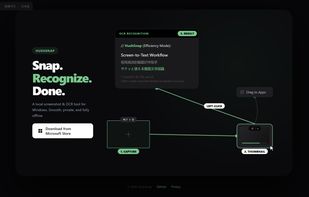
A lightweight, privacy-focused Windows tool for offline OCR and screen capture with seamless drag-and-drop workflow.

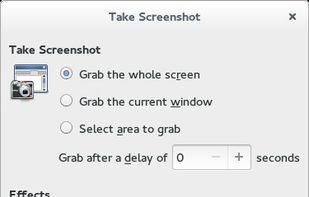
GNOME Screenshot is a utility used in the GNOME desktop environment for taking screenshots. It was part of the GNOME Utilities (gnome-utils) package, but was split into its own package for the 3.3.1 version in 2011.
 United States




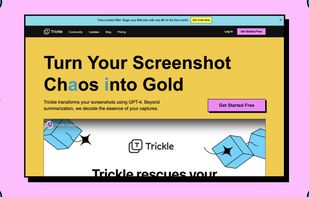
Trickle helps you summarize and organize screenshots, extracting insights for easy search and query. Transform visual chaos into an intelligent archive, allowing you to screenshot anything and effortlessly retrieve and utilize its contents later.





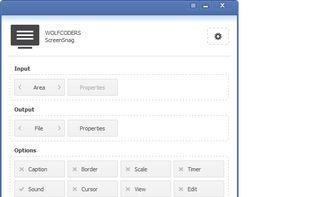
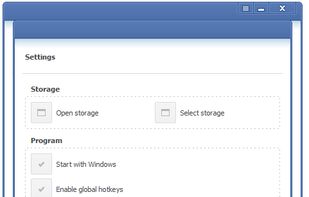
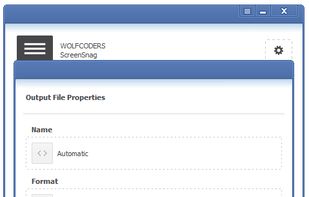
ScreenSnag provides a quick and easy way to take a photo of your computer screen. Capture the entire screen, a region of the screen, a window, or an element on the window with a single hotkey or click. You can also use Timer option to perform captures at intervals that you...


Screen Capturer allows you to instantly capture any area of the screen to a file or email.
United States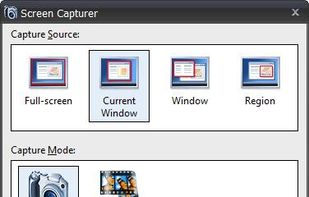


Codye allows you to present code in more than 180 languages and 80 themes. Available on iOS, iPadOS and macOS.
United States



Full page screenshot, region capture, OCR text extraction, annotations, PDF export and scheduled captures. Free with $2.99 lifetime premium.


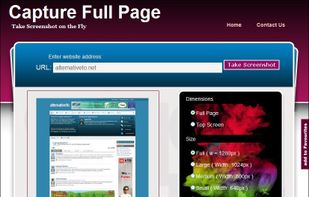
Capture Full Page Screenshot of any website Online.
Features: Take screenshots of public webpages easily. Captures the full webpage. Preview the screenshot. Set the image’s dimensions, size, and format. Download your screenshot in a zip file. View recent screenshots created in.


Glui is the simplest way to capture, annotate and share screenshots.
Key features: • Capture crosshair, window or fullscreen screenshots, or drag and drop existing images. • Annotate with arrow, rectangle, pen and text tool. • Instantly upload to .
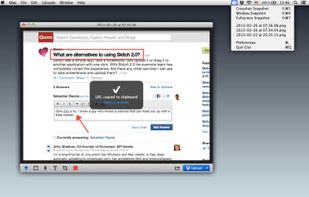

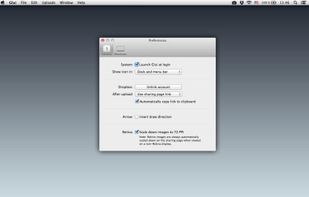


Take screenshots in one click. Select region and screenshot is ready! Download Floomby for Free.
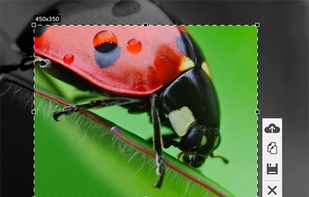

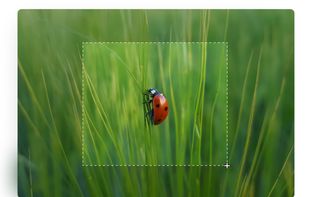


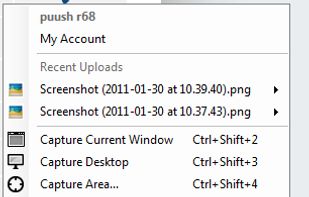
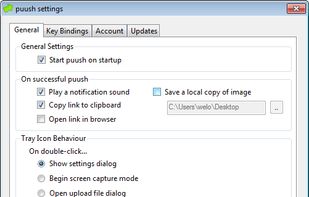
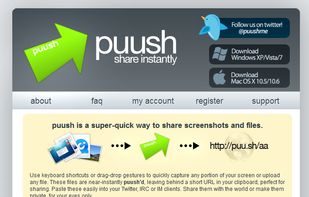
puush is a super-quick way to share screenshots and files. Quickly capture any portion of your screen, upload any file, and share them with a short URL automatically placed in your clipboard. Share them with the world or make them private, for your eyes only.
 Australia