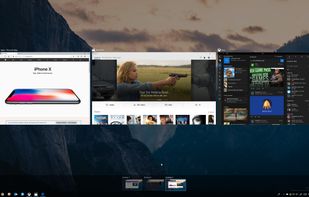
General purpose of this program is to use 4 simulating screens simultaneously. To switch into each screen, select one of 4 screens or use shortcut key.
Cost / License
- Free
- Proprietary
Application type
Platforms
- Windows
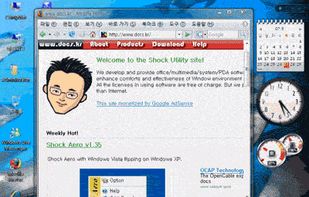


Apps similar to goScreen include VirtuaWin, which is free and open source. Other options are Sysinternals Desktops, NVIDIA RTX Desktop Manager, App Fleet and 9Desks. You can choose from more than 10 Virtual Desktop Managers like goScreen for Windows and Linux.
General purpose of this program is to use 4 simulating screens simultaneously. To switch into each screen, select one of 4 screens or use shortcut key.

The purpose of this application is to provide a system to group applications. This is in aid of providing a solution to the common problem of having a cluttered task-bar. The Multi-Tabber application provides easy and efficient way of group and organizing open application on...


Create multiple desktops of related programs, files and links.
 United States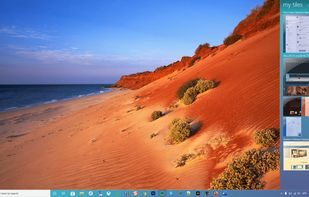
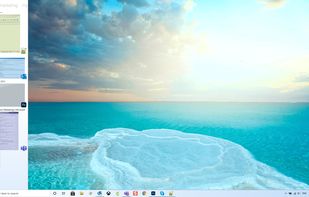
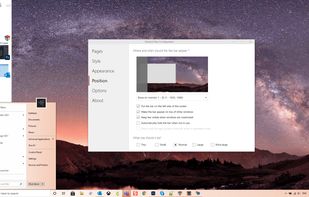
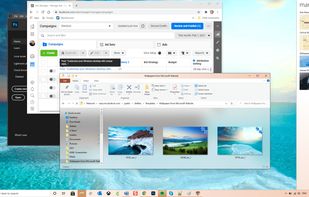

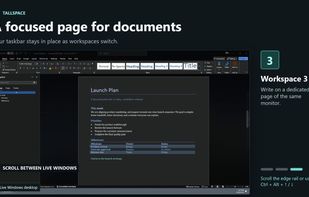
Tallspace is a Windows workspace manager that gives each monitor three vertically stacked pages. Keep a browser on one page, documents or spreadsheets on another, and terminals or other tools on a third. Scroll between them while the Windows taskbar stays in place.
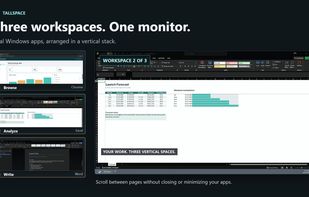
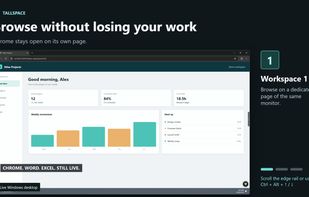
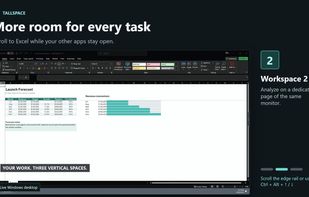


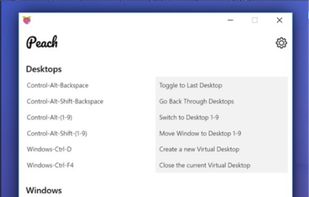
Peach is a Desktop application for Windows 10 that helps you to organize your work via taking a new feature in Windows, Virtual Desktops, and extending its powers to be centered around focusing on your work.