


Leo Backup is a program designed for simple backup needs and aimed to keep your data in different locations automatically, applying the compression, encryption and reporting options.
Cost / License
- Freemium
- Proprietary
Platforms
- Windows


One of the most popular alternatives to GoodSync is Syncthing, which is free and open source. Other popular alternatives are FreeFileSync, Rclone, Duplicati and rsync. There's no shortage of File Sync Tools like GoodSync, with more than 100 alternatives for Windows, Mac, Linux, Android and iPhone.
Leo Backup is a program designed for simple backup needs and aimed to keep your data in different locations automatically, applying the compression, encryption and reporting options.

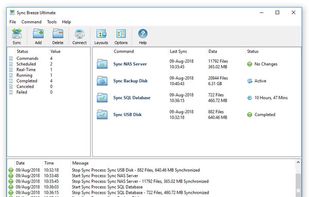
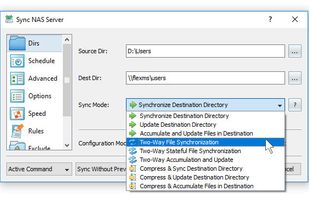
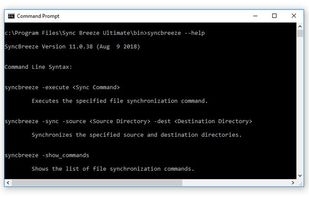
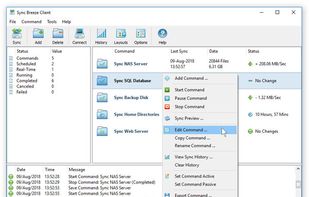
SyncBreeze is a powerful, easy-to-use and fast file synchronization solution allowing one to synchronize files between disks, directories, network shares and NAS storage devices.

cwRsync is a yet another packaging of rsync and Cygwin for Windows. You can use cwRsync for fast remote file backup and synchronization. Rsync uses the rsync algorithm which provides a very fast method for bringing remote files into sync.

Backuplist+ is a popular "wrapper" application for the new rsync 3.0.6 copy tool. It is a powerful backup application that is simple for novice users and offers many choices for the more advanced user.
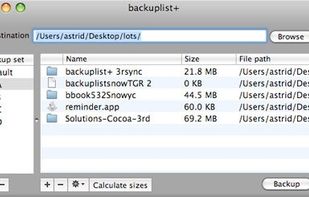

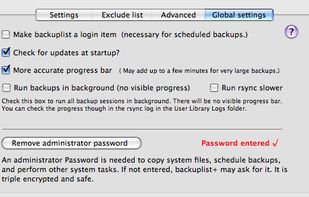


SOS Online Backup is an Award Winning Solution for Home & Business to secure digital data from PC, MAC, iPhone/iPad & Android. Download Now!


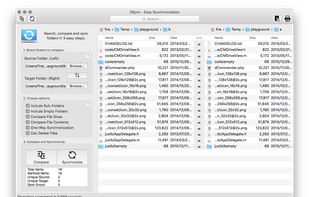
Are your backups synchronized? Use DSync. Use it for backups. Use it to organize your files.
 Austria
 EU
EU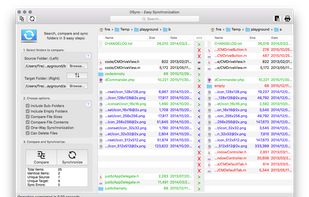


Open-source, decentralized peer-to-peer service offering file synchronization, ensuring data privacy and encryption and user-autonomy without relying on cloud storage providers.
 Belarus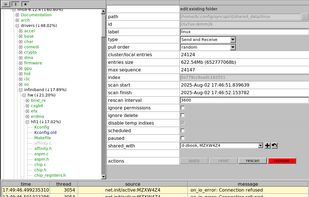


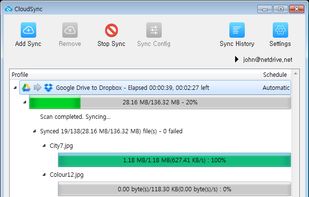
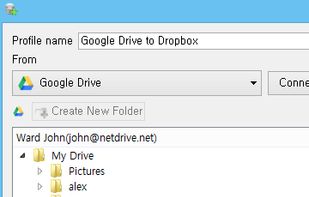
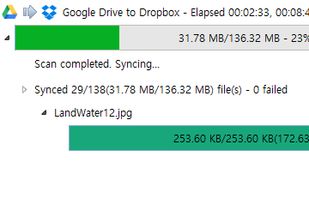
Stress-free sync between Cloud Storages. You do not have to manually download and upload files between storages. CloudSync will download and upload files automatically and transfer result will be reported. (File transfer happens on your PC/Mac)


DirSync is an intuitive backup tool that can be run without installation. By comparing source and target files, only required files are copied, which greatly increases the working speed. By using multiple jobs, it is possible to perform complex data backups.
 United States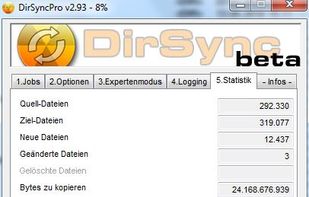


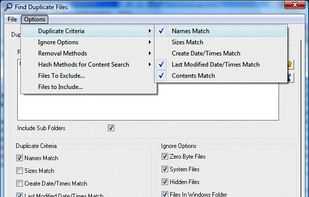
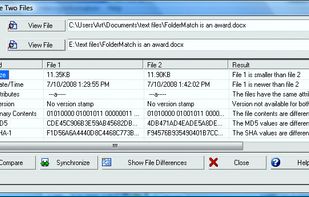
FolderMatch is a program that compares directories and files, showing the differences clearly.
United States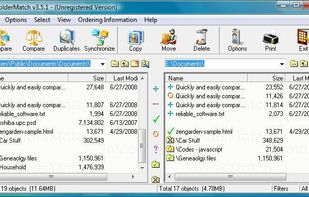


SYNCING.NET offers powerful Data and Outlook synchronization for individuals, professionals and businesses. By providing secure PC synchronization, integrated file and Outlook sharing, users can access all their data at any time and any place.


MacDropAny is a simple app that painlessly allows Mac users to sync any folder on their computer through Dropbox. It provides similar functionality to DropboxFolderSync, which is an application for Windows. MacDropAny is compatible with Snow Leopard and Lion (from version 1.
United States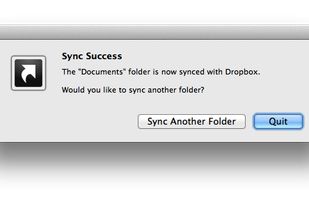


 Germany


