FreeFileSync Alternatives
FreeFileSync is described as 'Folder comparison and synchronization software that creates and manages backup copies of all your important files. Instead of copying every file every time, FreeFileSync determines the differences between a source and a target folder and transfers only the' and is a leading File Sync tool in the backup & sync category. There are more than 100 alternatives to FreeFileSync for a variety of platforms, including Windows, Mac, Linux, Android and BSD apps. The best FreeFileSync alternative is Syncthing, which is both free and Open Source. Other great apps like FreeFileSync are Rclone, TeraCopy, rsync and Syncthing-Fork.
filter to find the best alternatives
Alternatives list

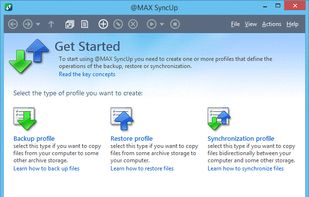
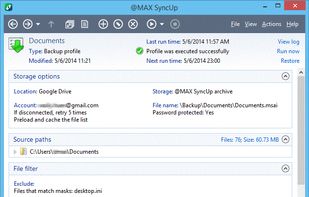
@MAX SyncUp is a feature-rich utility for backing up and synchronizing data on a local network or over the Internet. @MAX SyncUp provides an Apple Time Machine style backup using hard links. It allows for the effective remote synchronizing through an RSync-like algorithm to...
Cost / License
- Free Personal
- Proprietary
Application type
Platforms
- Windows
 Russia

 +5
+5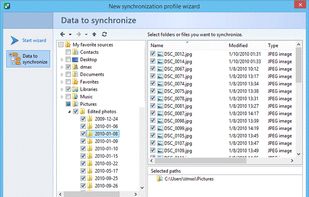


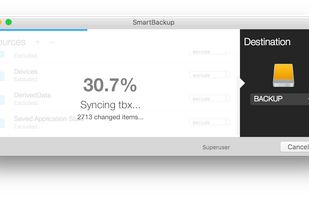
SmartBackup is an easy to use macOS utility to sync folders, volumes, or to create a bootable clone of your startup disk. It supports different configurations for multiple destinations, excludes, can archive deleted or changed files, and features built-in automation.
Cost / License
- Free
- Proprietary
Application type
Platforms
- Mac
 United Kingdom


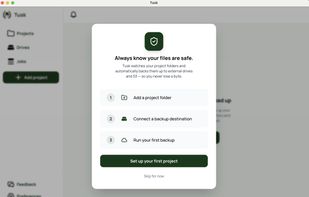
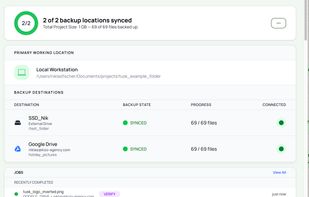
A Mac backup app for video creators and photographers that tracks where every project file is backed up across drives and cloud, even when drives are unplugged.
Cost / License
- Paid
- Proprietary
Platforms
- Mac
 Germany
 EU
EU


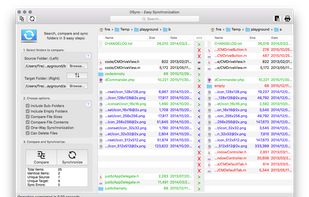
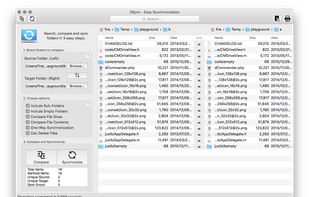
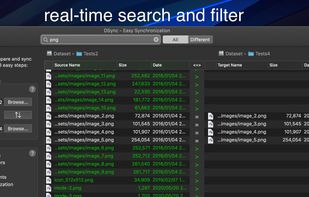
Are your backups synchronized? Use DSync. Use it for backups. Use it to organize your files.
Cost / License
- Paid
- Proprietary
Application type
Platforms
- Mac
 Austria
- EU
 +1
+1


A graphical interface for the Rsync engine that will synchronise files between two computers either locally or over the internet. The beauty of Rsync is that it only transfers the exact part of a file that has changed (differential synchronisation), saving bandwidth and time.
Cost / License
- Free
- Open Source
Platforms
- Windows
- Linux
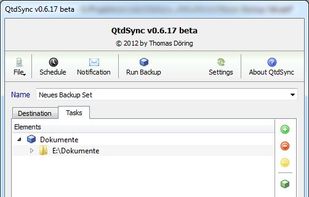


Fast Real-Time Backup. Continuously monitor folders for changes and update their backup copies immediately after the originals are modified. Or run backups at fixed time intervals. Specify an exact set of files to be backed up using simple and flexible folder and file filtering...
Platforms
- Windows
 Canada
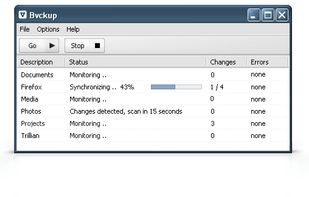


PureSync is a professional file backup and synchronization software, that can automatically keep a backup of your important files, import files from your digital camera and synchronize the contents of multiple folders, but not from "Windows Mobile" devices and no...
Cost / License
- Free Personal
- Proprietary
Application type
Platforms
- Windows
- Germany
- EU

 +7
+7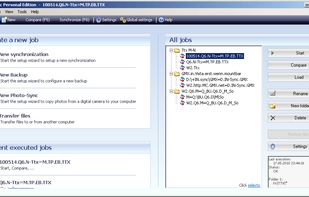


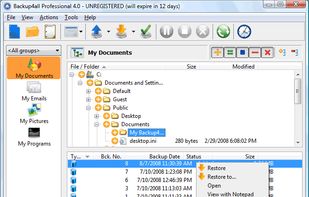
Backup4all, backup software that performs incremental backup, differential, full and mirror backup to DVD, DVD-RW, CD, CD-RW, Blu-ray, HD-DVD, Dual layer drives, USB, network and backup to FTP. Backs-up open files, encrypts backups, sends backup notifications, schedules backups...
Cost / License
- Paid
- Proprietary
Platforms
- Windows
 Romania
- EU


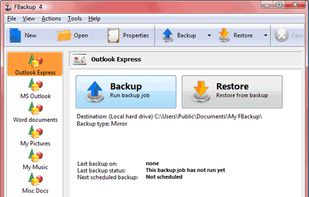
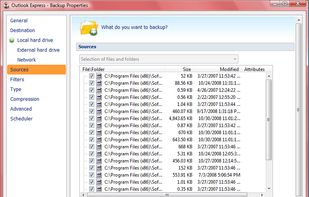
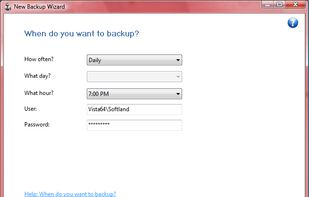
FBackup is a free backup software for both personal and commercial use. It protects your important data by backing it up automatically to any USB/Firewire device, local or network location. The backed up data can be either compressed (using standard zip compression) or an exact...
Cost / License
- Free
- Proprietary
Platforms
- Windows
- Romania
- EU


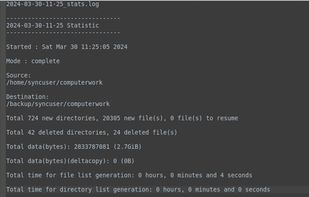
VRangeSync is a freeware File synchronization for Unix/Linux and Microsoft Windows. It is a command-line utility which copy and move data from one location to another on a storage device. It is a data migration, cloner, file replication and synchronization software.
Cost / License
- Free Personal
- Proprietary
Application typeApplication types
Platforms
- Mac
- Windows
- Linux
 +2
+2


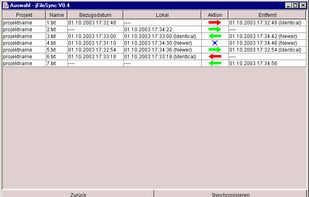
JFileSync is a Java application used to synchronize directories of two different file systems. For instance, you want to synchronize a set of directories on your laptop with a set of corresponding directories on your workstation. English and German UI.
Platforms
- Mac
- Windows
- Linux
- Germany
- EU