The accountability monster for people who are easily distracted. Kiki helps you get more done by focusing on one thing at a time.
Cost / License
- Paid
- Proprietary
Application type
Platforms
- Mac
 United States




+4


Apps similar to FocusNotch include Mindful : Focus & Screen Time, which is free and open source. Other options are LeechBlock, Cold Turkey, Reef Wellbeing and Curbox. There's no shortage of Anti Procrastination Tools like FocusNotch, with more than 100 alternatives for Android, Mac, iPhone, Windows and iPad.
The accountability monster for people who are easily distracted. Kiki helps you get more done by focusing on one thing at a time.
United States
 Japan
Japan
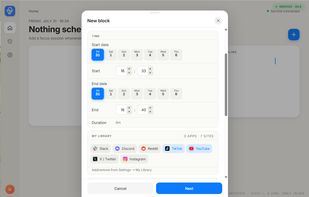
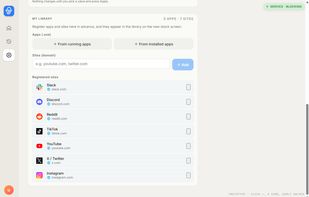


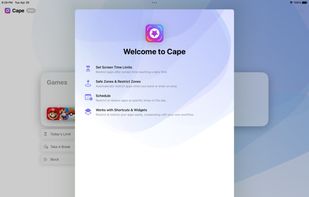
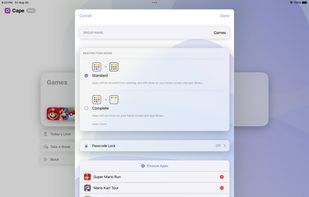
Set and enforce daily usage limits on individual apps, automatically restrict access when thresholds are reached, use location and time schedules, enable manual override, and streamline digital wellbeing with shortcuts, widgets, and automated break reminders.
 United Kingdom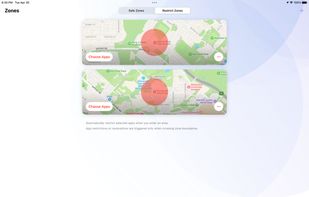


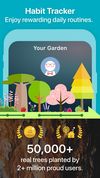
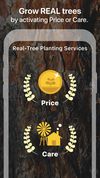
Flora is a new way to stay off your phone, clear to-do lists, and build positive, life-changing habits. Whenever you want to make progress towards your goals, plant a seed in Flora.


 Canada



Think First is an iOS app that inserts a deliberate pause before you open Instagram, TikTok and other distracting apps — a countdown and one question, not a hard block.
 Germany
 EU
EU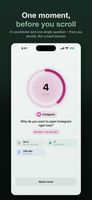
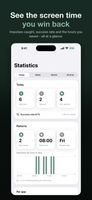
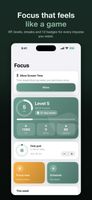


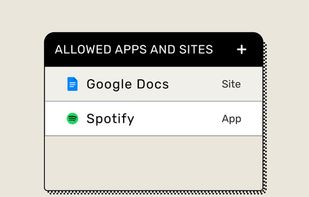
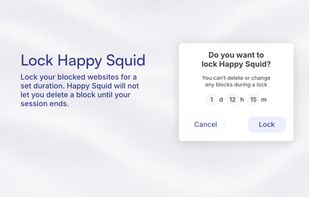
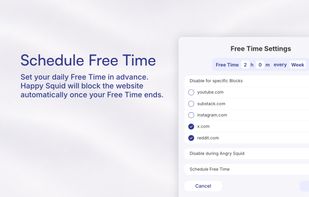
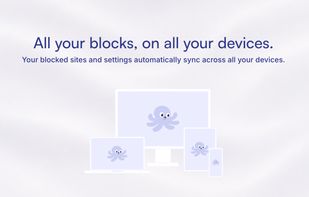
Block distracting websites and entire categories while preserving access to useful pages through custom exceptions. Describe a task to allow relevant sites, lock blocks for a set duration, and schedule free time across supported desktop and mobile platforms.
GermanyEU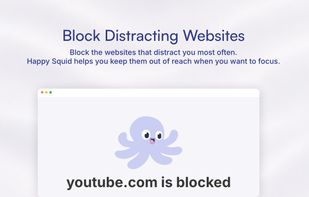

Reclaim your time with smart app blocking.
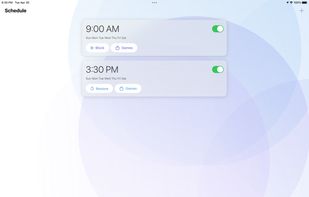
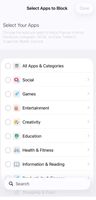
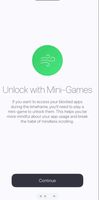
BrainRotShield helps you stay focused by automatically blocking distracting apps—like social media, games, or streaming—during the hours you choose. Whether it's study time, work hours, or bedtime, your custom schedule keeps you on track.
United States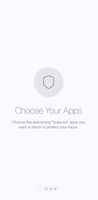

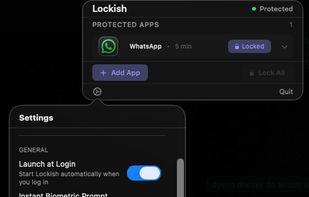
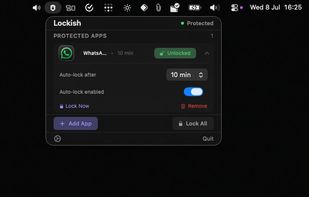
Lockish puts Touch ID in front of the apps you choose, like Messages, WhatsApp, your bank or your email, and leaves the rest of your Mac open. Lock them yourself with one click when you step away (everything at once, or one app), or let each app lock itself after you switch away...
United Kingdom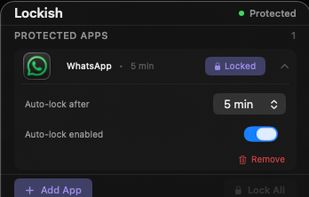

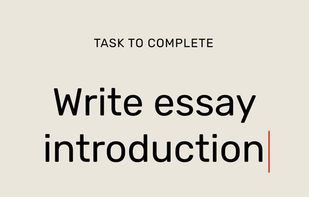
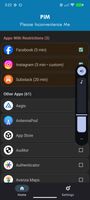
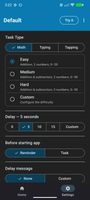
PIM is a friction-based app blocker. Instead of locking you out of distracting apps, it makes you complete a quick task (math, typing, or screen tapping) before they'll open.
United States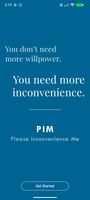

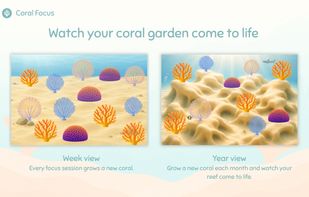
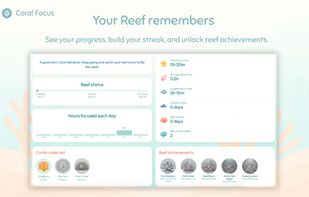
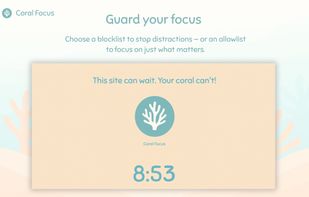
A calming Pomodoro focus timer for Chrome. Complete focus sessions to grow coral in your reef garden. Get distracted and it bleaches. Block distracting sites, listen to ocean sounds, and grow three real coral species over time.
United Kingdom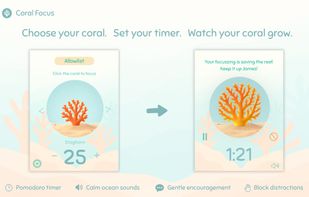

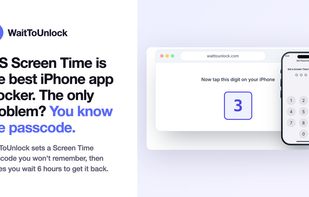
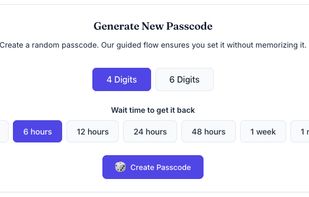
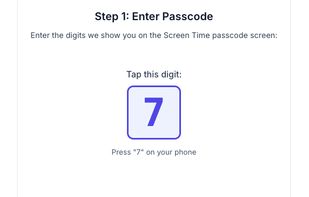
WaitToUnlock helps you make iPhone Screen Time actually work by guiding you to set a passcode you won't remember and delaying access when you need it back.
United Kingdom