

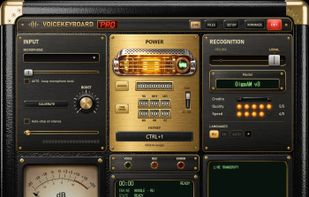
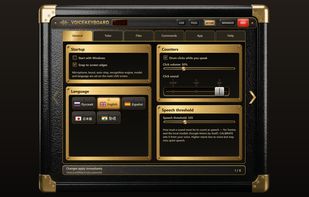
VoiceKeyboard types what you say into the window you are working in: a browser, a chat, a document, a code editor or a terminal. Press Ctrl+1 (can be changed), speak, and the words appear as you talk.
 Estonia
 EU



Apps similar to FLUENT™ include Vibe Transcribe, which is free and open source. Other options are FUTO Voice Input, Spokenly, Speech Note and FluidVoice. There's no shortage of Audio Transcription Tools like FLUENT™, with more than 50 alternatives for Mac, Windows, Linux, iPhone and Android.
VoiceKeyboard types what you say into the window you are working in: a browser, a chat, a document, a code editor or a terminal. Press Ctrl+1 (can be changed), speak, and the words appear as you talk.
EstoniaEU
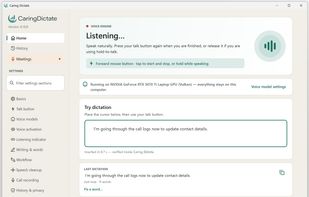
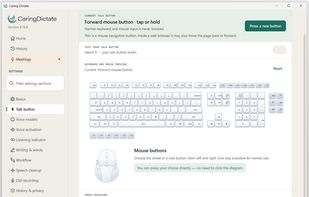
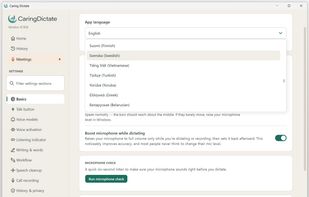
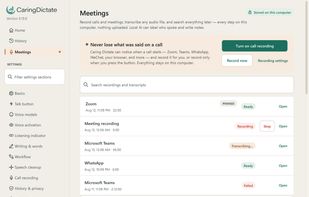
Offline voice typing and meeting transcription for Windows. Dictate into any text field across most programs, auto-record and transcribe calls on your own PC with speaker labels, notes and search.
 United States


Iris Flow is an open-source overlay dictation app for Apple Silicon Macs. Hold Left-Ctrl to speak, release, and the transcript is pasted at the cursor in Notes, Slack, browsers, editors, and other apps. There is no account and no hosted backend.


WordWand is a system-wide AI assistant for macOS that works in any app through a single keyboard shortcut. No copy-pasting, no tab switching — just select text, press a hotkey, and transform it instantly.
 ItalyEU
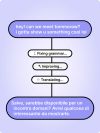
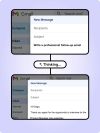



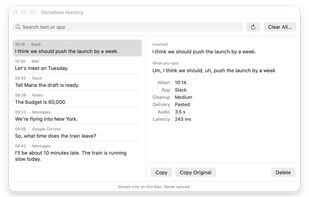
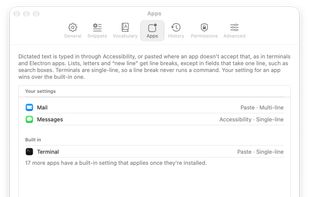
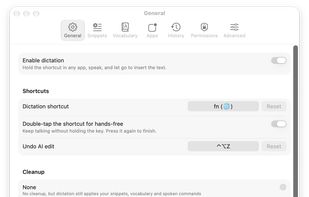
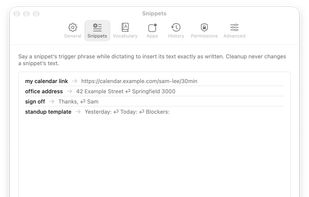
Private dictation for Mac: hold a key, speak, and clean, punctuated text is typed at your cursor in almost any app. Runs entirely on-device.


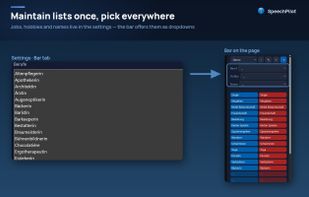
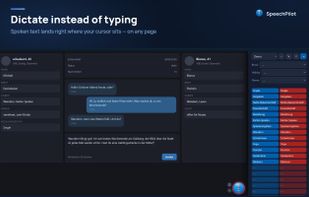
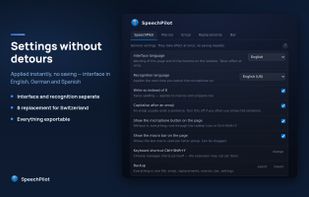
SpeechPilot is a Chrome extension for people who type all day in browser-based chat and support tools. Dictate straight into any text field with spoken punctuation in 13 languages (speech recognition in 69 languages).
 GermanyEU



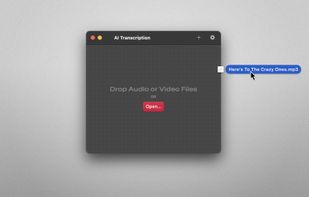
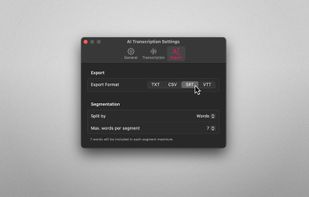
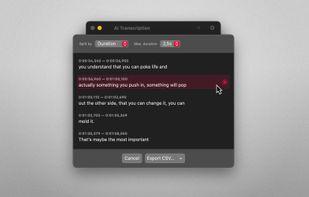
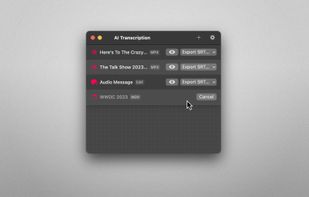
Transcribe audio and video files in a blink, automatically, all offline, and with highly accurate results. AI Transcription uses OpenAI’s Whisper technology and Apple Speech Recognition to convert speech (like in podcasts, presentations, lectures, or voice messages) into text...
GermanyEU