


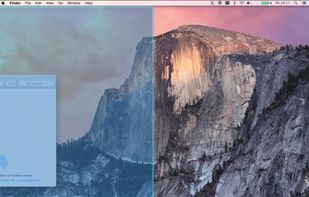
Useful window arrangement ("snap-to-edge") utility that works well with multiple screens.
Cost / License
- Paid
- Proprietary
Application type
Platforms
- Mac


FlowShelf is described as 'A free Mac app that turns your notch into a Dynamic Island and gives everything you copy, drop, or screenshot a temporary home' and is a clipboard manager in the office & productivity category. There are more than 100 alternatives to FlowShelf for a variety of platforms, including Mac, Windows, iPhone, iPad and Linux apps. The best FlowShelf alternative is Microsoft PowerToys, which is both free and Open Source. Other great apps like FlowShelf are Rememory, UniClipboard, Vorssaint and PasteBar.
Useful window arrangement ("snap-to-edge") utility that works well with multiple screens.

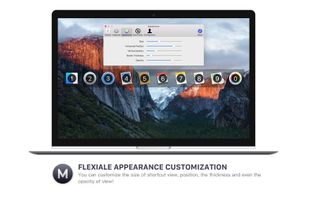
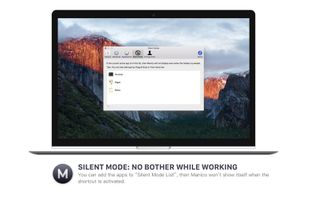
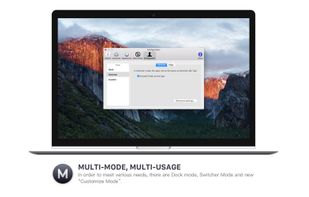
Manico is a fast application switcher for Mac that lets you access apps by simply holding the Option key and pressing the target number.
 China
China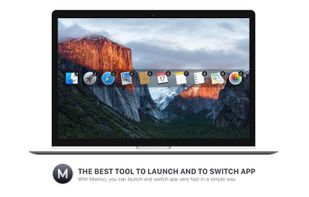


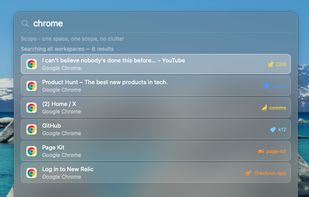
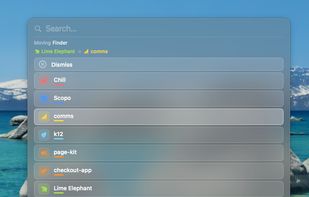
Scopo replaces Cmd+Tab with a window switcher scoped to your current macOS Space. One Space = one project. You see only the windows that belong there.
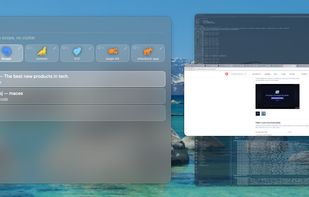
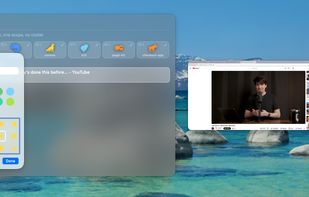


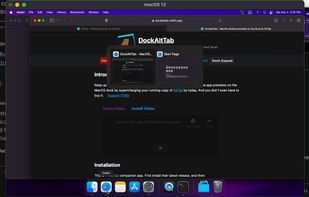
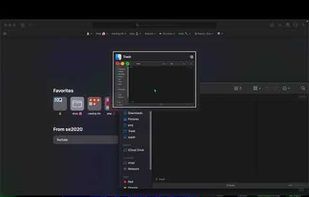
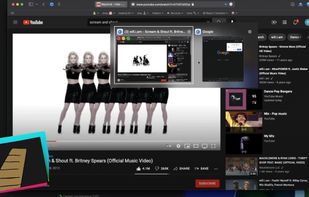


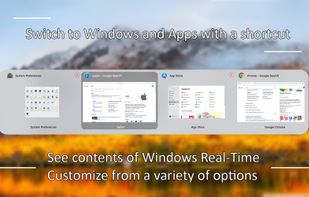
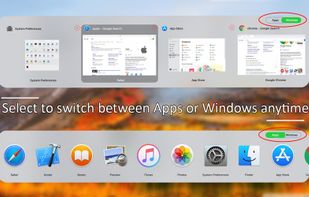
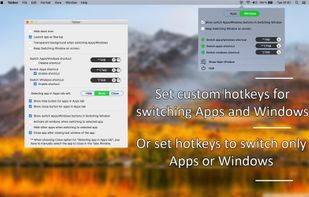
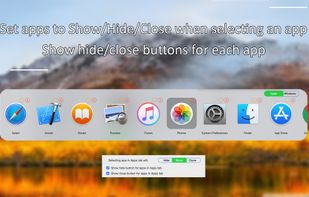
Activate wanted windows and apps with Tabber Window Switcher which is a Command+Tab alternative to switch windows. See contents of windows Real-Time when switching windows. Switch Apps and Windows with a shortcut or set a custom shortcut to switch windows or to switch apps.


Love Tap extends native macOS Dock behavior, by allowing to maximize, minimize and cycle thru windows with a single click on the respective app icon.
 Canada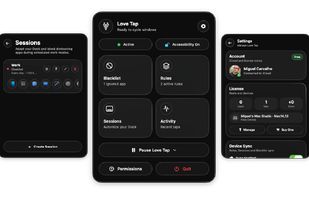


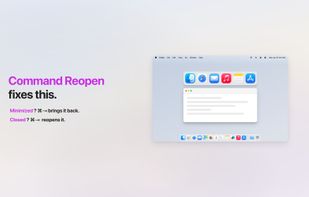
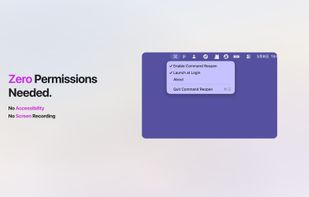
Cmd+Tab ignores minimized windows? Not anymore. Command Reopen restores them automatically — no permissions, no new UI. Works with the native switcher you already know.
China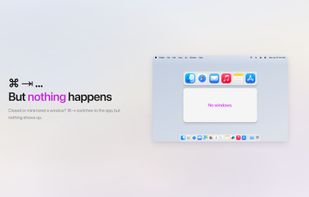


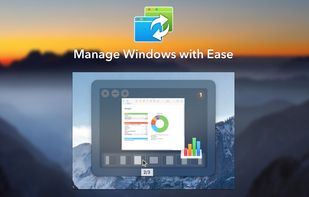
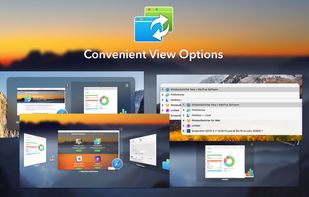
When Mac several applications are running, with many windows open, it is difficult to manage the chaos and to work productively. Manually switching between windows and placing them on the screen wastes a lot of time.
 Ukraine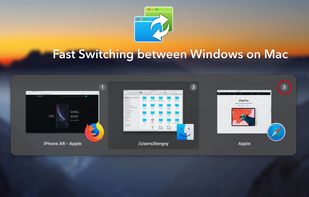

 Ukraine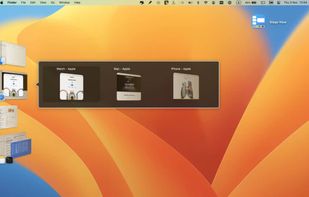

 China
China


A zero-config Mac app switcher that learns your habits. Click your mouse and type - no shortcuts to remember. Simple. Fast. Effortless.


 India
India


