The definitive screen capture utility for macOS, designed with simplicity and efficiency in mind.
Cost / License
- Free
- Open Source (GPL-3.0)
Application typeApplication types
Since
- Since 2024
GitHub
- GitHub stars: 213
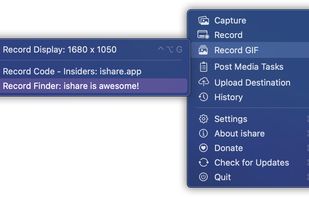


Apps similar to Finer Screenshot include ShareX, which is free and open source. Other options are Greenshot, Flameshot, macshot and Snipping Tool. Screenshot Capture Tools like Finer Screenshot are a crowded field, with more than 25 alternatives for Mac, Windows, Linux, the web and iPhone.
The definitive screen capture utility for macOS, designed with simplicity and efficiency in mind.
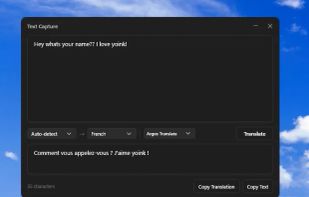
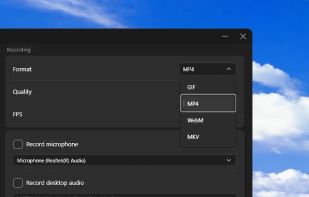
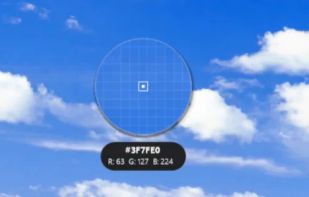
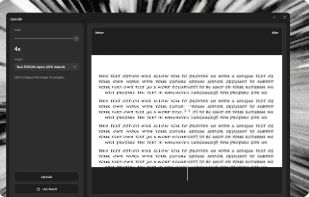


Maximize productivity on Mac with intuitive screen captures, Picture in Picture, and versatile annotation capabilities.
 Austria
 EU
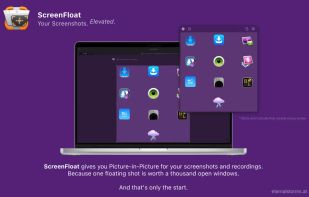
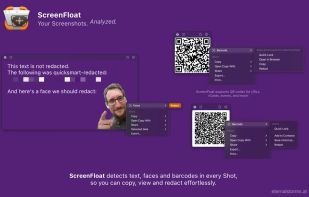
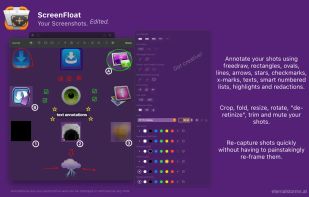
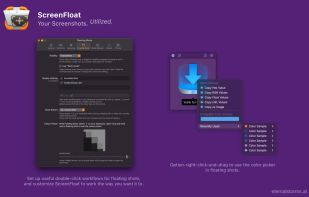


Monosnap allows you to save screenshots easily, conveniently, and quickly, sharing them with friends and colleagues at once.
 CyprusEU




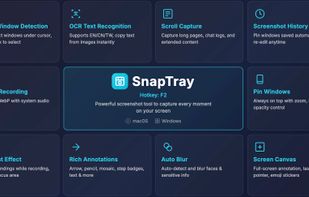
SnapTray is a tray-native screenshot and screen recording app for macOS and Windows. It is built for fast desktop workflows: capture a region, explain it instantly, keep references on screen, and turn the same moment into a shareable image or video.
 Taiwan
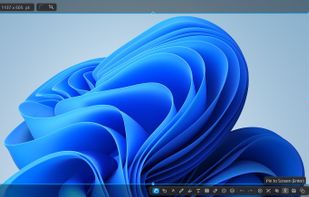


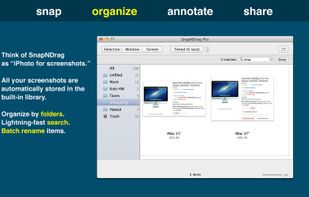
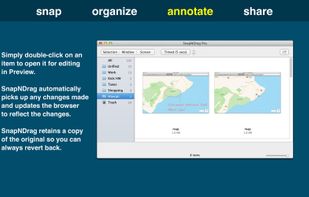
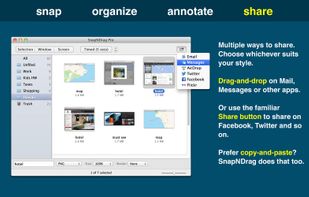
SnapNDrag makes taking screenshots super easy. Click, select and the screenshot is added to your library. SnapNDrag maintains a library of all the screenshots you have ever taken. Think of it as iPhoto for screenshots.
 United States



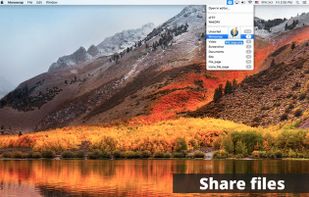
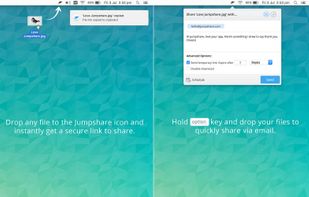
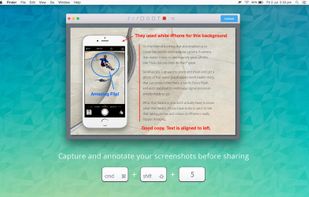
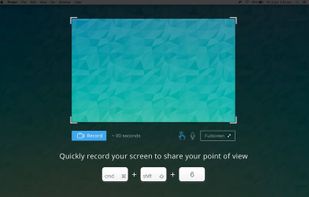
Jumpshare is fast file sharing built into the menu bar. Just drag a file to the Jumpshare icon in the menu bar and a link will be copied to your clipboard instantly, ready to be shared. If you’re looking for a more personal way to share your files, you can email them directly...
United States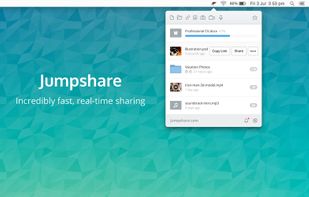


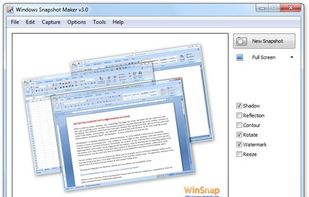
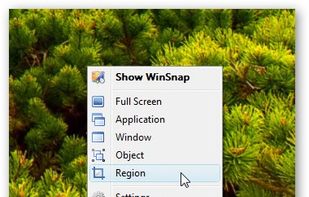
WinSnap is a small enhancement utility for taking and editing screenshots. Standard features include easy capture of non-rectangular windows with customized and transparent backgrounds, simple and automatic canvas transformations, coloring effects, and the addition of eye-candy...
 Russia



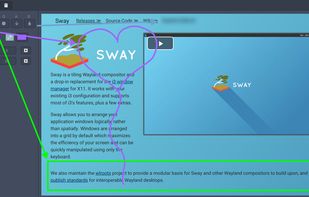
Swappy is a Wayland screenshot editing tool featuring brushes, text, shapes, arrows, and blur. Images can be saved locally or copied directly to the clipboard.
 FranceEU


TinyTake is a free screen capture software for Microsoft Windows. With TinyTake, you can capture images and videos of your computer screen, add comments and share them with others in minutes. TinyTake is built by MangoApps and is available for free.
United States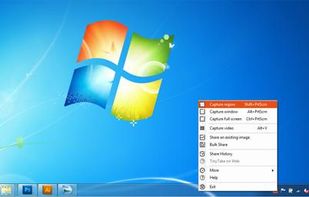

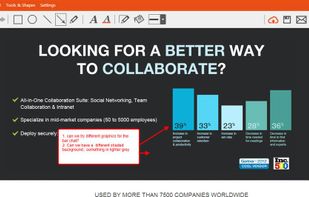


Capture and balance screenshots instantly with auto background colors, sensitive info redaction, text selection, custom shortcuts, social media sizing, history, presets, and compressed images in a native macOS app, supporting annotations and sharing.
 Singapore
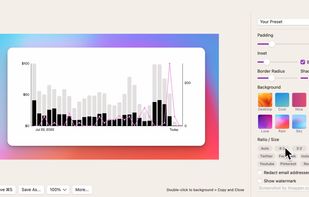
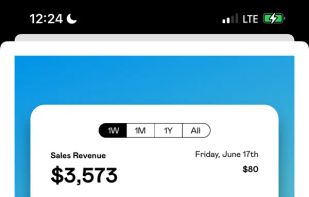


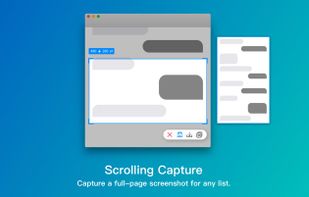
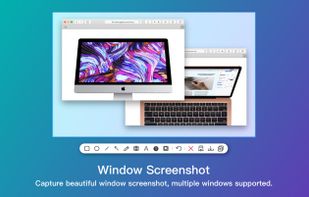
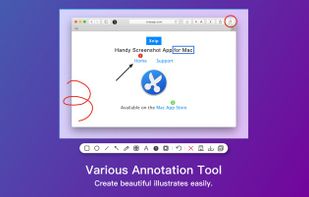
Screenshot app for macOS includes scrolling capture for full-page screenshots, multi-window selection, annotation tools, color picker, shadow effects, object measurement, pixel accuracy, and pinning images—ideal for code, chats, articles, and design references.
 China