Analyze and edit hidden metadata for any file on your Mac. Inspect media, PDF, and image properties instantly. Protect your privacy by cleaning metadata before sharing!
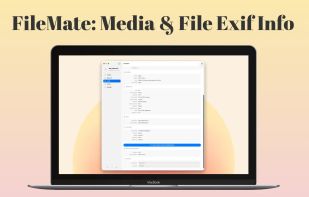
FileMate is the ultimate file inspection and metadata editing utility for your Mac. Designed for professionals, photographers, and privacy-conscious users, FileMate allows you to instantly view and edit deep metadata inside virtually any file format - all from a beautiful, native macOS interface.
Drag and drop any file to reveal its hidden data. Whether you need to inspect video bitrates, edit ID3 audio tags, adjust PDF document authors, or export pristine, location-scrubbed duplicates of your personal photos, FileMate gives you complete control without compromising file quality.
KEY FEATURES:
- Instant File Inspector: Drag & drop any file to instantly analyze its structure.
- Photo EXIF & Camera Data: Deep-dive into exposure, aperture, ISO, lens models, and precise GPS location data for JPG, PNG, HEIC, and TIFF images.
- Video & Audio Technical Data: View codecs, frame rates, bit rates, HDR color profiles, and sample rates for MP4, MOV, M4A, WAV, and more natively via AVFoundation.
- Document Metadata: Inspect and edit Author, Producer, Keywords, and Security settings inside PDF files seamlessly.
- System & Spotlight Attributes: View extended attributes (xattr), Finder Tags, and hidden Spotlight analytics index data.
- Universal Editing: Instantly modify Title, Artist, Album, Copyright, Description, and Dates across all supported media formats.
- Privacy Protection (Export Clean Copy): Create perfectly clean duplicates of your images stripped of GPS location data and camera hardware specs, allowing for safe sharing without permanently altering your original files.
- Native macOS Design: Fast, lightweight, and perfectly integrated with macOS using modern SwiftUI components.
SEAMLESS FILE INTEGRATION:
Right-click any file in Finder and choose "Open With > FileMate" for immediate metadata analysis.
Take control of your digital files today with FileMate!







 Paul added FileMate as alternative to ExifCleaner, ExifToolGUI, Corel AfterShot Pro, Exiv2 and 47 more
 HomieLab


No comments or reviews, maybe you want to be first?