

A modern, feature-rich, and lightweight file manager for Android, built entirely with Kotlin and Jetpack Compose.
Cost / License
- Free
- Open Source (GPL-3.0)
Application type
Platforms
- Android
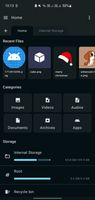

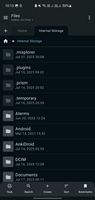




Apps similar to File Navigator include Fossify File Manager, which is free and open source. Other options are Material Files, Amaze File Manager, Prism File Explorer and MiXplorer. There's no shortage of File Managers like File Navigator, with more than 25 alternatives for Android.
A modern, feature-rich, and lightweight file manager for Android, built entirely with Kotlin and Jetpack Compose.

Cx File Explorer is a powerful file manager app with a clean and intuitive interface. With this file manager app, you can quickly browse and manage the files on your mobile device, PC, and cloud storage, just like you use Windows Explorer or Finder on your PC or Mac.
 South Korea


Managing your files shouldn’t be complicated. Noid is designed to give you a clean, intuitive, and efficient way to organize, search, and manage your files effortlessly. Whether you're sorting documents, clearing storage, or quickly accessing important files, Noid makes it...

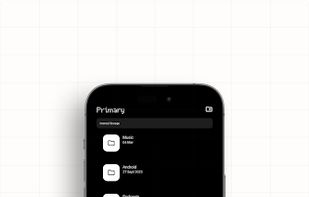
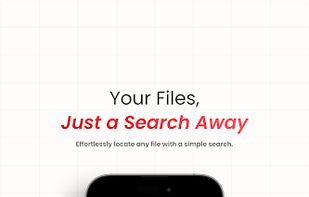


The FileManagerSphere is a powerful file management tool designed to simplify and enhance your experience when dealing with documents, media, and other file types. With advanced features and an intuitive interface, FileManagerSphere provides a comprehensive solution for...





The SanDisk Memory Zone app makes it easier to manage and back up your Android™ powered device's memory. This versatile app lets you quickly copy your files to a memory card or to a variety of supported online storage services, freeing up your phone's internal memory.
 United States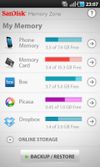
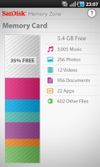



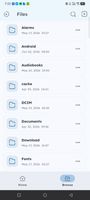




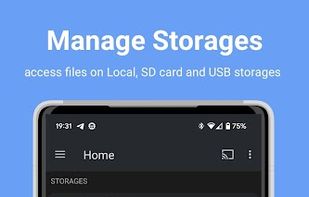
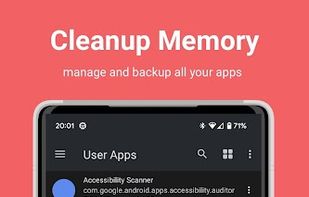
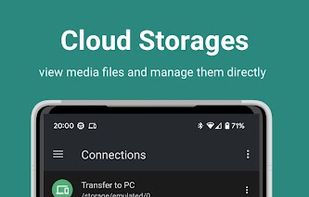
Another Android Explorer (File Manager) is an All-in-One Open source file manager for all android devices including Phones, Phablets, Tablets, Chromecast, Wear OS, Android TV and Chromebooks.
 India
India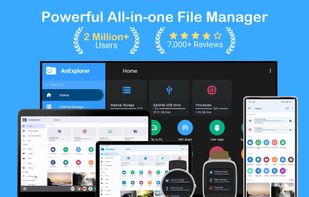


Some phones, tablets and other devices don't have a file manager installed by default. There's usually a file manager available though: hidden away in the settings app. This shortcut app allows you to open that file manager with just one click from your app list.
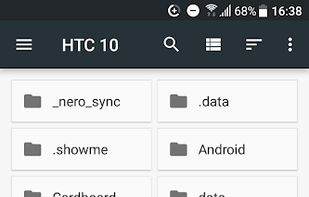
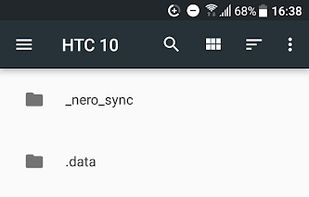
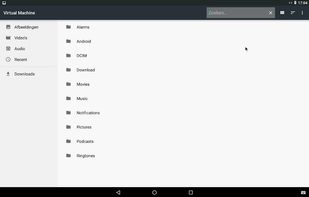
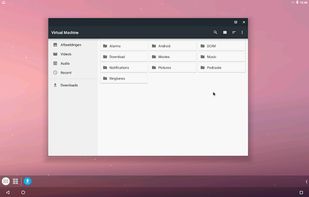


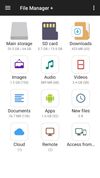
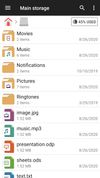
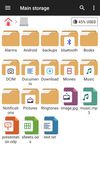
File Manager + is an easy and powerful file explorer for Android devices. It’s free, fast and full-featured. Because of its simple UI, it’s extremely easy to use. You can easily manage storages on your device, NAS(Network-attached storage), and cloud storages.

 United States




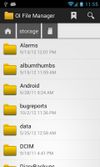
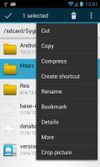
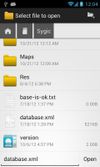
OI File Manager allows you to browse your SD card, create directories, rename, copy, move, and delete files. It also acts as an extension to other applications to display "Open" and "Save" dialogs.
 Germany
 EU
EU