


Cost / License
- Free
- Proprietary
Application type
Platforms
- Online
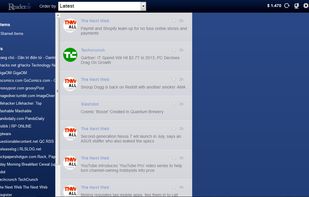


Feedly is described as 'Organize and read content from RSS feeds into a magazine-like experience, simple sharing options, and seamless access across all devices' and is a leading RSS Reader in the news & books category. There are more than 100 alternatives to Feedly for a variety of platforms, including Web-based, iPhone, Android, iPad and Mac apps. The best Feedly alternative is Inoreader, which is free. Other great apps like Feedly are FreshRSS, Feeder RSS, Fluent Reader and RSS Guard.

Sage-Like is a simple, sidebar based feed reader (Atom, RSS and RDF). Like its add-on predecessors, Sage by Peter Andrews and the Sage++ by Higmmer, it's lightweight and fast.
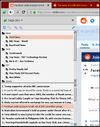
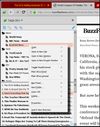
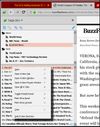


FeedsAPI.org is a Full Text RSS Feed generator and web content extraction service that allows you to: turn any shortened RSS feeds into a full text RSS feed content, generate an RSS feed from any static webpage, turn xml and html to JSON and send RSS to emails in real time.


Stoop is a dedicated inbox for subscription content, including email newsletters and video channels, helping keep your personal email uncluttered. It operates without algorithms, allowing for a focused interaction with content.




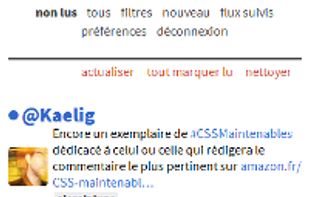
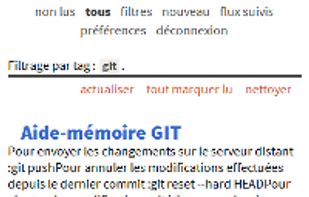
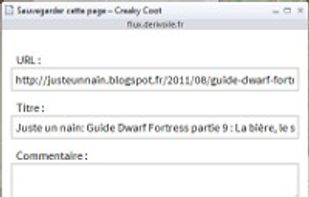


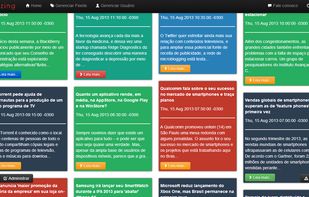
Feedzing is a feed reader capable of reading Atom and RSS. It is a software that has been deeply studied their usability for ease of users.





Read the latest news from your favorite sites and blogs on your iPhone or iPod Touch, even when you’re offline.
 United Kingdom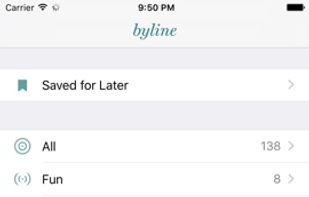



Earlymate is a topic monitoring tool for people who want to stay ahead of relevant changes without checking multiple sources manually. Instead of building searches from keywords or feeds, you describe the topic you want to follow in your own words and language.


Weekly Dashboard is a powerful reader and feed aggregator in the form of customizable dashboards.
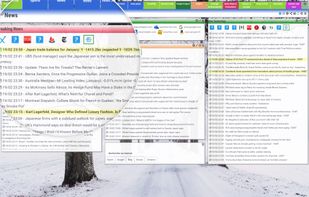


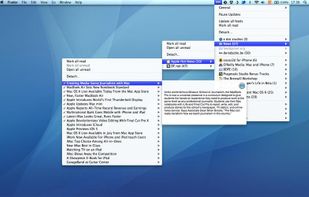
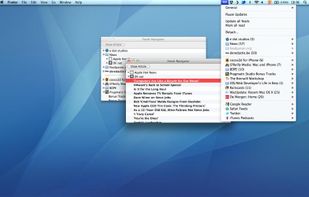
RSS Menu is a systemwide menu that allows you to read and organize your favourite RSS or Atom feeds.
 Netherlands
 EU
EU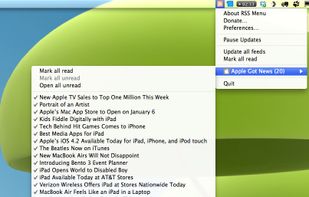



Microreader - Very simple web based RSS/Atom reader. Written in python with bottle.


zzllrr RSS Reader, an offline RSS reader and feed aggregator that supports RSS, ATOM and OPML formats. No need to register.


 China
China