


LANDrop is a cross-platform tool that you can use to conveniently transfer photos, videos, and other types of files to other devices on the same local network.
Platforms
- Mac
- Windows
- Linux
- Android
- iPhone
- iPad
 United States
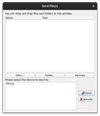

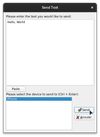

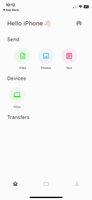


Apps similar to ezshare include LocalSend, which is free and open source. Other options are PairDrop, Warpinator, KiteSend and Dukto R6. You're spoiled for choice with Large File Transfer Services like ezshare: we list more than 25 alternatives for Windows, Android, Linux, Mac and iPhone.
LANDrop is a cross-platform tool that you can use to conveniently transfer photos, videos, and other types of files to other devices on the same local network.
United States
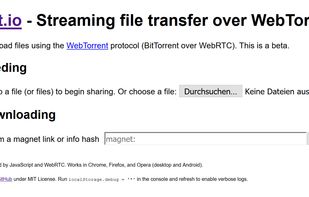
Download/upload files using the WebTorrent protocol (BitTorrent over WebRTC). This is a beta.


OpenDrop is a command-line tool that allows sharing files between devices directly over Wi-Fi. Its unique feature is that it is protocol-compatible with Apple AirDrop which allows to share files with Apple devices running iOS and macOS.


LiberDrop is a convenient and efficient service designed to simplify the process of transferring files between different devices. Whether you're looking to send documents, photos, or entire folders, LiberDrop makes it easy to securely transfer your files with just a few...
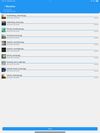
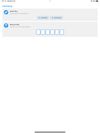
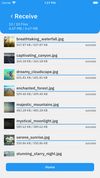


Warpinator for Android is an unofficial port of Linux Mint's file sharing tool of the same name. It is fully compatible with the original protocol and allows for easy transfer of files between Android and Linux devices.
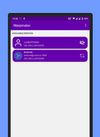
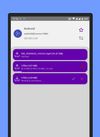


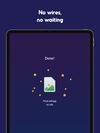
Elapp let's you send files to mobile and desktop devices near you. Send photos and videos to friends nearby super fast without losing quality.
United States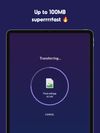



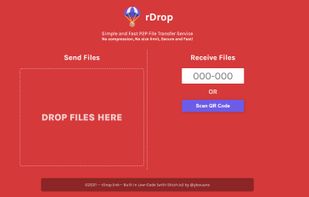
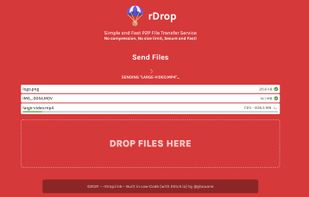
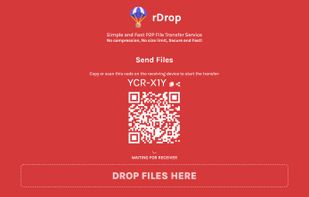
Send files from one device to another by scanning a QR code. No compression, No size limit, Secure and Fast! Like AirDrop, but works on any device, OS or platform!


 Indonesia


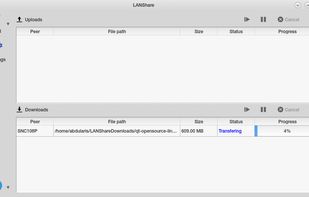
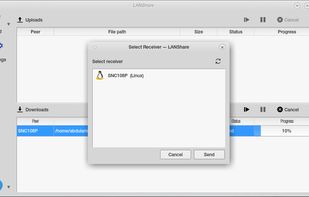
LAN Share is a cross platform local area network file transfer application, built using Qt GUI framework. It can be used to transfer a whole folder, one or more files, large or small immediately without any additional configuration.


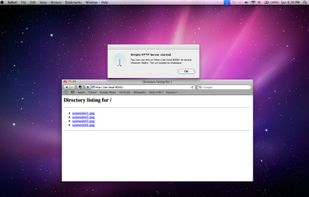
Need to share some files with your colleagues or setup basic html website on your machine? It's very simple with Simple HTTP Server. Just click 'Start server' and choose a folder to share. The url already in your clipboard.


 Germany
 EU
EU


