Eyefoo Alternatives
Apps similar to Eyefoo include Stretchly, which is open source with a free version. Other options are Workrave, BreakTimer, ZenBreak and Safe Eyes Linux. You're spoiled for choice with Health Tools like Eyefoo: we list more than 25 alternatives for Mac, Windows, Linux, iPhone and Android.
Alternatives list

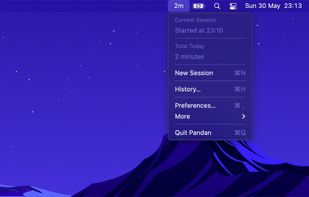
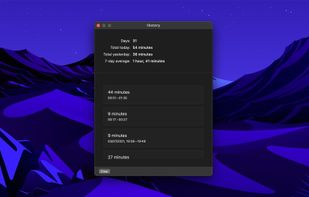
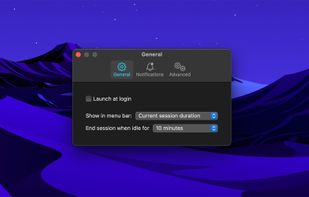
Pandan is a time awareness tool, not a traditional time tracker or break reminder. It shows you how long you have been actively using your computer, to make you aware and let you decide when it's time to take a break.
Cost / License
- Free
- Proprietary
Platforms
- Mac
 Norway
 +2
+2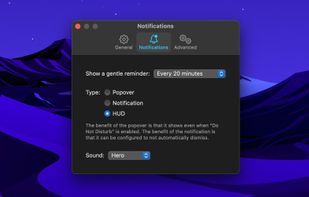


 63 Eyes Relax alternatives
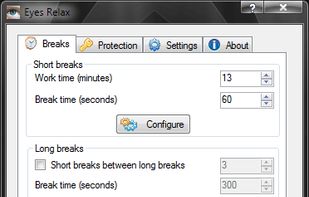
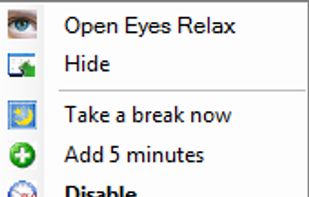
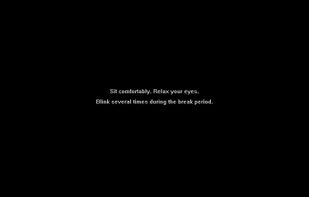
It’s an utility that helps avoiding eyes-related problems when working at a computer for several hours. Concentrating your eyesight on a computer screen can cause an eye strain. You can prevent this by taking regular breaks during the work and look at distant objects.
Cost / License
- Free
- Proprietary
Platforms
- Windows



EyeDefender is a freeware rest reminder designed to prevent Computer Vision Syndrome (CVS) resulting from working on a computer for hours. CVS symptoms include eyestrain, blurred vision, delayed focusing, headaches, back and neck aches, dry and burning eyes, light sensitivity...
Platforms
- Windows
 Russia




Designed to prevent strain and fatigue during extended computer sessions, this tool analyzes activity to enforce adaptive breaks, issues posture and blink reminders, combats eye and repetitive strain issues, offers child lock, and customizes notifications.
Cost / License
- Paid
- Proprietary
Application typeApplication types
Platforms
- Windows
 Canada


 60 Eyes’ Thanks alternatives
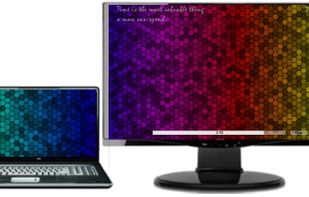
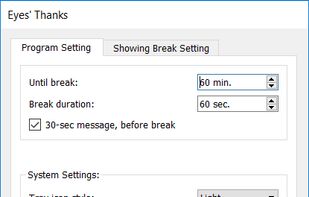
Display a full-screen image on your desktop at regular intervals, reminding you to take a break, with this portable app that offers support for multi-monitor setups.
Cost / License
- Free
- Open Source
Platforms
- Windows

 +3
+3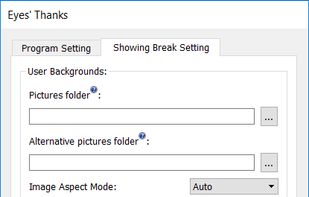

 62 AntiRSI alternatives
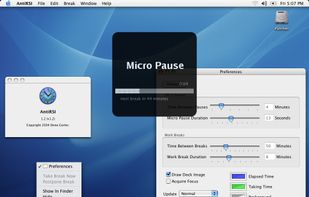
AntiRSI is a program for Mac OS X that helps prevent RSI (repetitive strain injury) and other computer related stress. It does so by forcing you to take regular breaks, yet without getting in the way. It also detects natural breaks so it wont force too many breaks on you.
Cost / License
- Paid
- Proprietary
Application typeApplication types
Platforms
- Mac


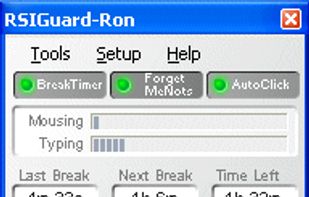
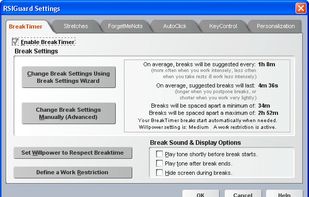
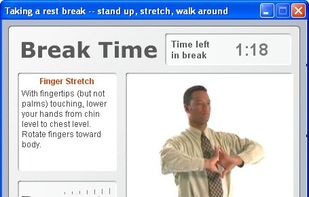
Remedy Interactive's RSIGuard is an award-winning desktop ergonomic software solution that reduces repetitive strain injuries. Around the globe, health and safety managers, ergonomists, health practitioners, and individual computer users rely on RSIGuard's comprehensive...
Cost / License
- Paid
- Proprietary
Application type
Platforms
- Mac
- Windows
- Linux
 United States

 47 Emanen Motomu alternatives
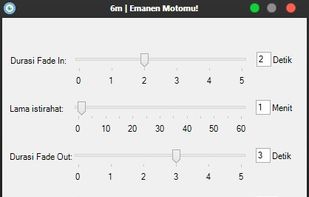
It is very easy to fall into bad habits when using a computer for hours on end. You care about what you are doing, so can sometimes push yourself too far, or over-strain yourself. The human body isn't built to sit in one position for endless hours, gripping a mouse or typing...
Cost / License
- Free Personal
- Proprietary
Application typeApplication types
Alerts
- Discontinued
Platforms
- Windows

 +1
+1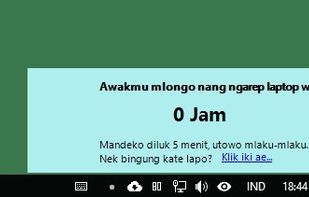


Xwrits reminds you to take wrist breaks, which will hopefully help you prevent repetitive stress injury. It pops up an X window when you should rest; you click on that window, then take a break.
Cost / License
- Free
- Open Source
Application type
Platforms
- Linux
- BSD
- United States


Angelic Retreat is a simple program which periodically blocks your computer to force you rest. If you have used similar ones before, you know about their cruel nature. Angelic Retreat is an attempt to create a humane software of such kind where the most significant aspects could...
Cost / License
- Free
- Open Source
Application type
Platforms
- Windows

 +7
+7

 68 Rest alternatives
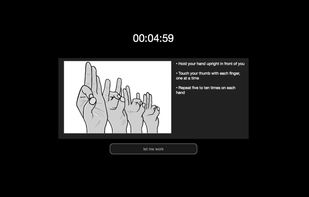
Rest is an app for your computer that keeps you productive and healthy throughout the day.
It does so by reminding you to take a break every now and then, optionally suggesting great mini exercises that you can do right there in your office chair.
Cost / License
- Paid
- Proprietary
Application typeApplication types
Platforms
- Mac
- Windows

 +5
+5