Platforms
- Windows
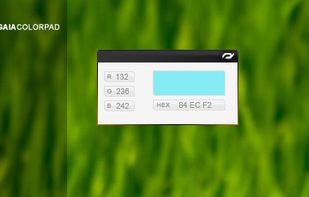




Apps similar to Eyedropper include gpick, which is free and open source. Other options are Just Color Picker, Coloraccy, Sip and Magnifixer. Color Picker Tools like Eyedropper are a crowded field, with more than 50 alternatives for Windows, Mac, Linux, the web and iPhone.

With the pipette you are able to edit, convert and pick up colors from your screen. Pipette also supports a lot of standards or color models (RGB, CMY, CMYK, HSV, TColor and XYZ0). Color models are nothing but theoretical descriptions of colors using certain numeric values.
 Germany
 EU
EU


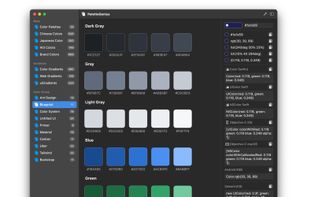
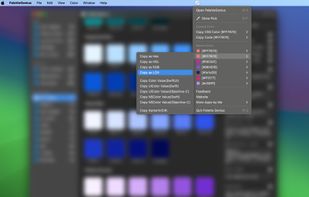
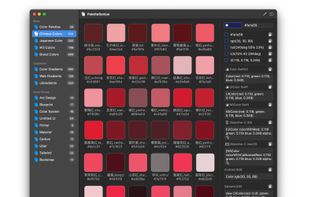
PaletteGenius is a screen color picker tool designed to improve efficiency for designers and developers.
 China
China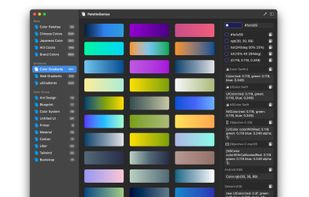


You need zoom? We got some! Desktop Lens is a simple application to work with small fonts and hi-res images.
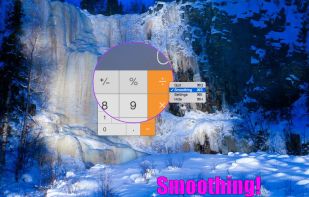

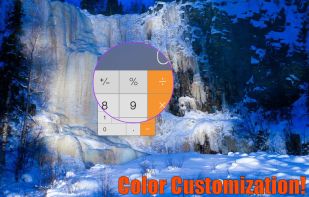



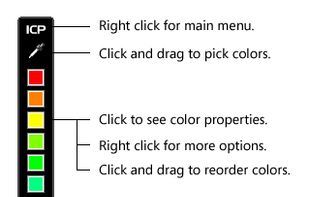
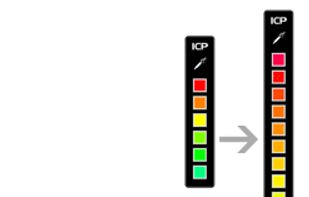
With Instant Color Picker (ICP), you can quickly pick colors from screen and store them.
 United States
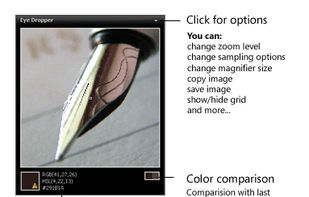


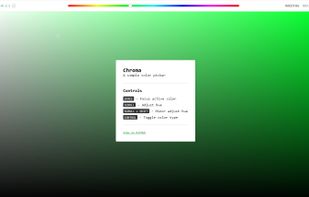
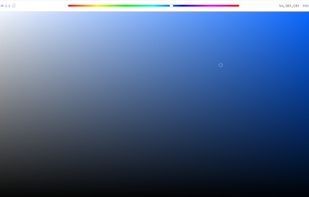
Chroma is a browser-based color picker that focuses on color selection. It was built using React Color.


DigitalColor Meter is a utility built into Mac OS X for measuring and displaying the colour values of pixels displayed on the screen.
United States







Pick Color Online is the best way to pick any color from your screen. With just one click you can easily extract any color from a PDF file, website, image or anywhere on your screen.


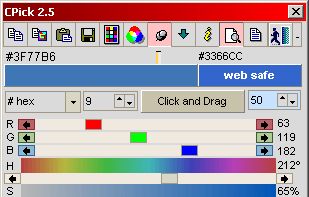
Program to get colors from your screen with the build in magnifier. Zoom 1 to 10. Modify colors with the RGB or HSV slide bars. Copy the color to the clipboard as Hex, Decimal, RGB or HSV value. Direct changing the RGB and HSV values.
 NetherlandsEU
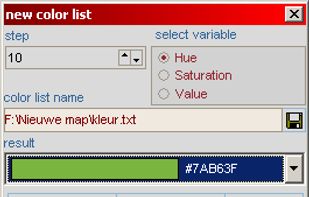


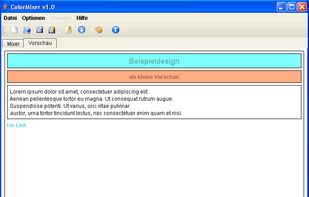
ColorMixer is a powerful application for mixing colors. You choose a color and ColorMixer will calculate 8 harmonic colors based on the one you’ve chosen. It’s user interface offers lots of utilities to choose colors.
GermanyEU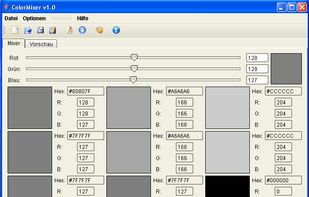


This color picker is an extensive and easy to use color selection tool for web designers, graphic producers and developers. Supported color number formats: decimal, vrml, hexadecimal and RGB hex.